
Participant
November 6, 2019
Question

Adobe Save for Web Error? (When Exporting)

  • November 6, 2019
  • 1 reply
  • 6709 views

For the past couple of weeks, I've been experiencing issues when exporting my files when I try to export through the 'Save for Web (Legacy)'. It doesn't matter what I do, I've tweaked with Photoshop's performance settings, with the plug-in settings, I've deleted the app and reinstalled it. I also upgraded from Photoshop 2019 to 2020, and both versions still keep giving my issues. I'm at a loss of what do, I have tried removing the app's file "Adobe Save for Web 13.0 Prefs" and still the program gives me the issue. I thought it was the file I was attempting to export, so I tried opening other files and exporting them but still, the program gives me the alert. I'm running Mac OS Catalina.
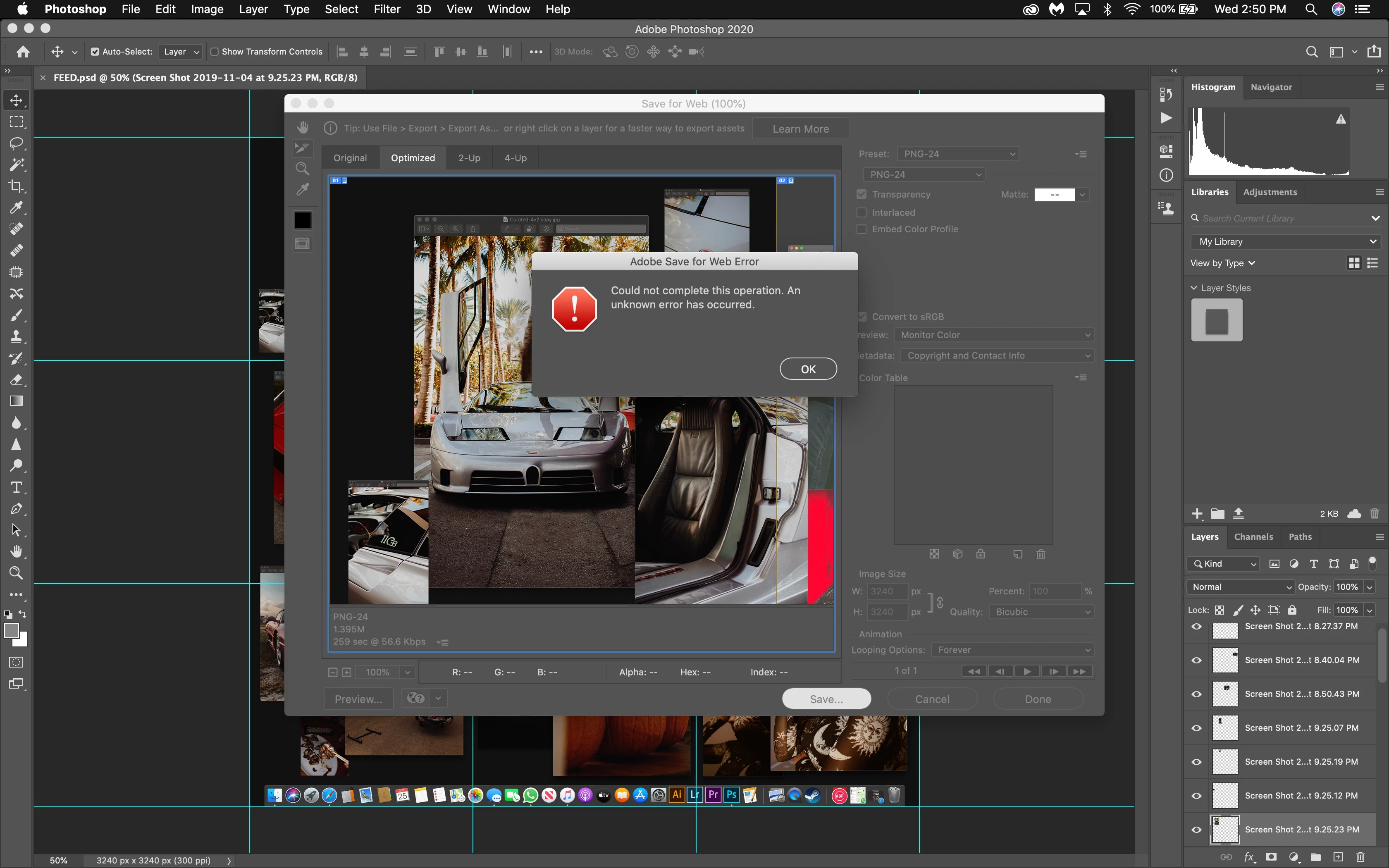
 

Please help. I don't know what else to do.

This topic has been closed for replies.

1 reply

Participant
November 7, 2019

Hi BreakingCards! I also upgraded from Ph CC to Ph 2020 & had the same issues as you mentioned. 

The only thing that i did to overcome this was deleting all the old Photoshop Settings i had since 2015 - but kept 2019 & 2020. 
1. Quit Photoshop
2. Go to : Users/[Username]/Library/Preferences/Adobe Photoshop Settings [delete whatever version you have ] 

It worked for me, i hope will work for you too!

Participant
November 8, 2019

I just attempted this but I don't have any old preferences file or files to delete. I even deleted the 2019 one but the issue is still there.


Thank you regardless.

Participant
March 13, 2020

Is this resolved already? give me update please