
Advanced question: Create a tileable texture in Photoshop from a tileable texture created in illustrator
Been using Photoshop 15 years, and finally learned how to create repeatable vector illustrator textures, as it's much easier than doing all the math involved in Photoshop's repeatable patterns, filter >> offset, etc.
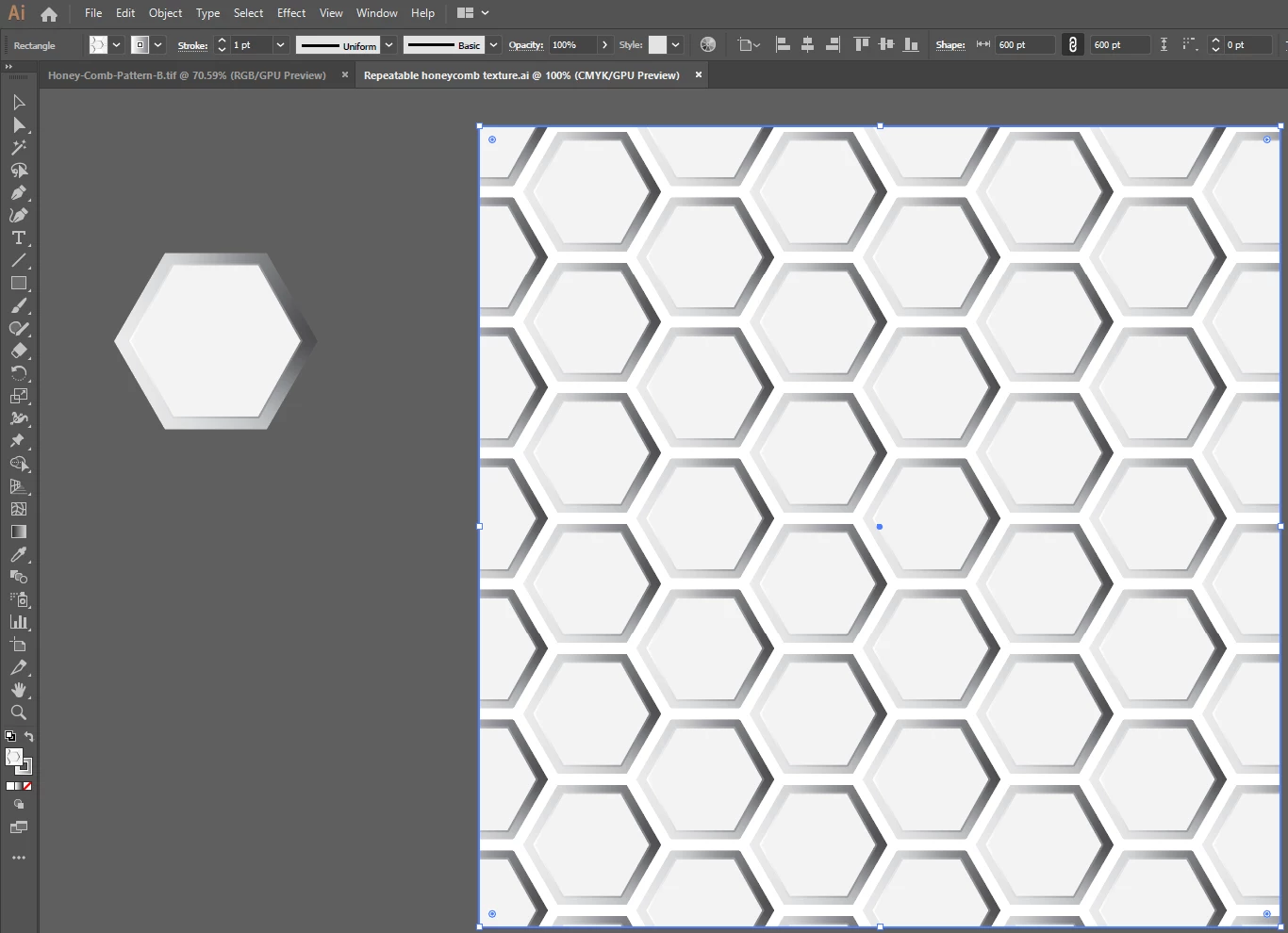
I can bring in an illustrator tile swatch into Photoshop, as a repeatable texture. I can then make it a pattern in Photoshop, edit >> define pattern.
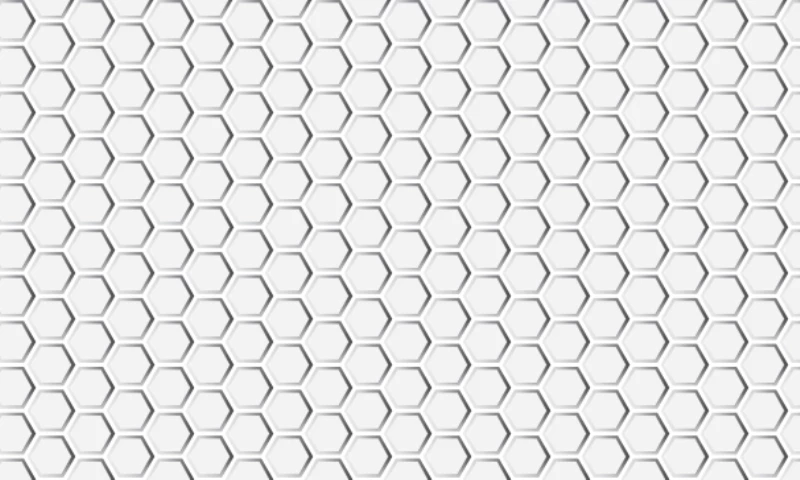
When I then, in a separate file, run the Layer >>New Fill Layer>>pattern, so I can scale the pattern up and down in Photoshop how I want, BUT it then gives me a border edge.
I assume this edge is happening from saving the repeatable texture as a pattern in Photoshop.
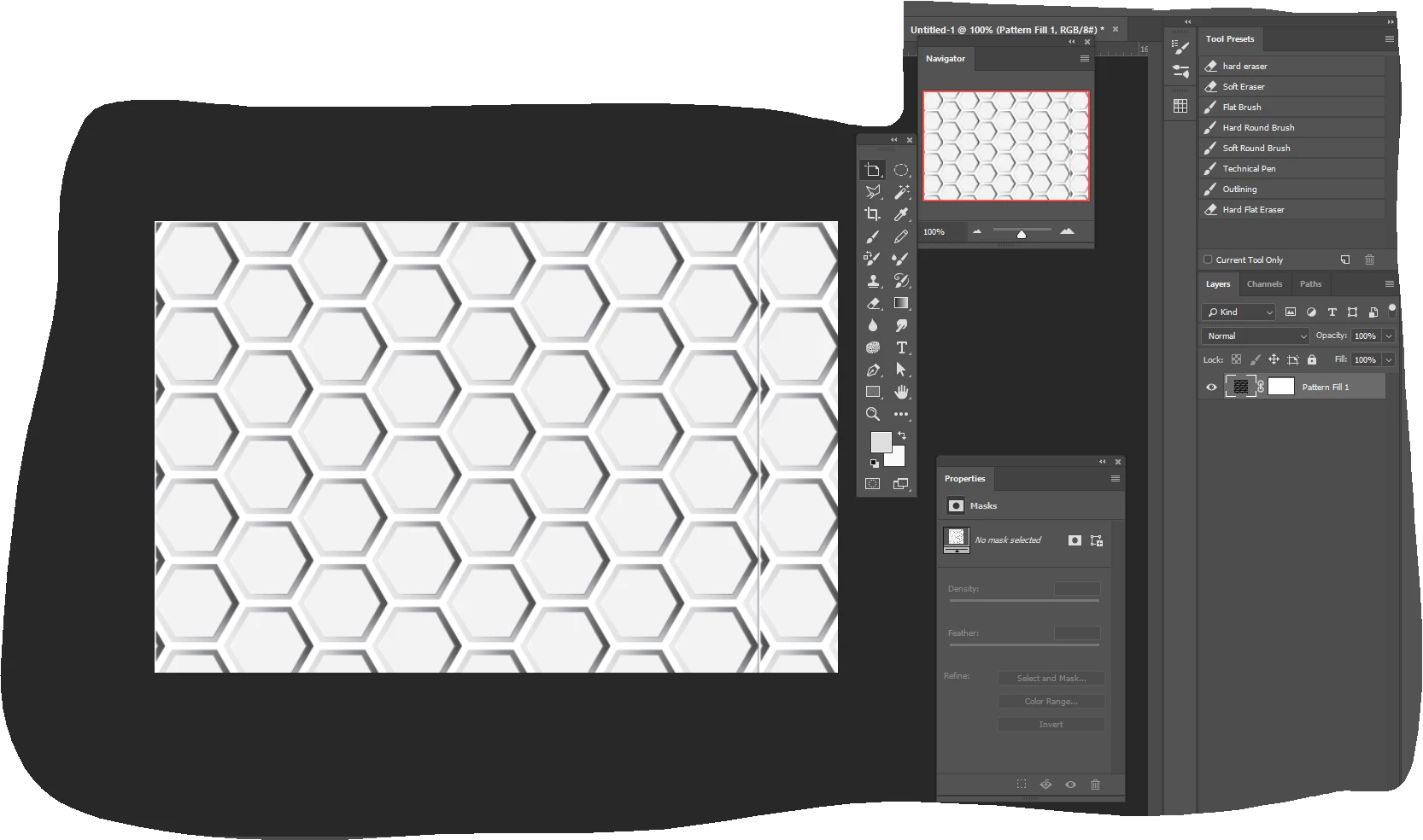
Here's my question:
How can I bring in a tileable texture from illustrator into Photoshop, and make it a repeatable Photoshop pattern without the borders.
With all the textures, digital painting, and now the new implementation of 3D models in Photoshop, why adobe hasn't made tileable textures easier in Photoshop like it is in illustrator is beyond me.
 AdChoices