
after cropping, transparent gap left on edges
So I'm cropping images to create a pattern (not a photoshop pattern, the image will actually be used by another imaging software that will take my image and use it as a pattern). Anyway, so I take a picture of the 'pattern', in this case it's a length of rusty metal. This example is just one of maybe ~50 images that I have that are doing the exact same thing... 72 ppi (required by 3rd party software, to be viewed on monitors). How can I get this line to disappear?
Thanks!
After cropping the image, I want to make sure it's going to repeat ok. Unfortunately I get this transparent looking edge.
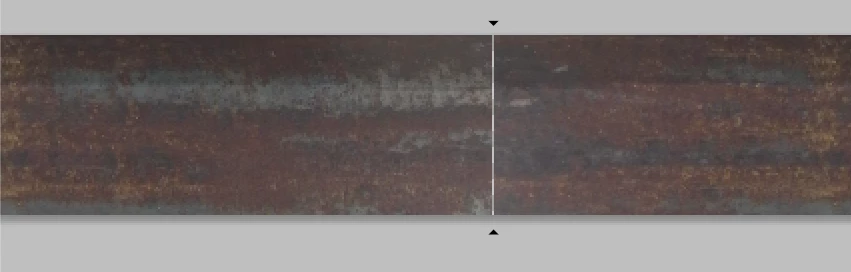
When I zoom in a little bit, the transparent pixel is gone.
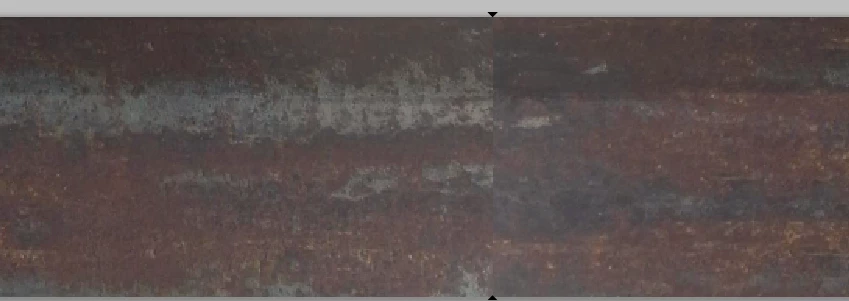
And if I zoom in a lot, everything looks like it lines up just fine.
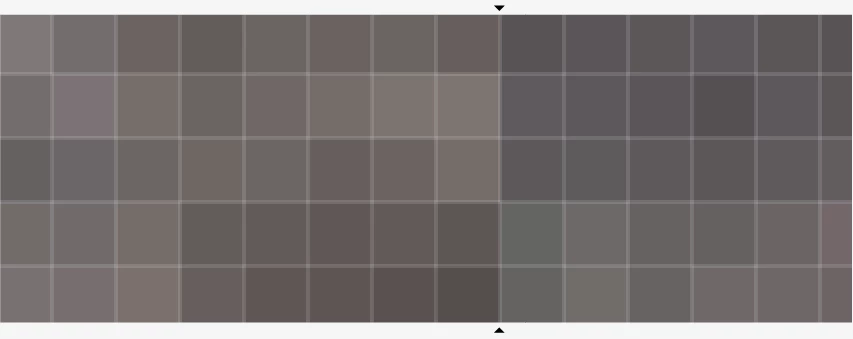
The problem is though, when I look at it as the pattern, it shows a white/transparent line between each and every repetition.
 AdChoices