After using lasso selection tool after the new object selection tool, my pc freezed and lost my file
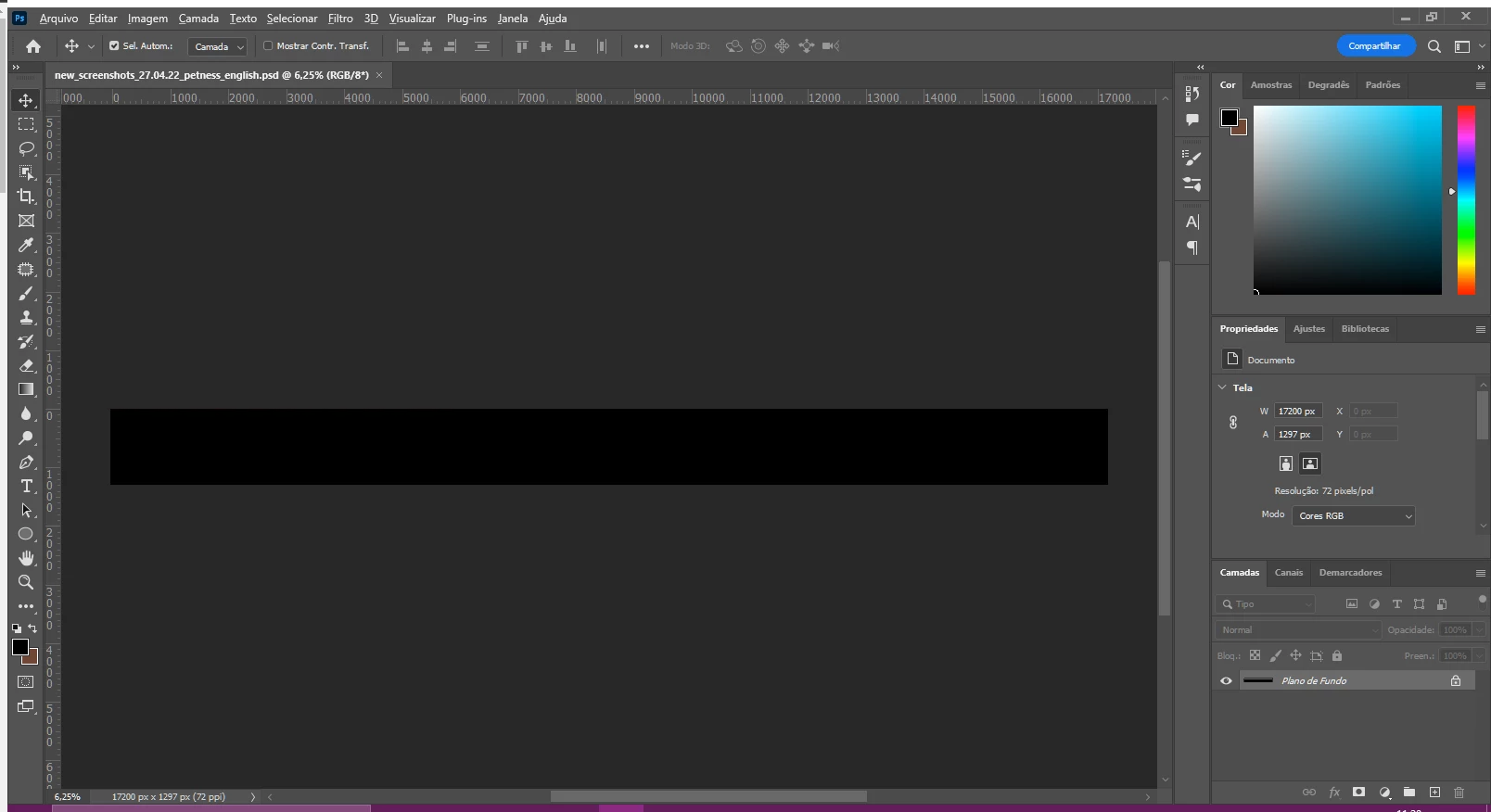
When I use the object selection tool my pc have a high chance to freeze, but that's not usually a problem, because often it gives blue screen and the pc reboot automatically and the file is there intact. But this time, after using the object selection tool and using the lasso selection tool to fix some holes in the selection, my pc freezed, and keep freeze for minutes. I had to work, so I forced reboot, and when came back to open my file in photoshop, it was blank, lost everything. I wasn't saving the file while the pc crashed, I don't know why the file got corrupted.
The programs that were open while this happened was 3 tabs of google chrome, slack and one windows explorer window only. The file was a big file, but I was editing one smart object inside this file separately. I can use any of the adobe products like after effects, premiere, illustrator with huge files and didn't got a crash, only photoshop gives me this.
Fortunatelly I got a backup in cloud, but lost a day of work.
My pc specs:
- CPU: AMD Ryzen 3 2200G 3.5GHz
- Motherboard: Asus Prime A320M-K/BR, Chipset A320 DDR4
- Active GPU: MSI Nvidia Geforce 1030 GT GDDR5 2GB
- RAM memory: 2x 8GB Corsair Vengeance 2400MHz DDR4
- Windows 10 pro 64 bit
Please fix this issue, thank you in advance.
 AdChoices