
jonathanr40489519
Participating Frequently
September 30, 2024
Question

AI tool/workflow for placing a png naturally in an image?

  • September 30, 2024
  • 1 reply
  • 219 views

Is there a way with Adobe AI tools to add her (the dude is getting deleted, sorry bro)...
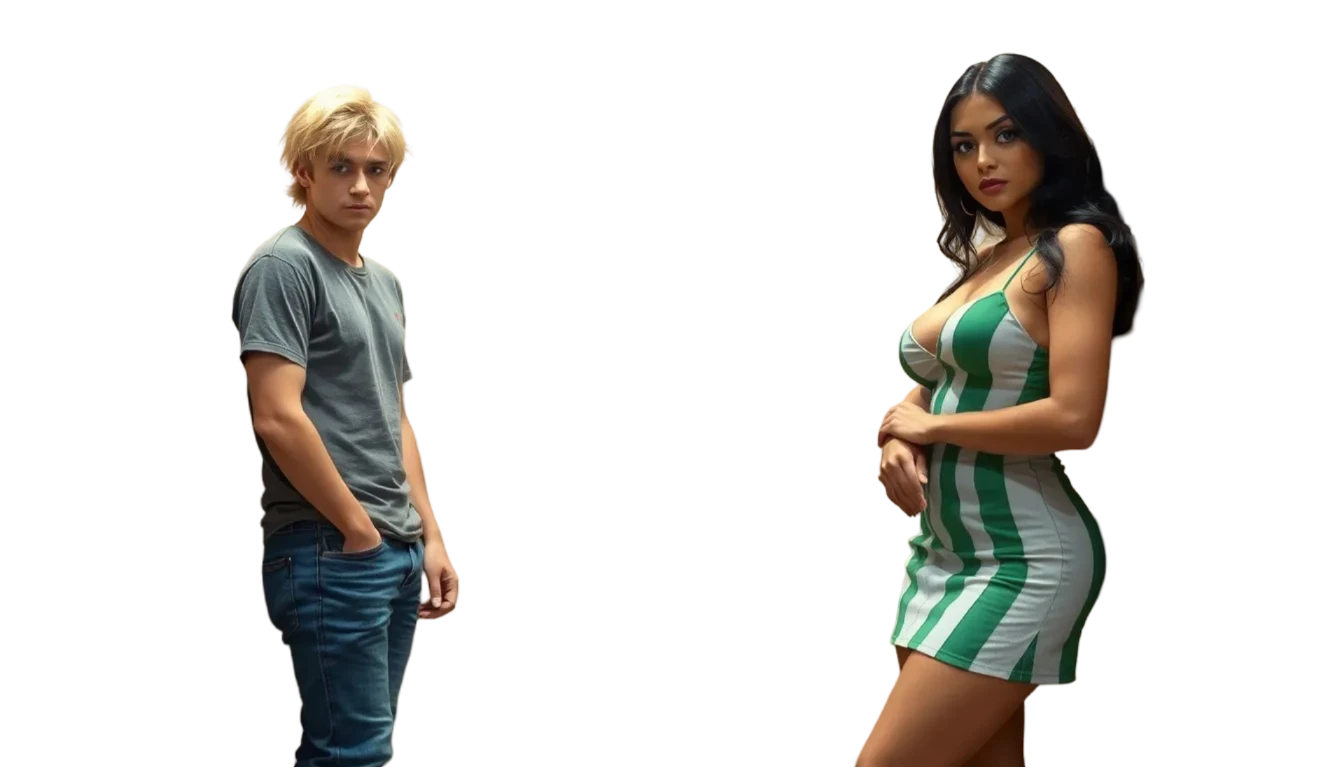
Next to him in the elevator...
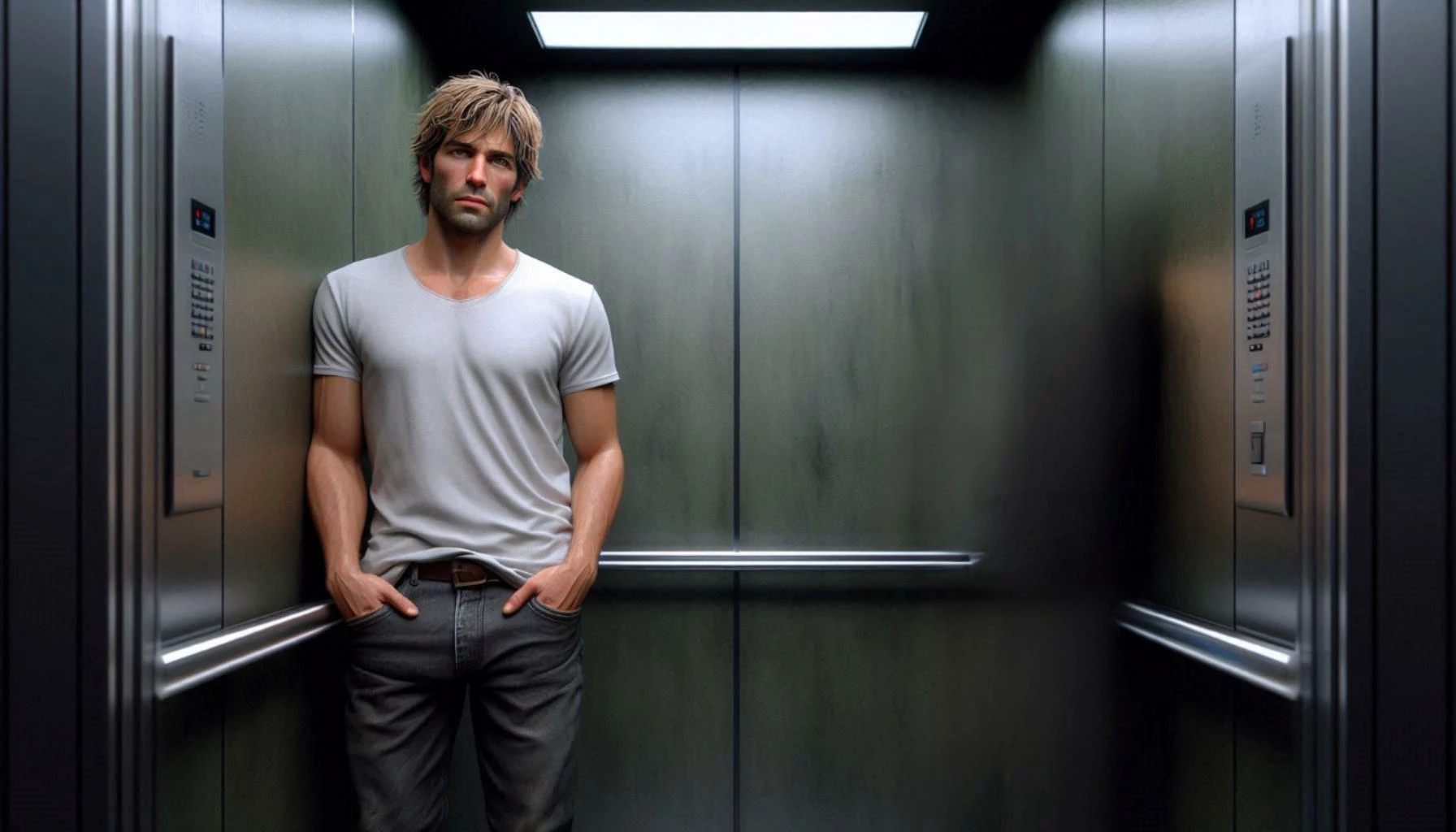
In a natural way with her leaning up against the wall realistically, with a bit of shadow falling appropriately behind her?


I tried using generative fill with the prompt: 

a striking Latina woman with long jet-black hair, piercing green eyes, and creamy light skin stands confidently. She’s stylishly dressed (not in a dress or gown), wearing a skirt with green vertical lines on it,

And it made her GHASTLY. Generative fill still sucks at realistic faces, hands, etc

This topic has been closed for replies.

1 reply

ThioJoe
Community Expert
Community Expert
September 30, 2024

Not sure about the shadows and stuff, that is probably manual still. But you can try a couple of the neural filters for the colors. Specifically the "Harmonization" neural filter which is exactly for this type of thing - to match the colors of one layer to an other. 

Then in this case you could also try the "Smart Portrait" filter which has a "light direction" slider which might be helpful too.


The "color transfer" one might be worth a look as well, though I think that is for more dramatic/stylistic changes.


https://helpx.adobe.com/photoshop/using/neural-filters.html