Answered
Align in Ps
Hi,
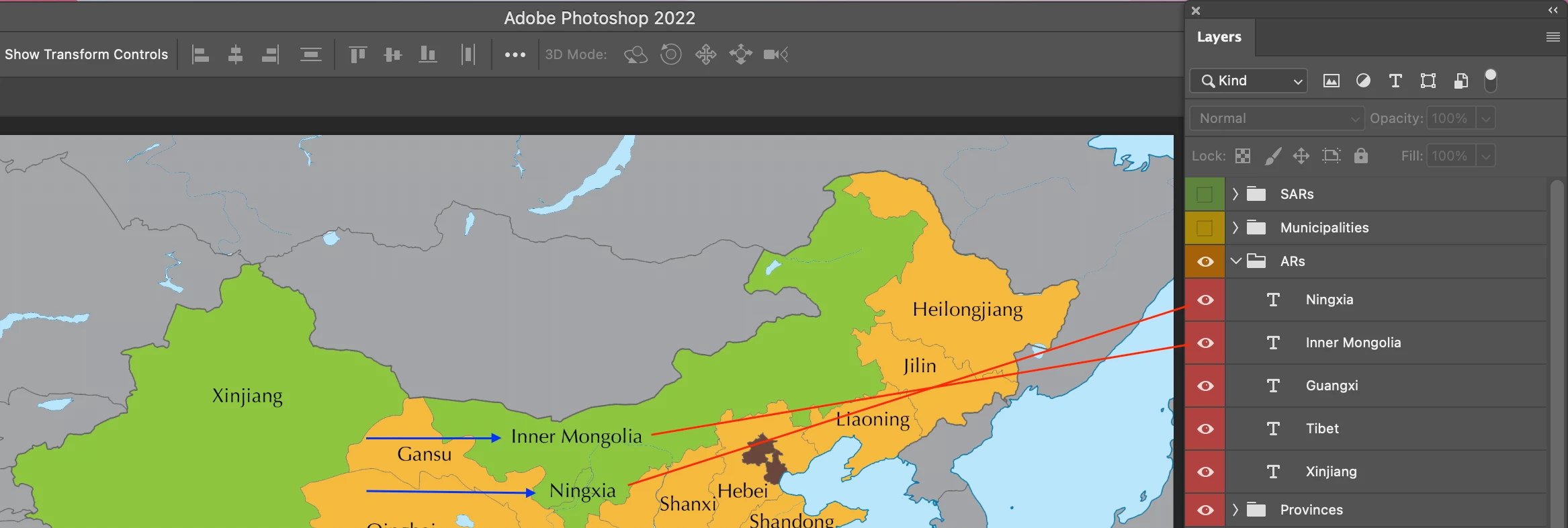
In the screenshot below, there are two objects on Photoshop.
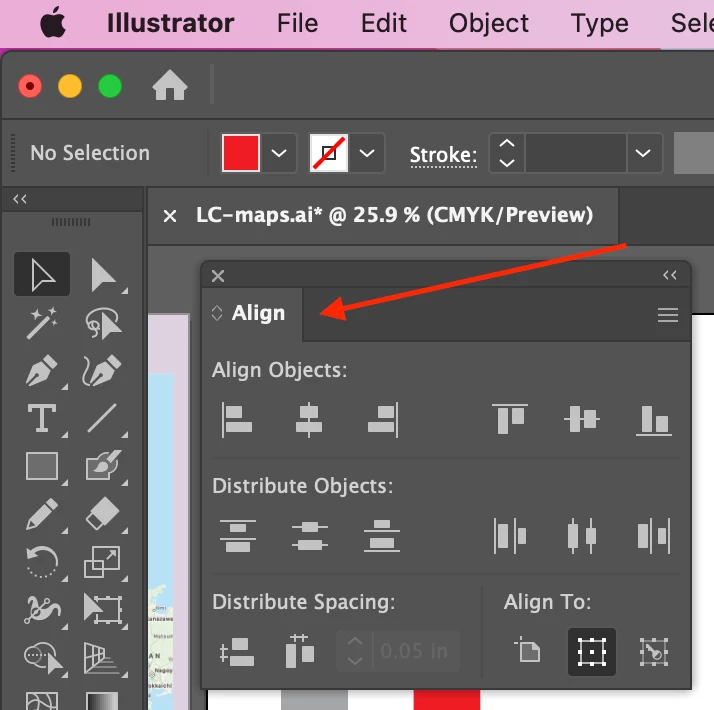
Is there any way to align them? (like the Align tool in Illustrator)
Hosun
Hi,
In the screenshot below, there are two objects on Photoshop.
Is there any way to align them? (like the Align tool in Illustrator)
Hosun
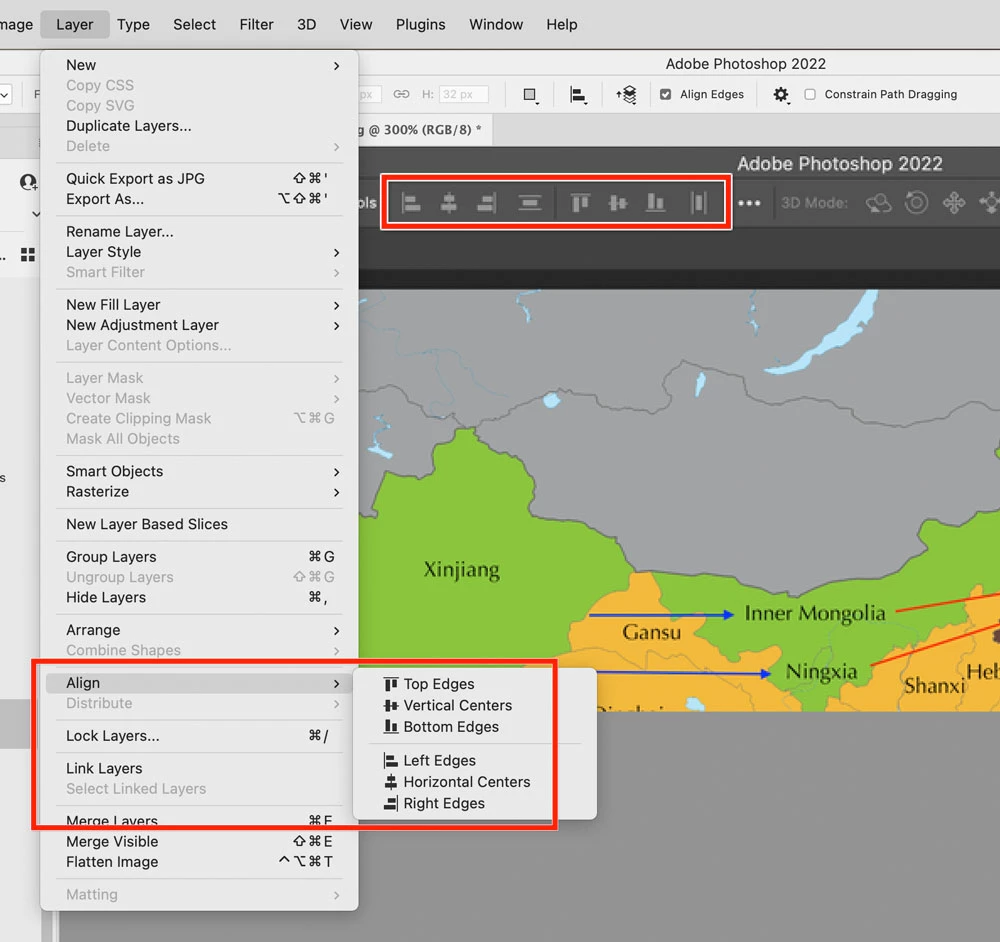
The Align/Distribute icons are hiding in plain sight, in the options bar at the top of your own screen shot.
Alternatively, you can use the Layer > Align and Layer > Distribute commands on the menus.
Both the commands and their options bar icons become available if the Move tool is active and you’ve selected two or more layers to align, or at least one layer and a marquee selection to align it to.
Already have an account? Login
Enter your E-mail address. We'll send you an e-mail with instructions to reset your password.
 AdChoices