Align Layers/Composite Image/Change colours in product shot
What is the best way to use the first image (purple chair) as the source image and bring the blue upholstery in from the second image (so the chairs are perfectly aligned between images?
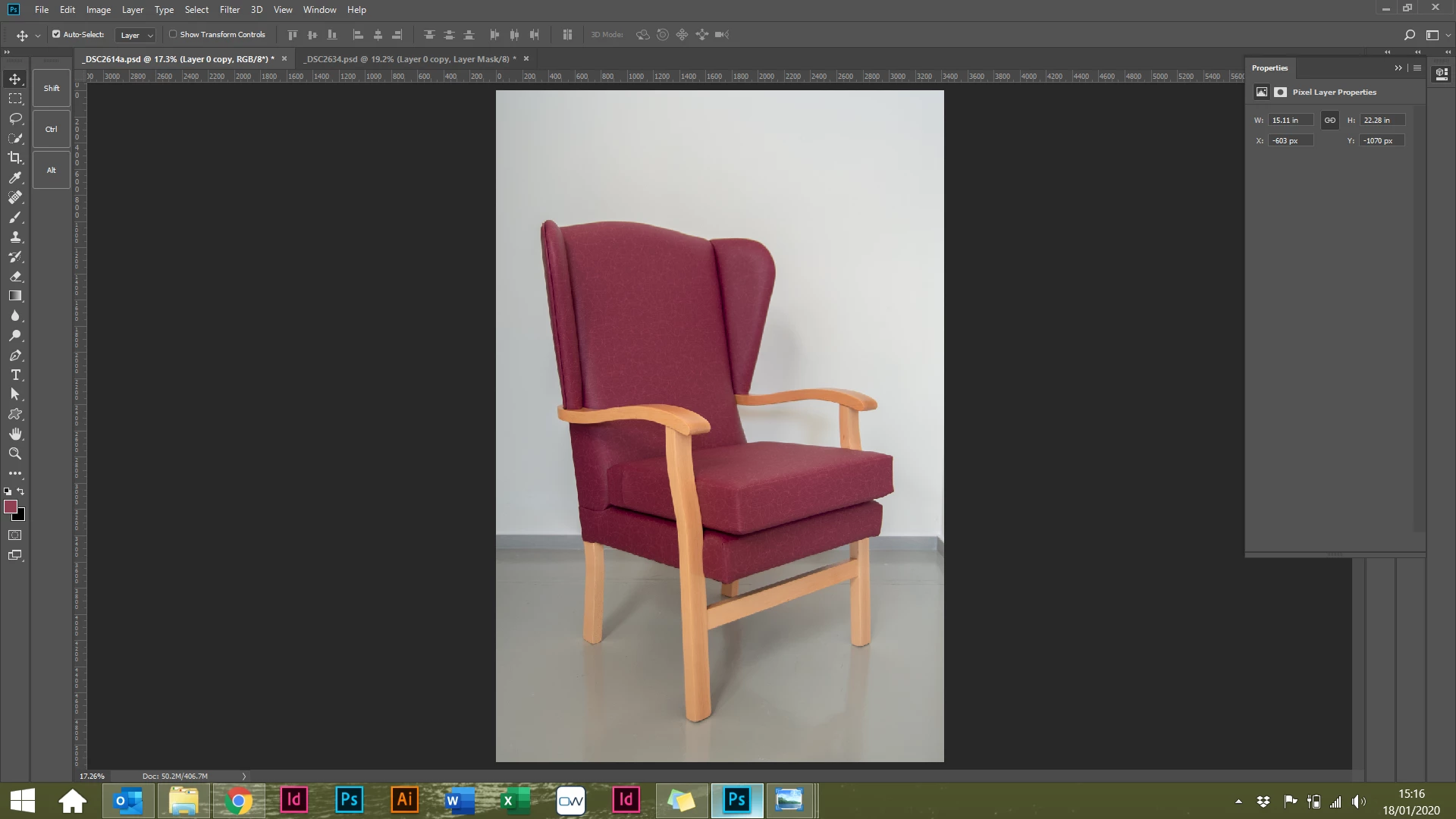
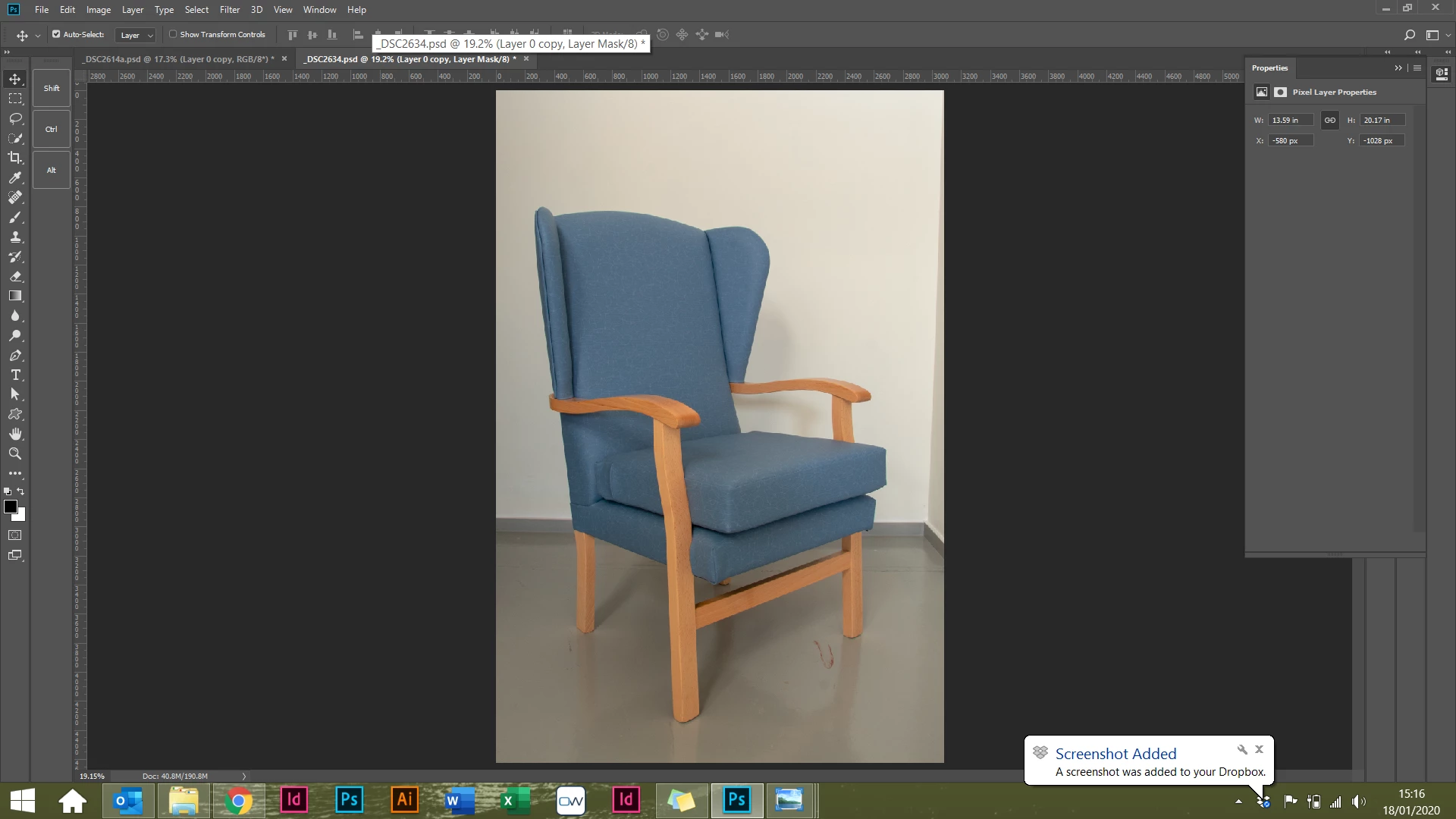
What is the best way to use the first image (purple chair) as the source image and bring the blue upholstery in from the second image (so the chairs are perfectly aligned between images?

I would convert the blue chair image to L*A*B* color, make a selection of the parts you want changed, then use curves to change the color by setting an eyedropper on a diffused highlight and match the colors. You might have to invert the A or B channel to do so, but that's part of the magic of L*A*B*.
Already have an account? Login
Enter your E-mail address. We'll send you an e-mail with instructions to reset your password.