Question
All layouts desappeared when move tool is selected
If I'm using any another tool, the image looks great.
But as soon I select the move tool, the images at workspace disappears.
Like that:
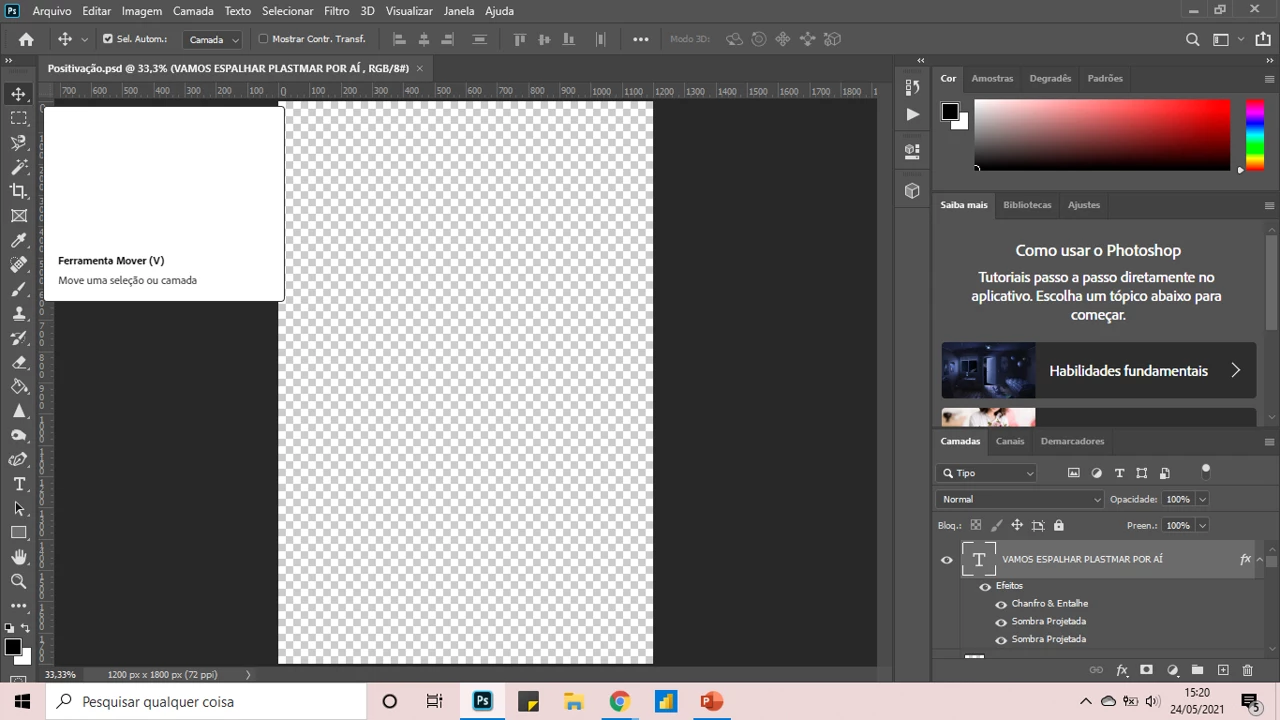
Can someone help me, please????
If I'm using any another tool, the image looks great.
But as soon I select the move tool, the images at workspace disappears.
Like that:
Can someone help me, please????
Already have an account? Login
Enter your E-mail address. We'll send you an e-mail with instructions to reset your password.
 AdChoices