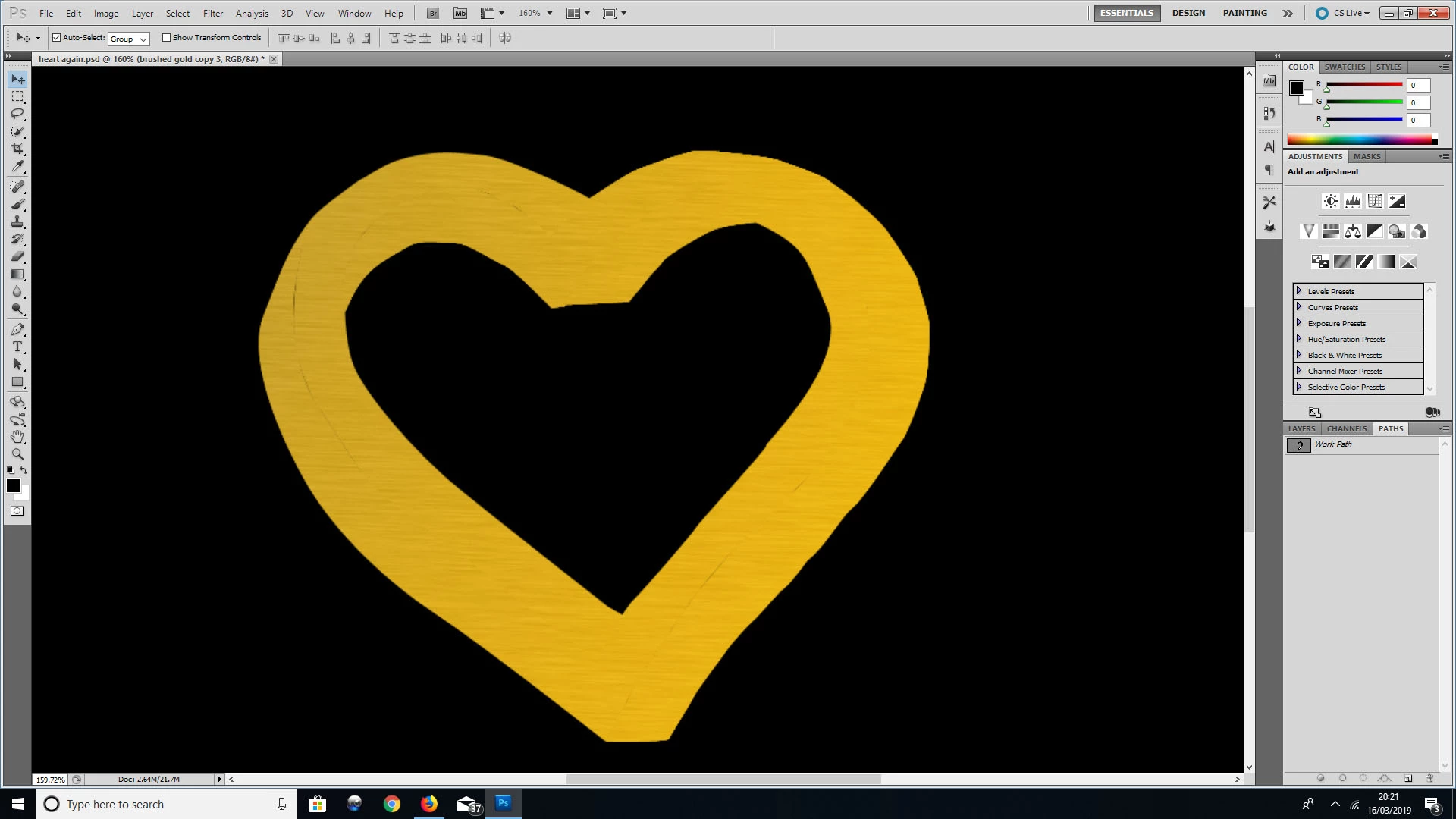
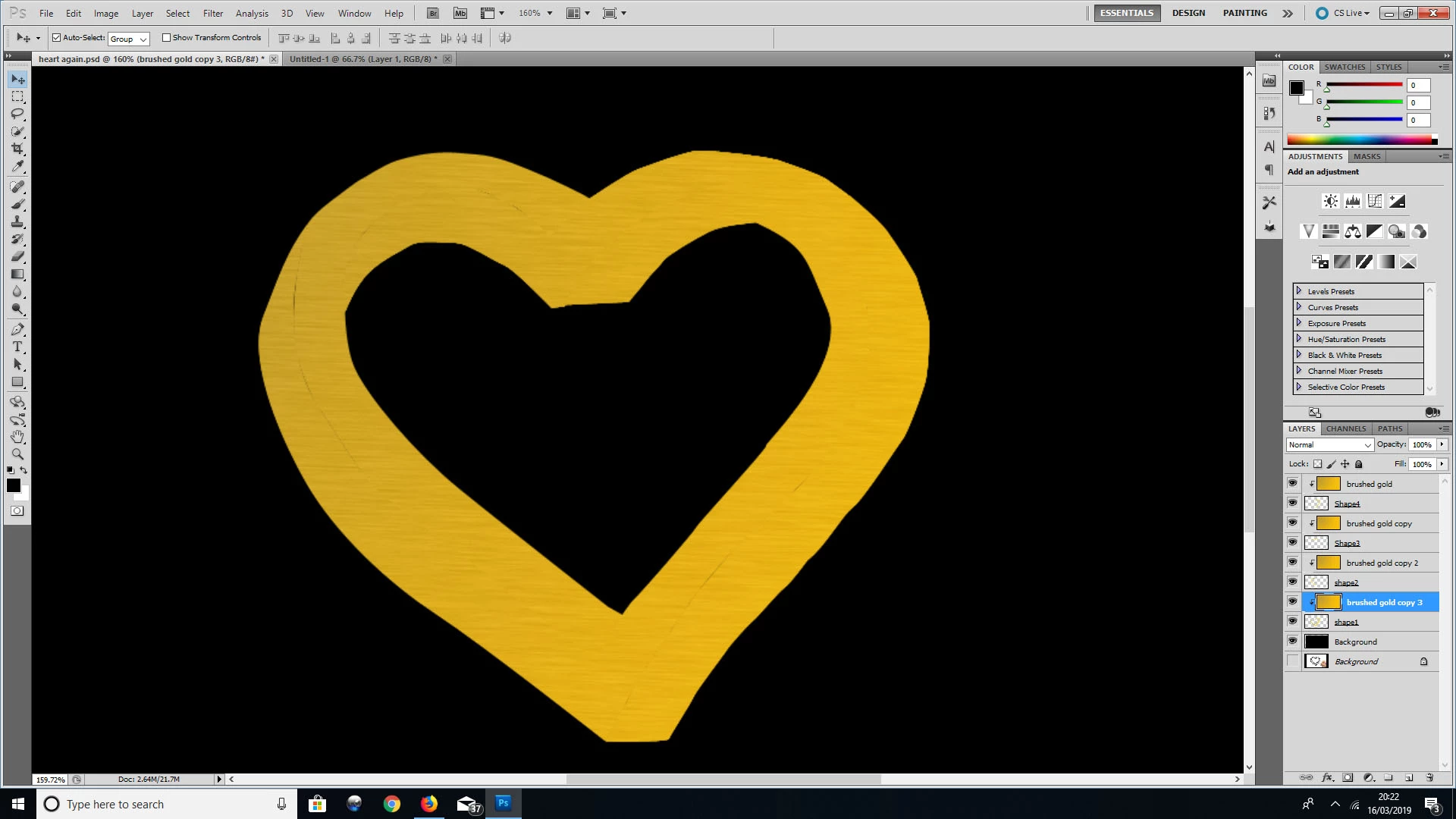
I think this will work in CS5 but if you want to create the heart in one shape layer you can do it this way:
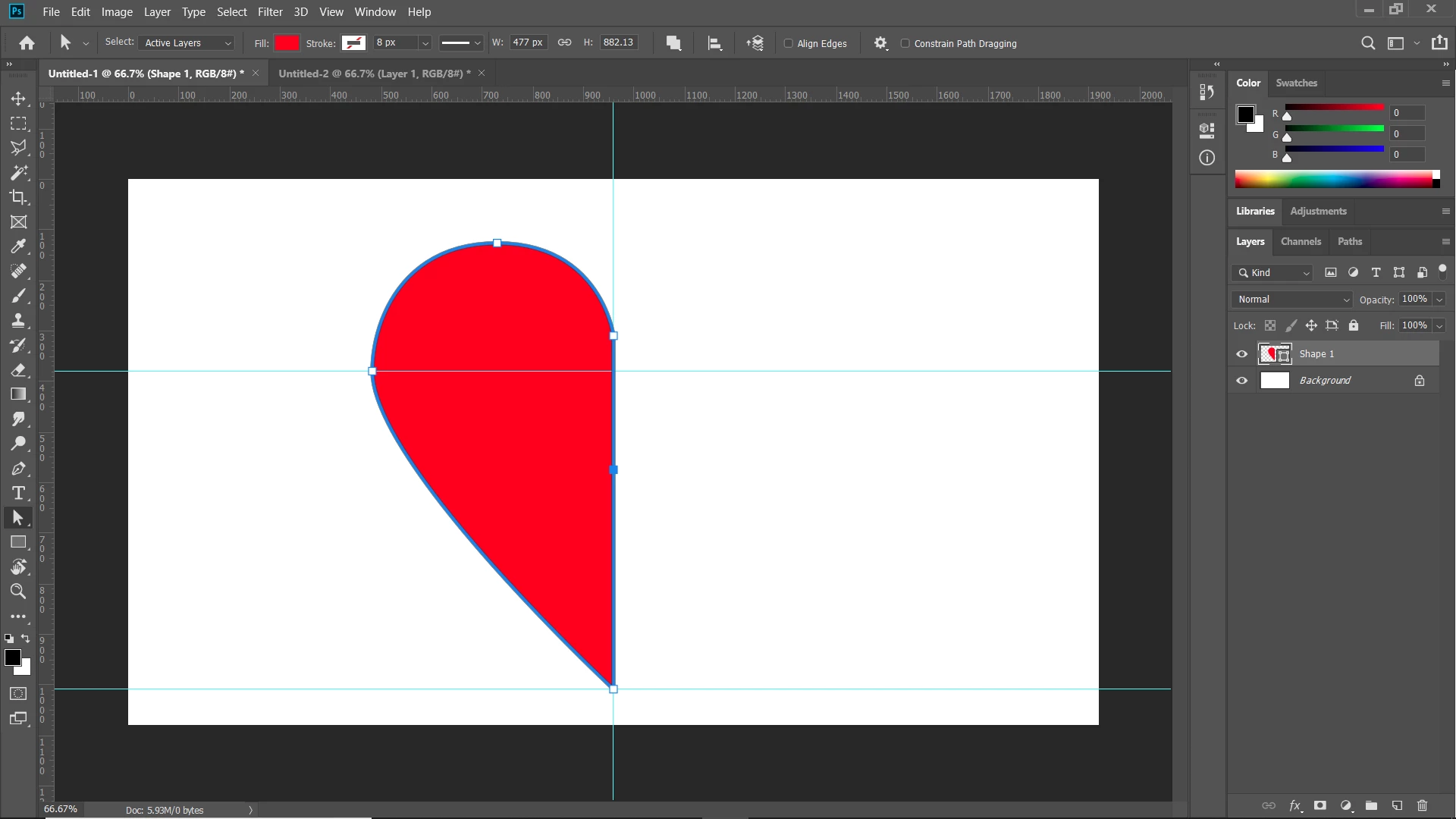
1. Create half the heard and add an extra anchor in the middle of the bisecting line:
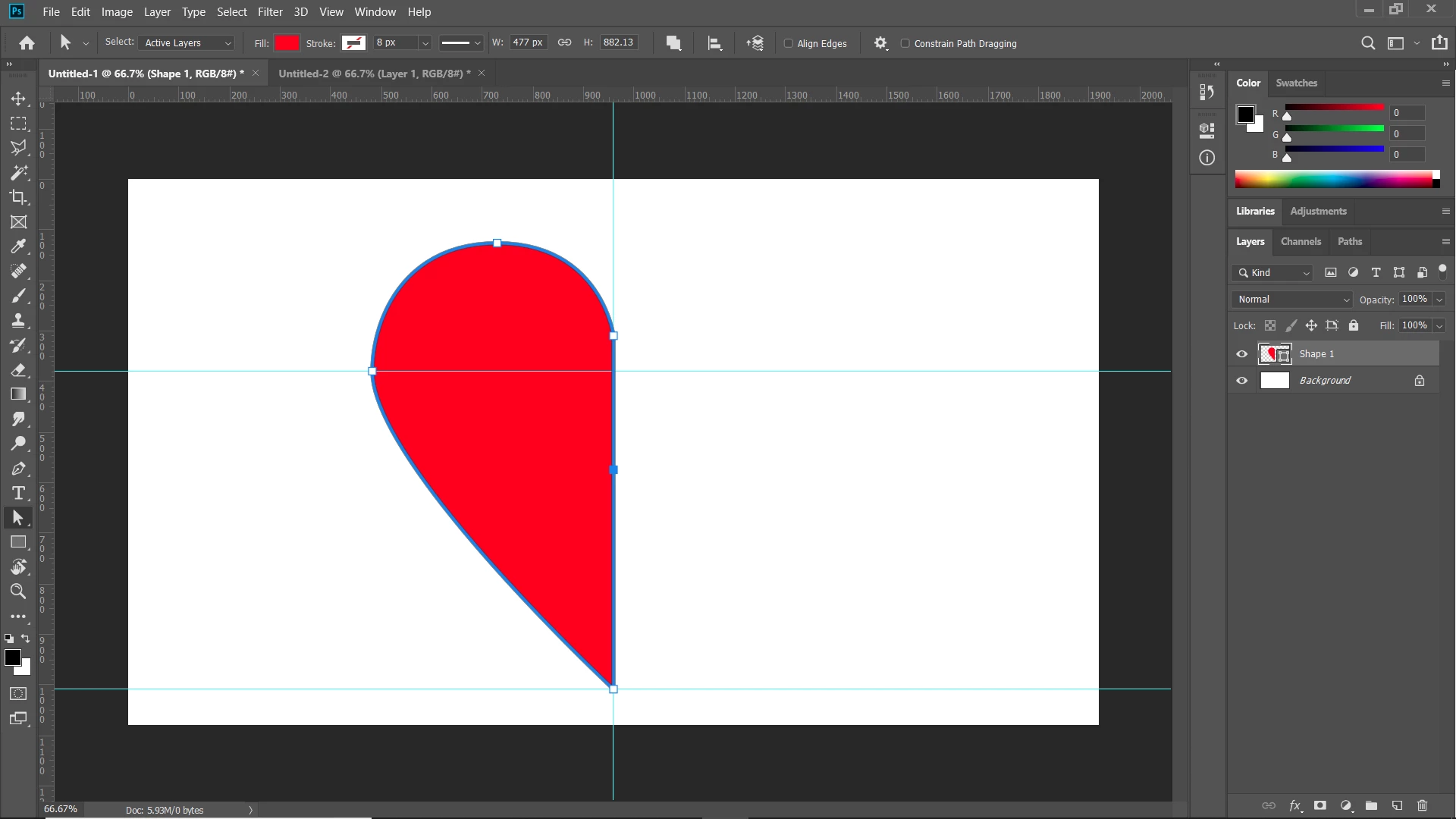
2. Duplicate that shape layer flip it horizontally. First move the transform anchor point to the side of the heart that will be the middle.
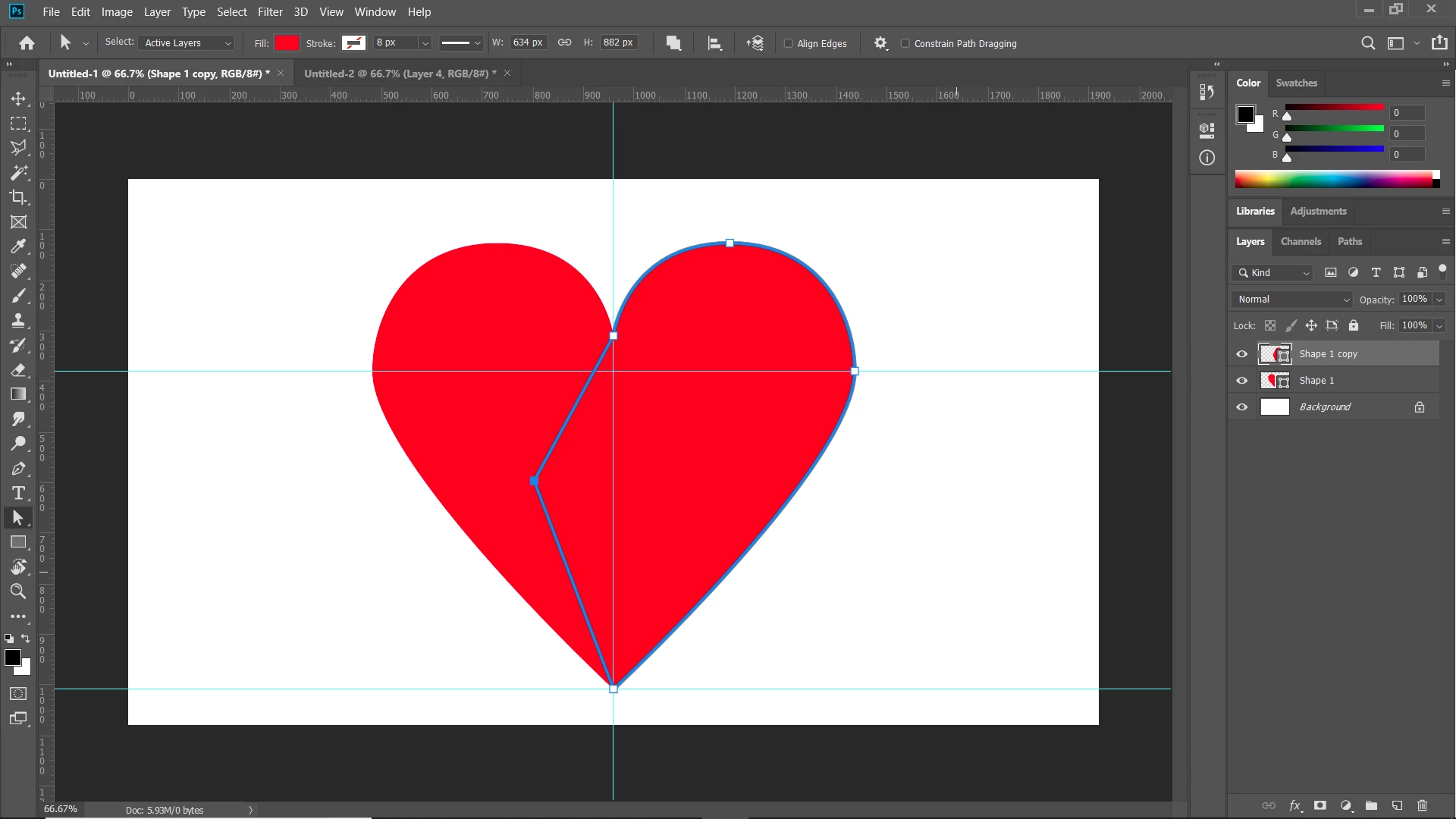
Use the path direct selection tool to move one of the center anchor points over into the other shape so that they overlap.
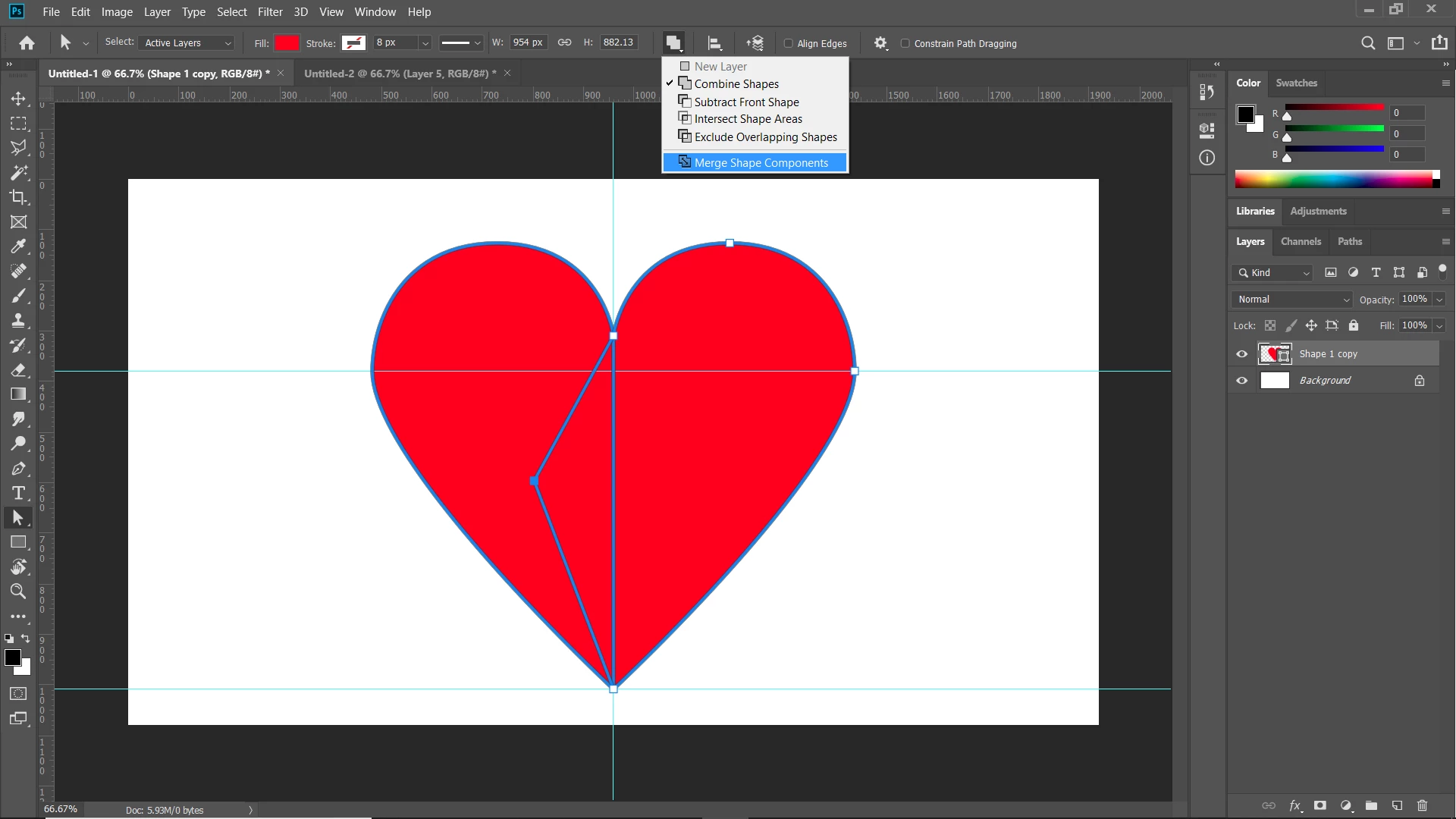
3. Select both layers and use ctrl/cmd E to merge the two shape layers. if that doesn't work with CS5, select the path with the path selection tool, copy and paste it into the other shape layer, then discard the the other layer. Then use combine shape components, which will combine the shape into one path.
4. Duplicate the layer again and transform the duplicate to the size the the inner heart.
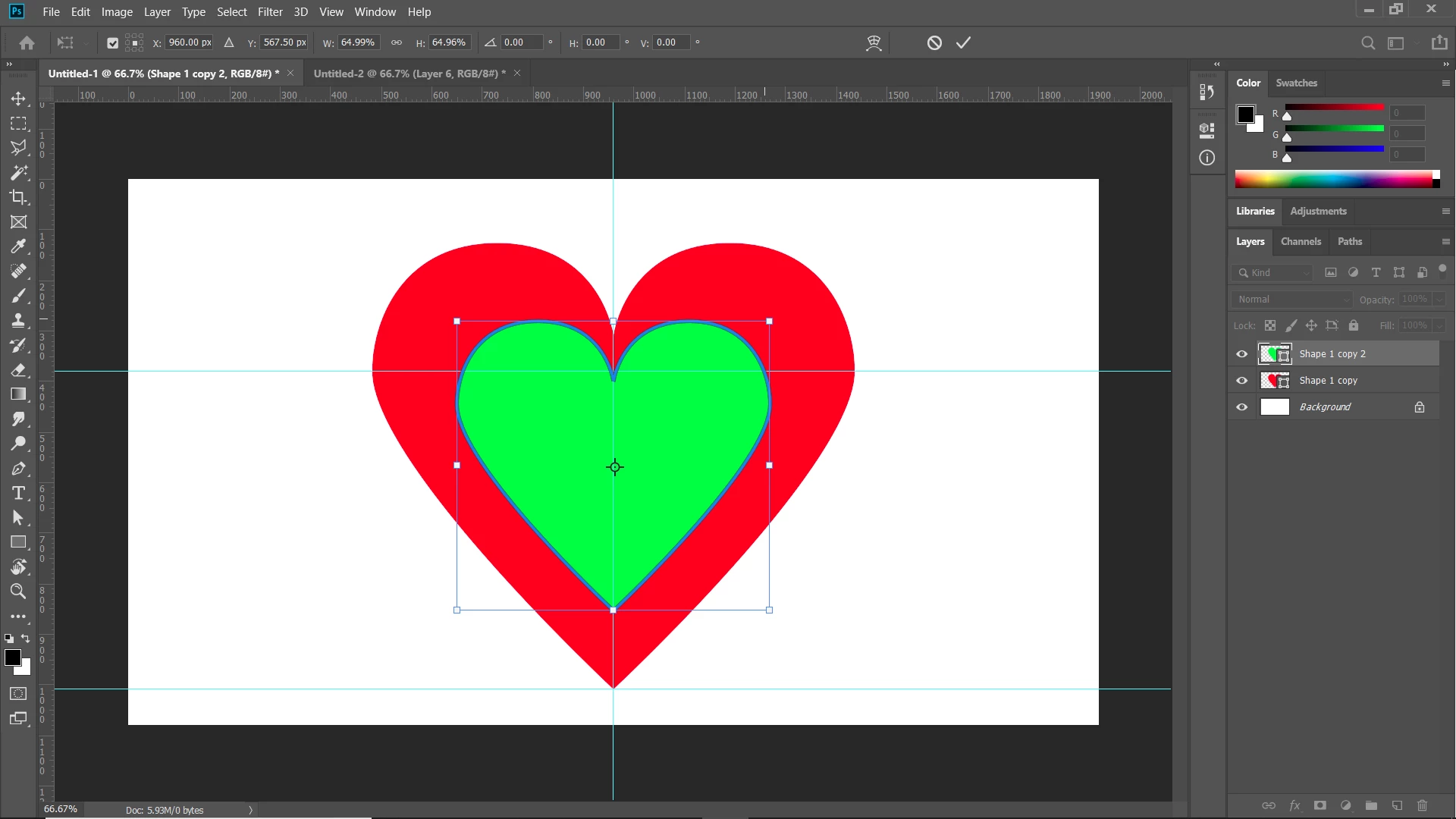
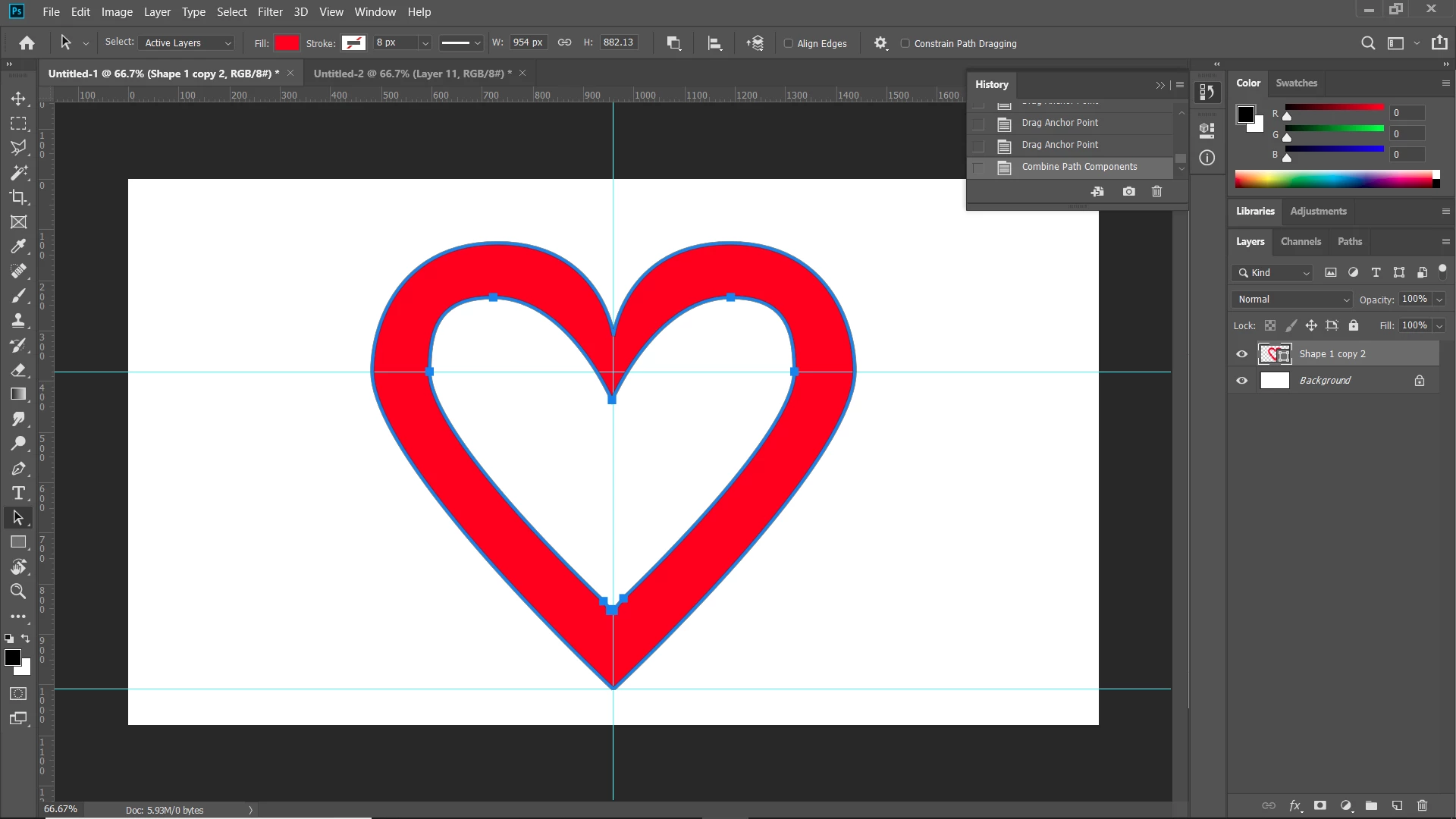
5. Again merge the two layers and/or copy and paste the inner heart into the outer heart layer. Then select just the inner heart and select subtract front shape.

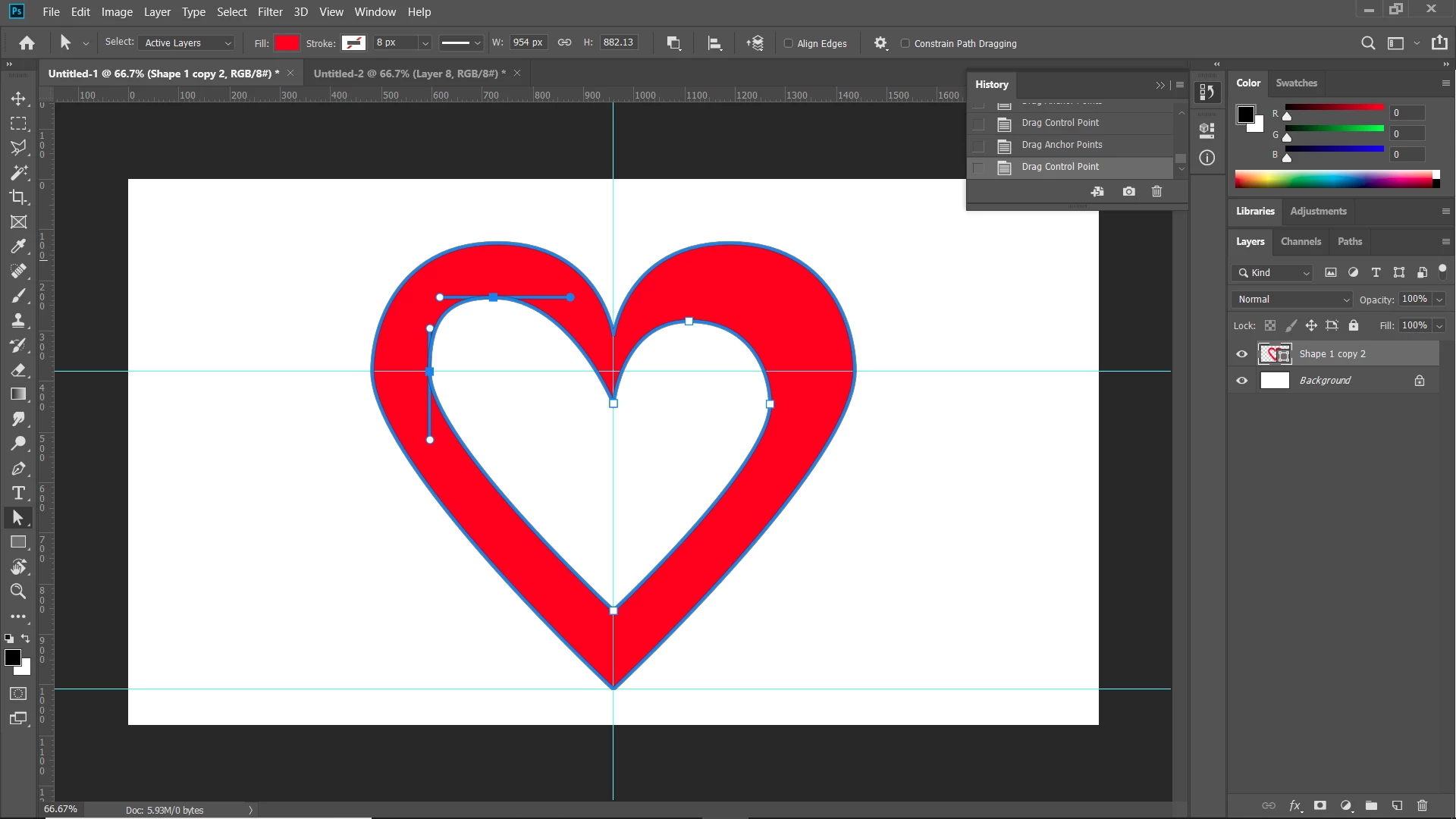
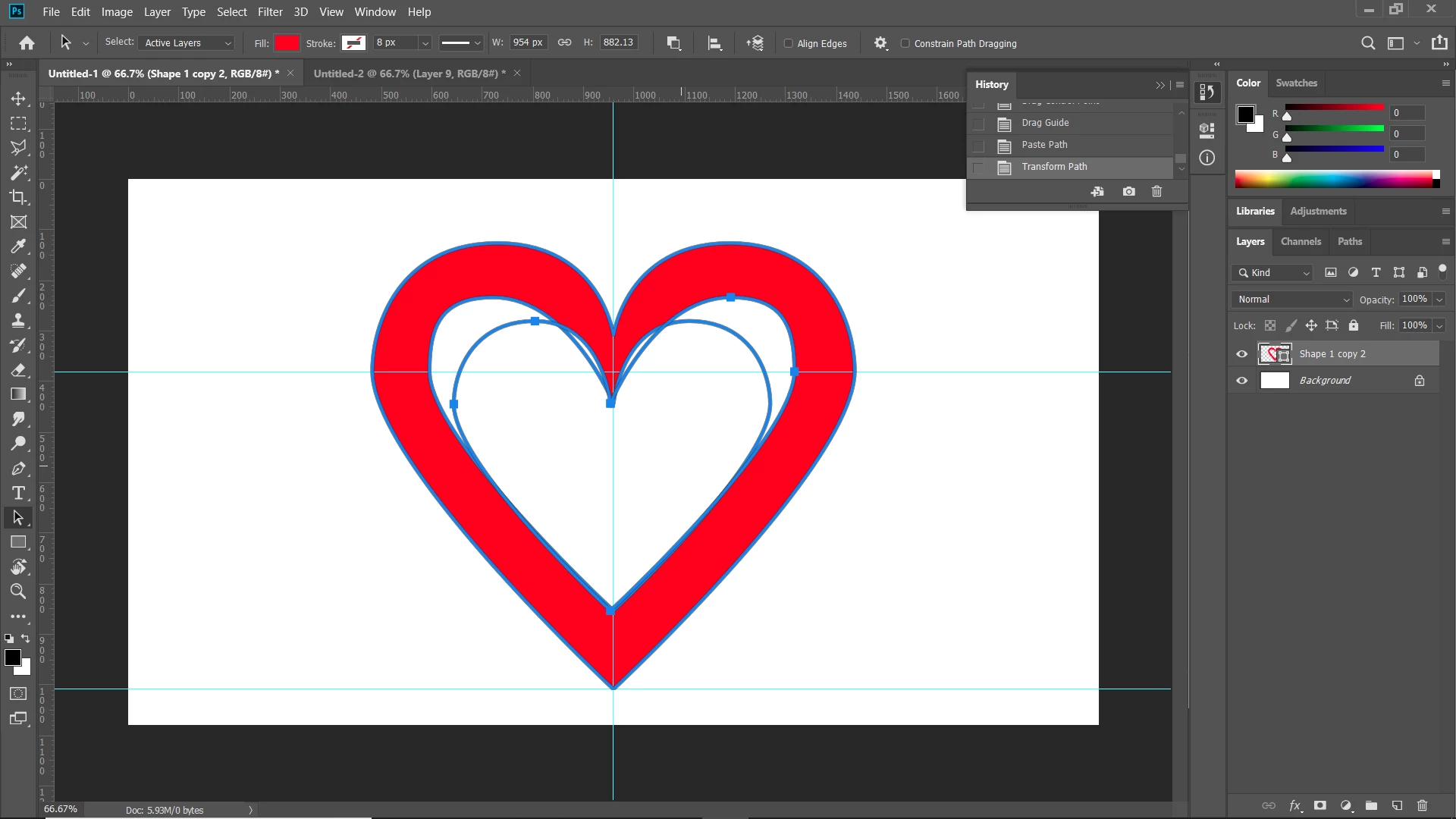
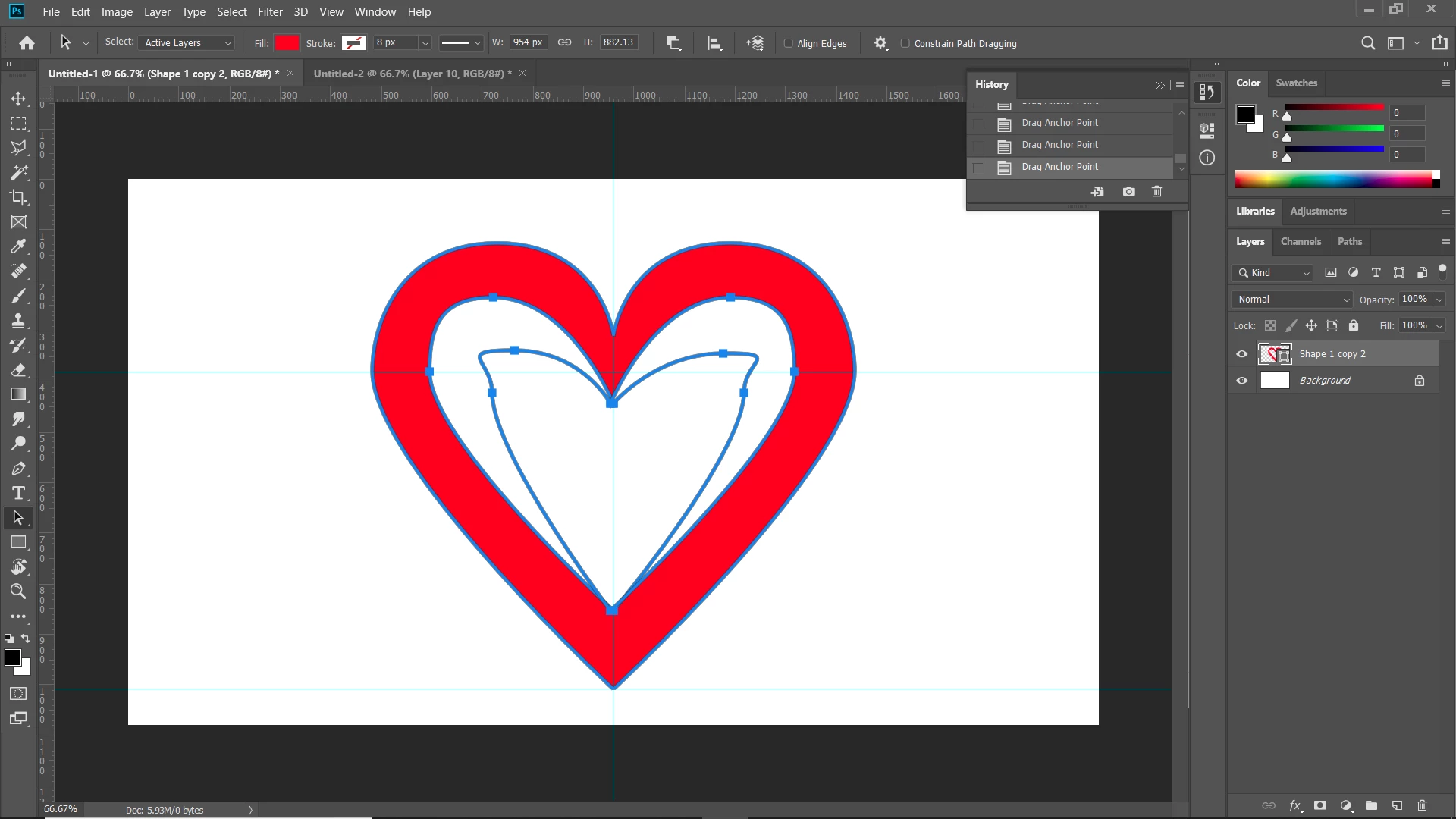
You can adjust the inner heart to match the outer heart, if you like, by adjusting one side then copy and paste it, moving the one paths that are going where you don't want them, then combining the two paths by selecting them and using the combine command again.
 AdChoices