
Inspiring
March 1, 2024
Answered

Alternative to scaling "Difference clouds"

  • March 1, 2024
  • 2 replies
  • 529 views

Hello all, 


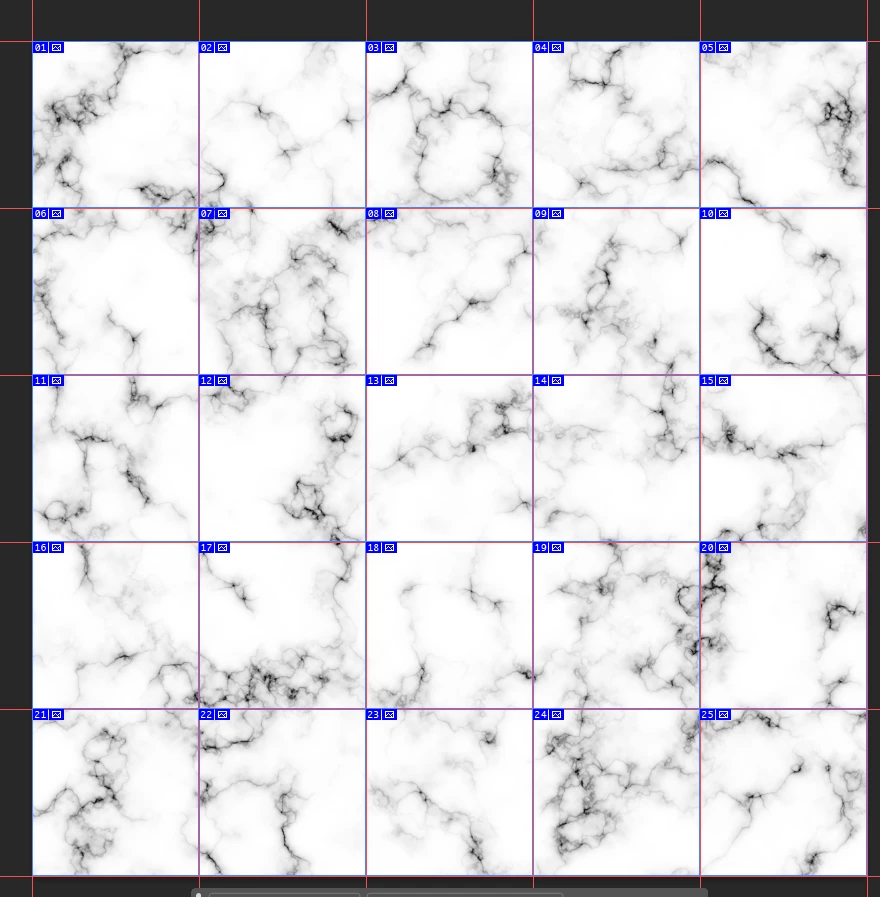
I have been trying to do this all day, but have not really progressed. I have a canvas of the size 10000x10000, which is sliced into squares of 2000x2000 for exporting as pngs. In the main big canvas I am making a marble-like effect using difference-clouds like in this tutorial (https://www.bigcatcreative.com/blog/create-marble-textures-in-photoshop)


The differece clouds only give me what I want after scaling it 400%. Unfortunately, when done so - the exported image is blurry and does not look good. Is there any way to fix it, or some other method I could use to achieve the desired look? I tried sharpening it, but that doesnt help either...
 

This topic has been closed for replies.
Correct answer ponas

I have solved the problem by finding someone who had created these difference clouds using python. I played around with values and managed to get an output that worked wonderfully for my project. 

I found the python script in this github repo: https://github.com/nikagra/python-noise


I just edited the main to look like this: 

if __name__ == "__main__":
    imageSize = 2800
    noise = NoiseUtils(imageSize)

    # Generate the first noise.cloud pattern
    noise.makeTexture(texture=noise.cloud)
    img1 = Image.new("L", (imageSize, imageSize))
    pixels1 = img1.load()
    for i in range(imageSize):
        for j in range(imageSize):
            pixels1[i, j] = noise.img[i, j]

    # Create a second image rotated 90 degrees
    img2 = img1.rotate(90)

    # Calculate the difference between img2 and img1
    img3 = ImageChops.difference(img2, img1)

    # Save the difference image
    img3.save("Difference_Cloud.png")


and to control the cloud itself, i edited the "8" value in this function

    def cloud(self, x, y, func = None):
        if func is None:
            func = self.perlinNoise

        return self.fractalBrownianMotion(8 * x, 8 * y, func)


2 replies

ponasAuthorCorrect answer
Inspiring
March 4, 2024

I have solved the problem by finding someone who had created these difference clouds using python. I played around with values and managed to get an output that worked wonderfully for my project. 

I found the python script in this github repo: https://github.com/nikagra/python-noise


I just edited the main to look like this: 

if __name__ == "__main__":
    imageSize = 2800
    noise = NoiseUtils(imageSize)

    # Generate the first noise.cloud pattern
    noise.makeTexture(texture=noise.cloud)
    img1 = Image.new("L", (imageSize, imageSize))
    pixels1 = img1.load()
    for i in range(imageSize):
        for j in range(imageSize):
            pixels1[i, j] = noise.img[i, j]

    # Create a second image rotated 90 degrees
    img2 = img1.rotate(90)

    # Calculate the difference between img2 and img1
    img3 = ImageChops.difference(img2, img1)

    # Save the difference image
    img3.save("Difference_Cloud.png")


and to control the cloud itself, i edited the "8" value in this function

    def cloud(self, x, y, func = None):
        if func is None:
            func = self.perlinNoise

        return self.fractalBrownianMotion(8 * x, 8 * y, func)


Stephen Marsh
Community Expert
Community Expert
March 1, 2024

I'm not really understanding your issue.


What I do know is that using Save for Web (Legacy) has an input limit of 8192px before the image is scaled/reduced in pixel size. So your tiles would not be 2000px in size.


There are custom scripts that can be used to bypass Save for Web so that you can have slices output at the correct size.

ponasAuthor
Inspiring
March 1, 2024

Hi Stephen, thank you for your reply and apologies for not being more clear in my question. 


Even if I were to make the canvas size 2000x2000 I would run into the same issue - that the output image is blurry, and I am pretty sure it is because I have to upscale the layer after I  Render->Difference clouds by 300-400%.


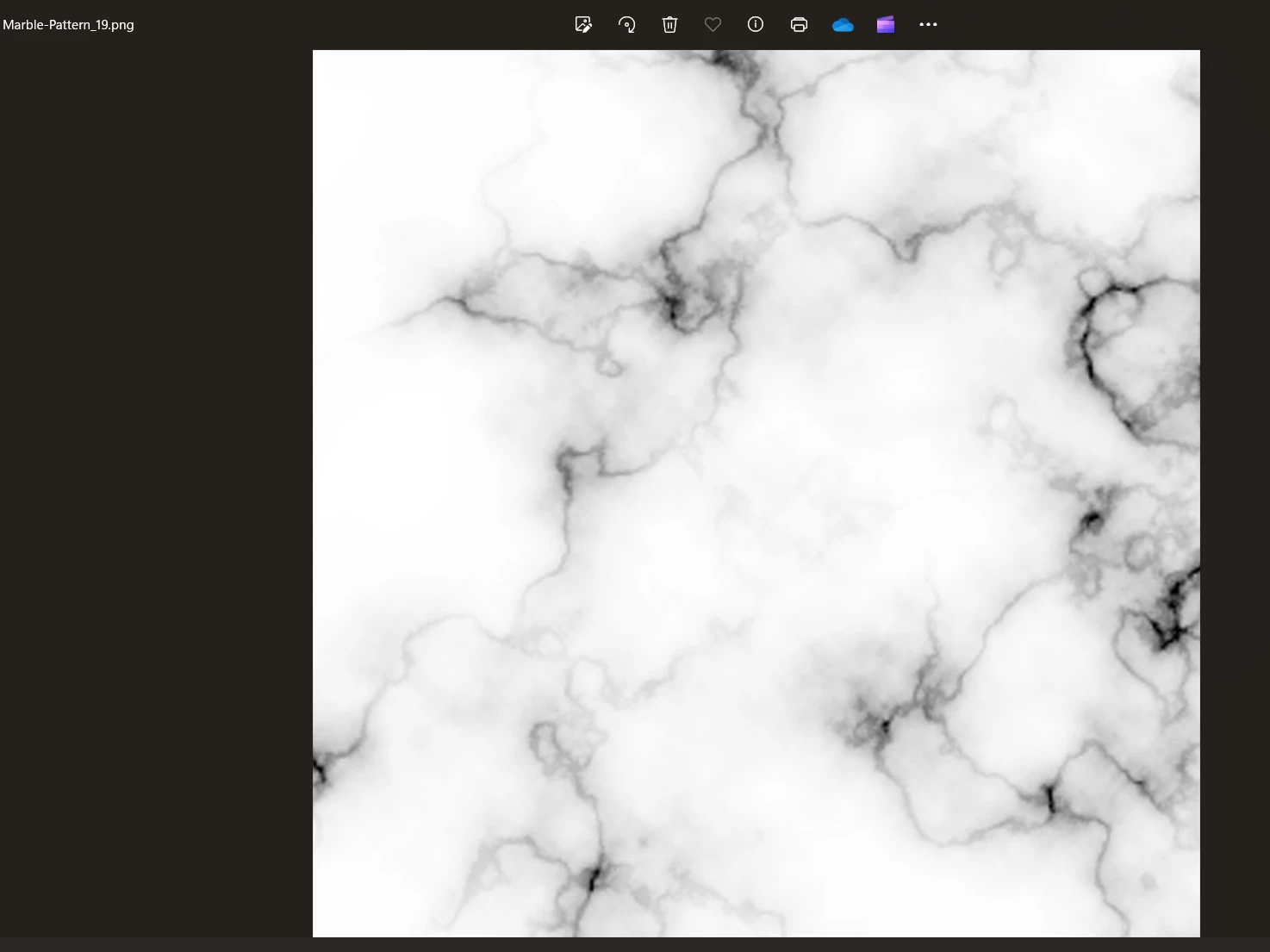
It does not seem as if there is a way to adjust the scale of these clouds before hand, so I was wondering if there is any way to solve this or is there another way I could go bout creating such a marble texture as provided in my image in the original question.


I hope this clarifys what I am seeking to do 🙂