

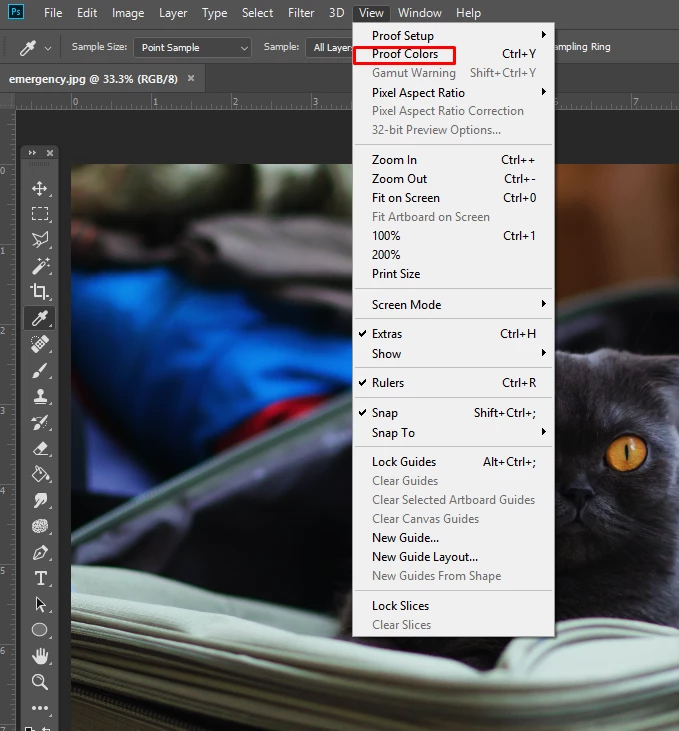
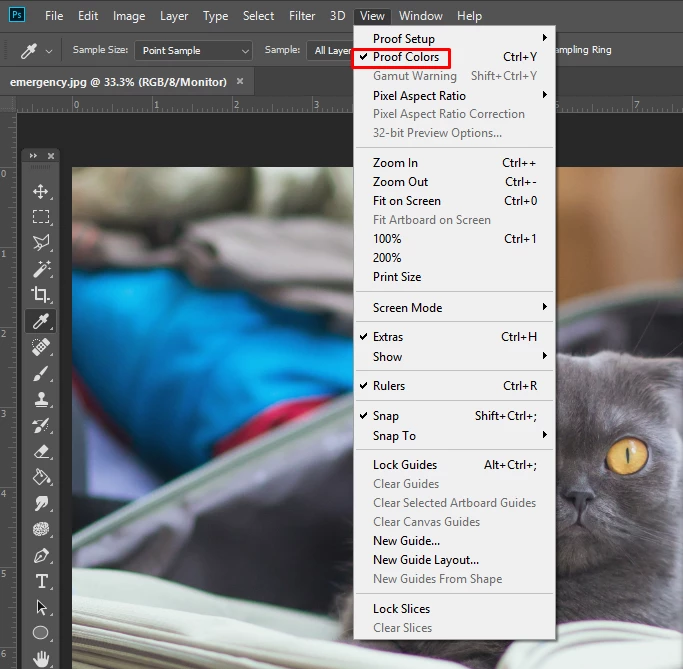
Always have to enable "Proof Colors"
A few updates ago, every single image I open in Photoshop, no matter what the format, appears darker than it does in other applications. I always have to enable proof colors for every document to get it looking accurate, not just when I open Photoshop.
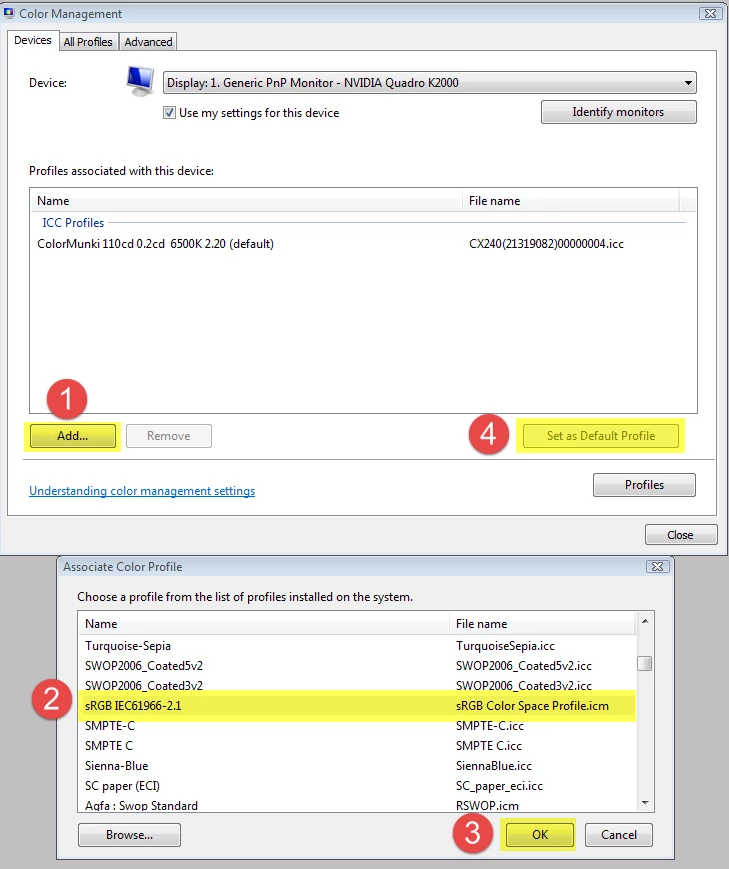
Can anyone tell me a quick remedy for this? I've tried changing my color settings, restored everything back to default, and I can't get any reprieve. This was definitely not something I've ever had to do before, and not something I see people actively complaining about a lot, so I don't know what is happening. These are mostly RGB files, too. If I convert them to CMYK they get EXTREMELY dark, not just a little bit of color shifting as I am used to.
Thing is, I think some sort of color profile update must have happened and I was just not up to date with what was happening, because all of my old illustrator files now open darker too, and the colors themselves are actually altered. That's a discussion, though, for another time. This has just been extremely frustrating for me since quite a few client files have been ruined.
For now, can someone please tell me how to get web images to open properly?
 AdChoices