hadriend79483198
Participant
August 29, 2017
Answered

Analog glitch effect, how to do it?

  • August 29, 2017
  • 2 replies
  • 1010 views

Hello everyone !
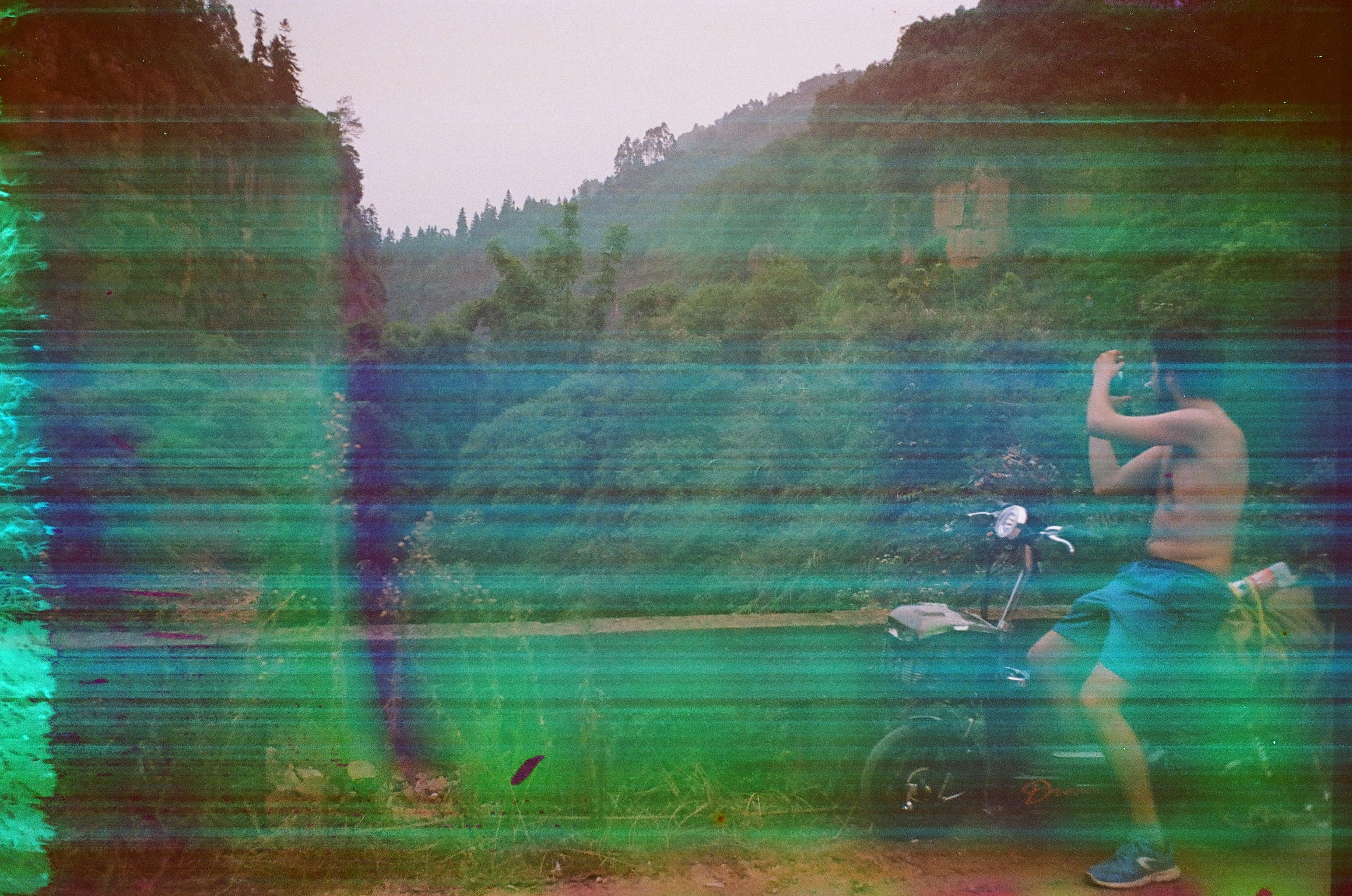
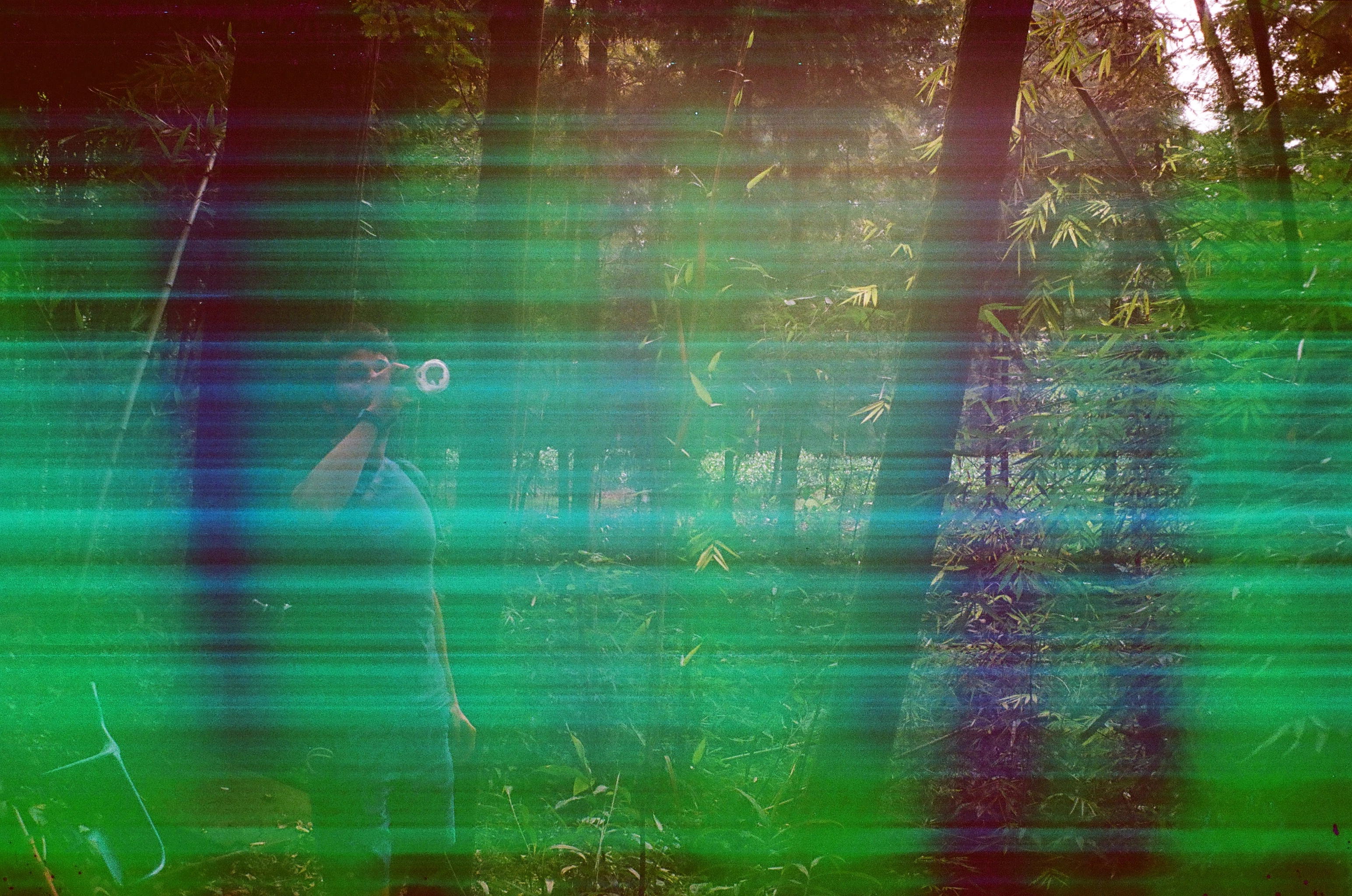
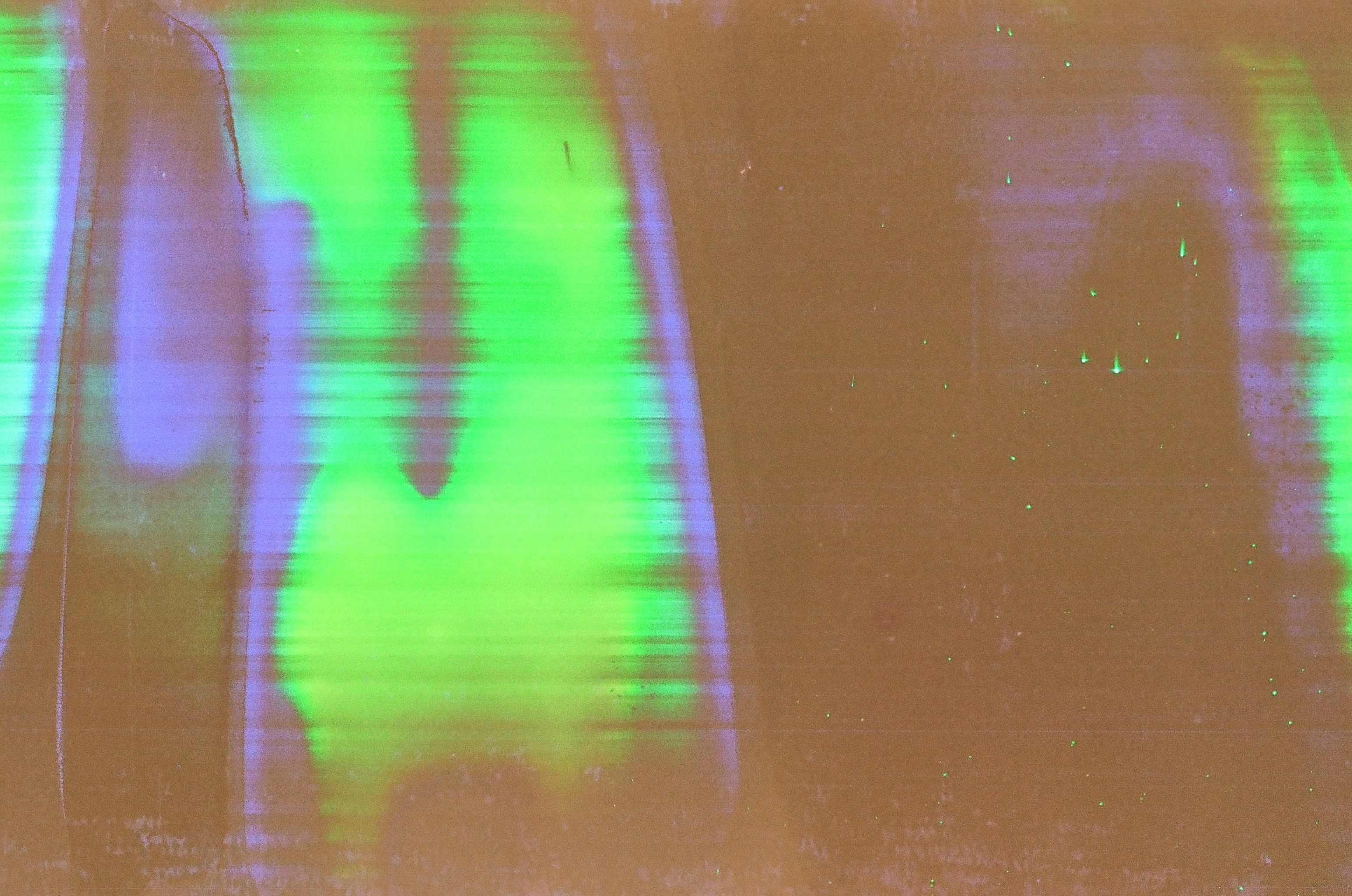
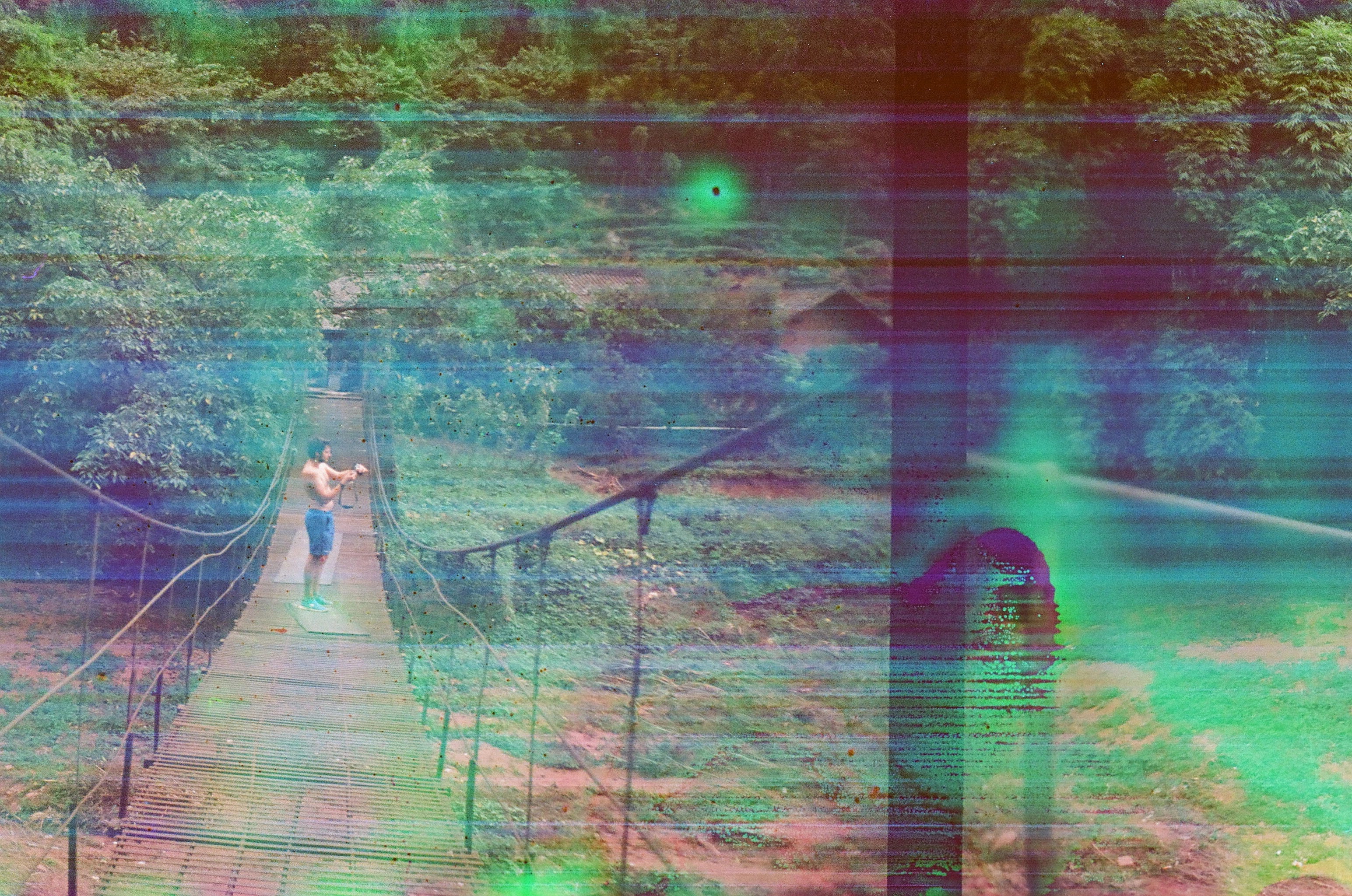
I have a big question lurking in my head, during my last vacation my Minox 35-el took the rain and broke, developing the film stuck inside that's what I discovered. It's been a while since I was looking for beautiful glitches to make on photoshop and there I fell by chance on glitch which I like very much. I like their "organization" in bands and curves of a spectrum of color rather nice, and sometimes a somewhat burnt out + indigo / green / turquoise / black spots and burns.

I would like to know how you would proceed to have the same rendering on photoshop, from scratch. Maybe without importing texture.

Thank you in advance !
This topic has been closed for replies.
Correct answer Mylenium

You can always try alternate color modes like Lab and CMYK and process individual channels with threshold oiperations/ adjustments, noise and directional blur effects. Conversely, splicing up channels and creating new combinations using channel calculations and blending modes can create all sorts of unique looks. It will just take some experimentation to find the right recipe.

Mylenium

2 replies

c.pfaffenbichler
Community Expert
Community Expert
September 11, 2017

I think a combination of a Noise Gradient and Pattern Layers with some painting might also achieve comparable effects.

Edit:

Mylenium
MyleniumCorrect answer
Legend
August 29, 2017

You can always try alternate color modes like Lab and CMYK and process individual channels with threshold oiperations/ adjustments, noise and directional blur effects. Conversely, splicing up channels and creating new combinations using channel calculations and blending modes can create all sorts of unique looks. It will just take some experimentation to find the right recipe.

Mylenium

hadriend79483198
Participant
August 29, 2017

Oh thank you very much Mylenium, i'm gonna try this very quick !!