Question
And suddenly, I am prompted to open files from the cloud...
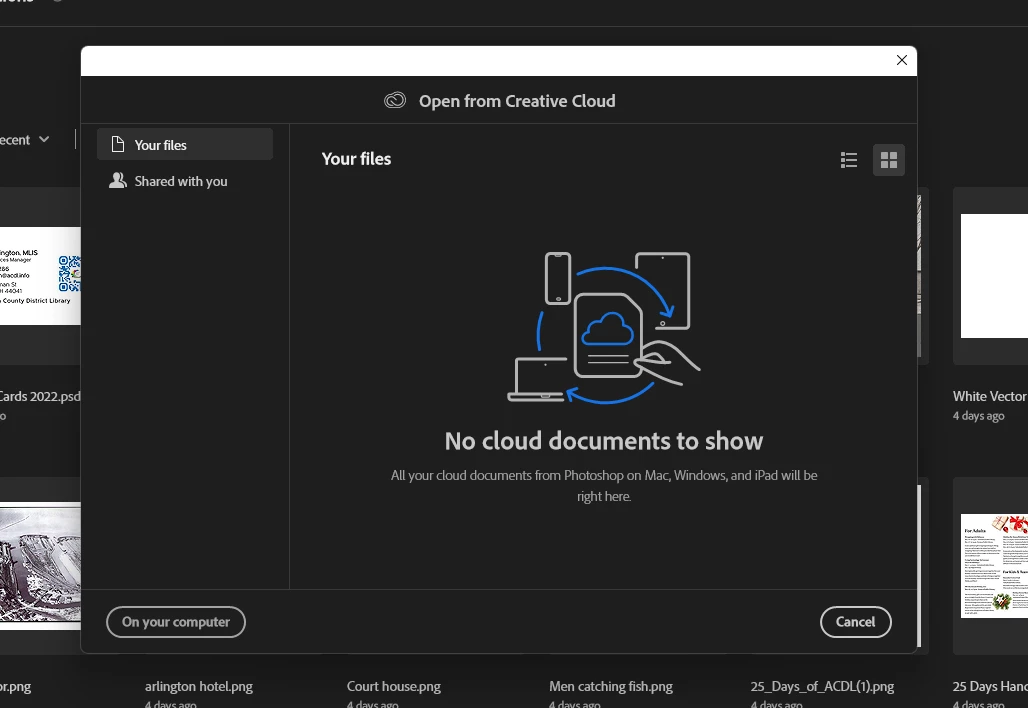
As of this morning, I suddenly am being prompted now to open files from the cloud (which I don't use and won't use any time soon) whenever I attempt to open something inside of Photoshop. It gives me the option to click through to open on my computer but that's irritating to have that extra step piled on. I'm running 23.3.2 right now. I also had this issue with files wanting to save to the cloud but sorted out how to turn that off. Now I'm struggling to find something in the prefences that will allow me to turn off this prompt to open from the cloud. Anyone have any fixes for this? It's heckin' annoying 😕😕
 AdChoices