
Participating Frequently
June 16, 2017
Answered

Animated gif

  • June 16, 2017
  • 4 replies
  • 1513 views

I am unable to create an animated gif because the options I get from the timeline's menu as seen in the screenshot are far from those listed in the tutorial. Why is this and how should i go about it ?
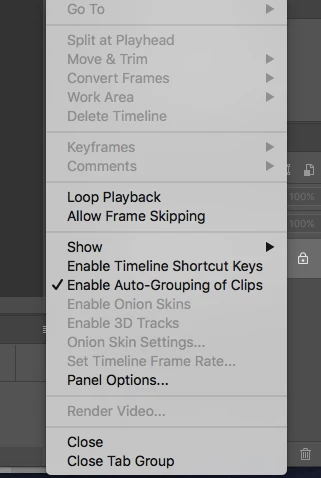
[Moved from the Animation tips and tricks forum into a product-specific support forum - moderator]
This topic has been closed for replies.
Correct answer Derek Cross

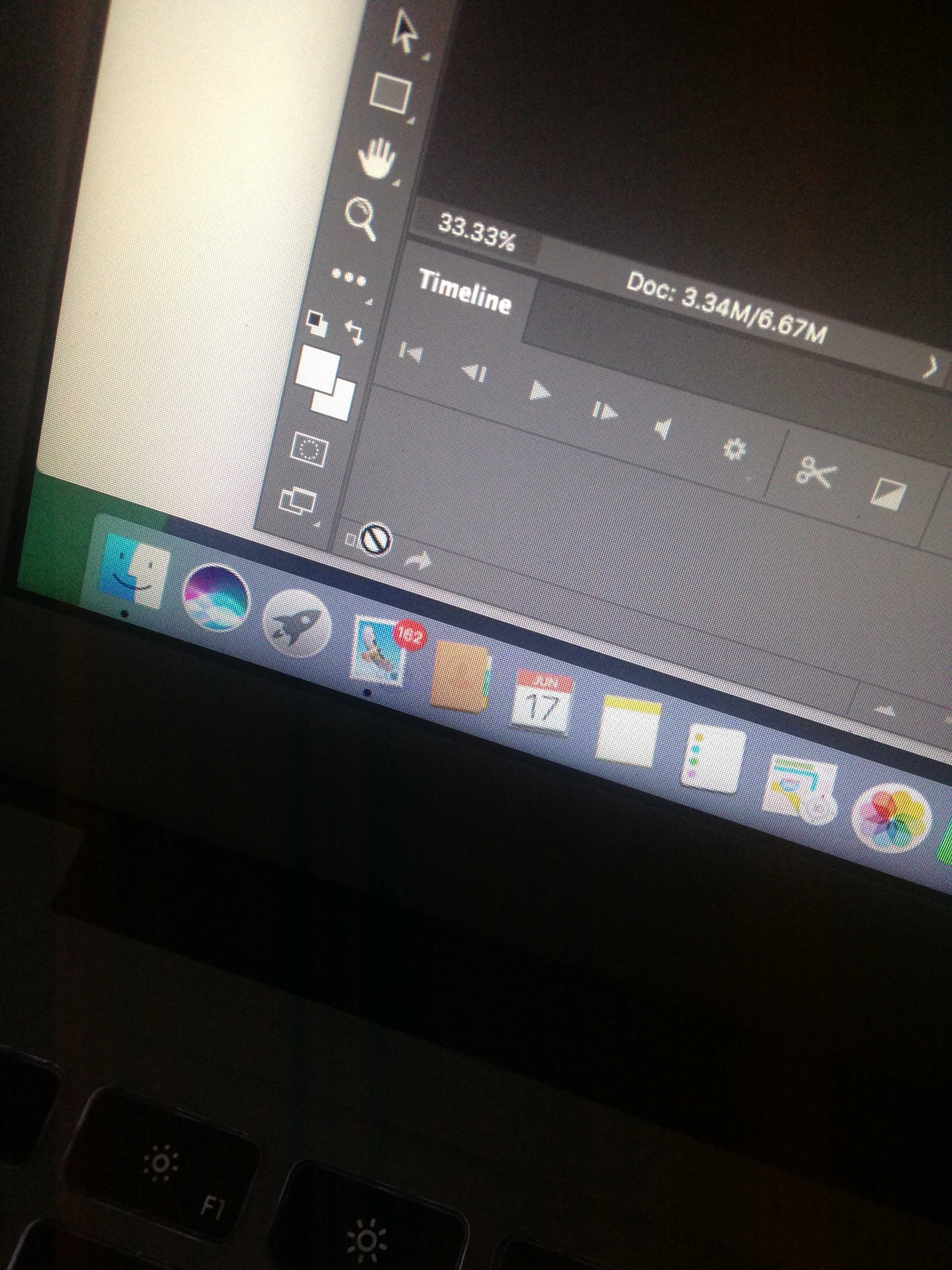
Hi Derek, the icon you mentioned is inactive


Try dragging an image into the Timeline then, hopefully, it should become active.

4 replies

Participating Frequently
January 25, 2018

Can someone please help me? I'm experiencing the same issue - same menu problems... Photoshop CC 2015.5 (just updated)

and I have tried dragging an image to the timeline and nothing happens.  It's extremely frustrating... I too cannot click on the 3 dots...

Thank you...

davescm
Community Expert
Community Expert
January 25, 2018

No need to drag an image. - Just click that button that says "create frame animation" in the centre of the timeline.

Dave

Participating Frequently
January 25, 2018

Thank you so much!!!! I posted this in the other forum first and then again because I was afraid no one would see it on an issue that was so old lol  Thank you thank you thank you!!!! You're a lifesaver!!!

tmyusuf74
Inspiring
June 17, 2017

Hello Aki I know what do you finding please follow the link

Create animated GIFs |

c.pfaffenbichler
Community Expert
Community Expert
June 16, 2017

Did you want to create a Frame Animation or a Timeline Animation?

AkinyiOAuthor
Participating Frequently
June 16, 2017

frame animation

Derek Cross
Community Expert
Community Expert
June 16, 2017

Which version of Photoshop do you have?

AkinyiOAuthor
Participating Frequently
June 16, 2017

photoshop cc 2017