

umaynome
Inspiring
April 26, 2020
Question

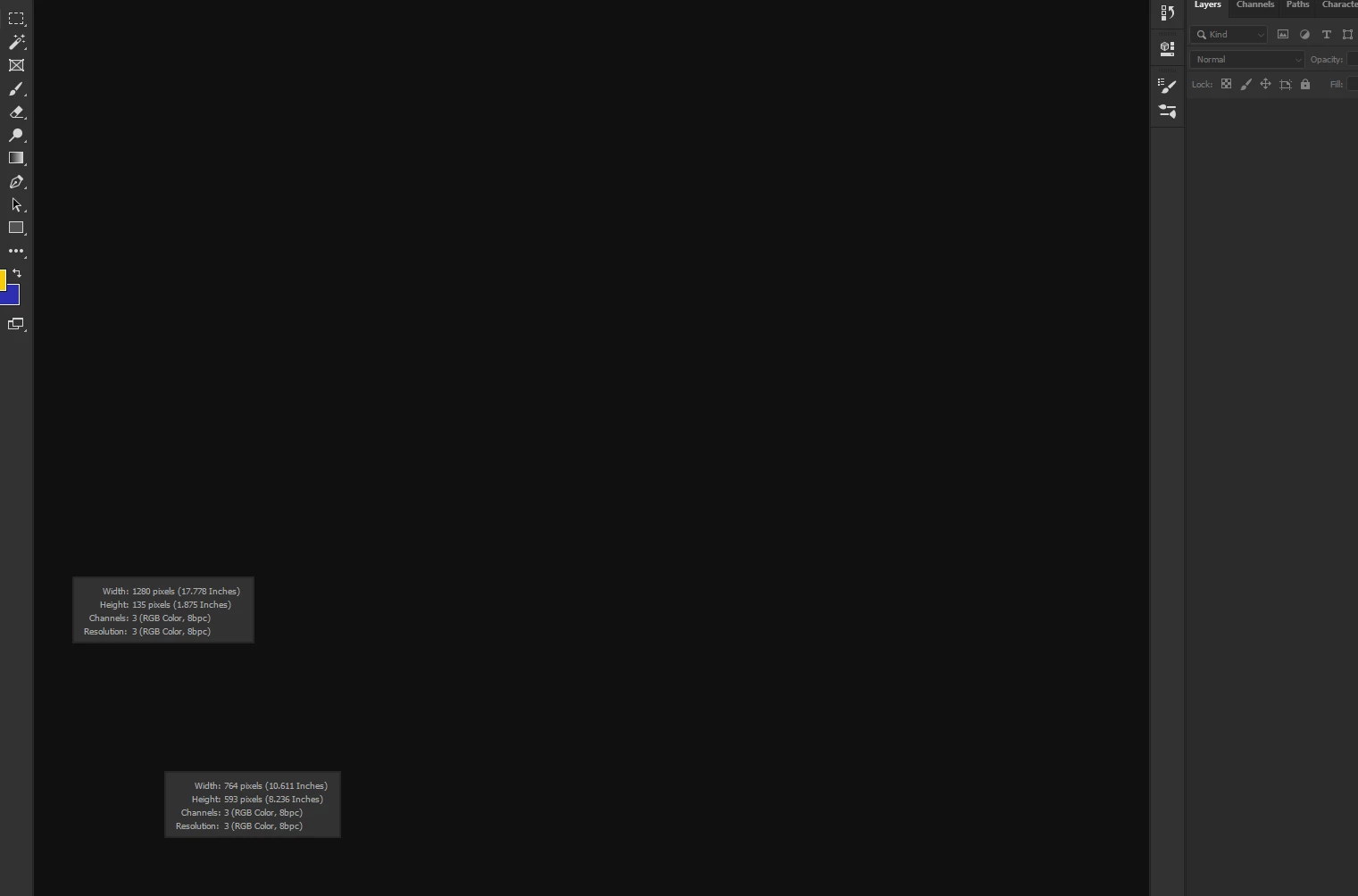
Any idea how to get rid of this pop up in photoshop 2020?

  • April 26, 2020
  • 1 reply
  • 444 views

Hi,

I clicked on a palette bottom left side and this information popped up about each piece where i clicked, for the life of my i dont see where to get rid of this so i dont see it anymore. I also closed out the 2 psd files and the information was still present. Maybe its a error in PS 2020 for win10-64bit i dont know.


Please let me know if anyone knows the answer.

Thanks

U
This topic has been closed for replies.

1 reply

umaynome
umaynomeAuthor
Inspiring
April 27, 2020

Bump

JJMack
Community Expert
Community Expert
April 30, 2020

Where is the rest of the screen capture we can not see what the current tool is or what you are editing if anything.

JJMack
umaynome
umaynomeAuthor
Inspiring
April 30, 2020

I closed it out, it was a PSD file that i had open and i assume the LOWER LEFT bottom corner i must have clicked it and that box jumped out about the document....I didnt see where to close the box, and i though closing of the PSD file would kill the pop up....but it did not.


I shut PS down and restarted it to get rid of the nag message