
Answered
Any way to merge blend modes and retain their appearance in Photoshop 2019?
Hey folks,
I've read around a bit and have found that merging blend modes often changes the appearance of the layers after they are merged, which can be undesirable, as it is in my case.
I have this textured image comprised of several layers I'm trying to merge into one layer:
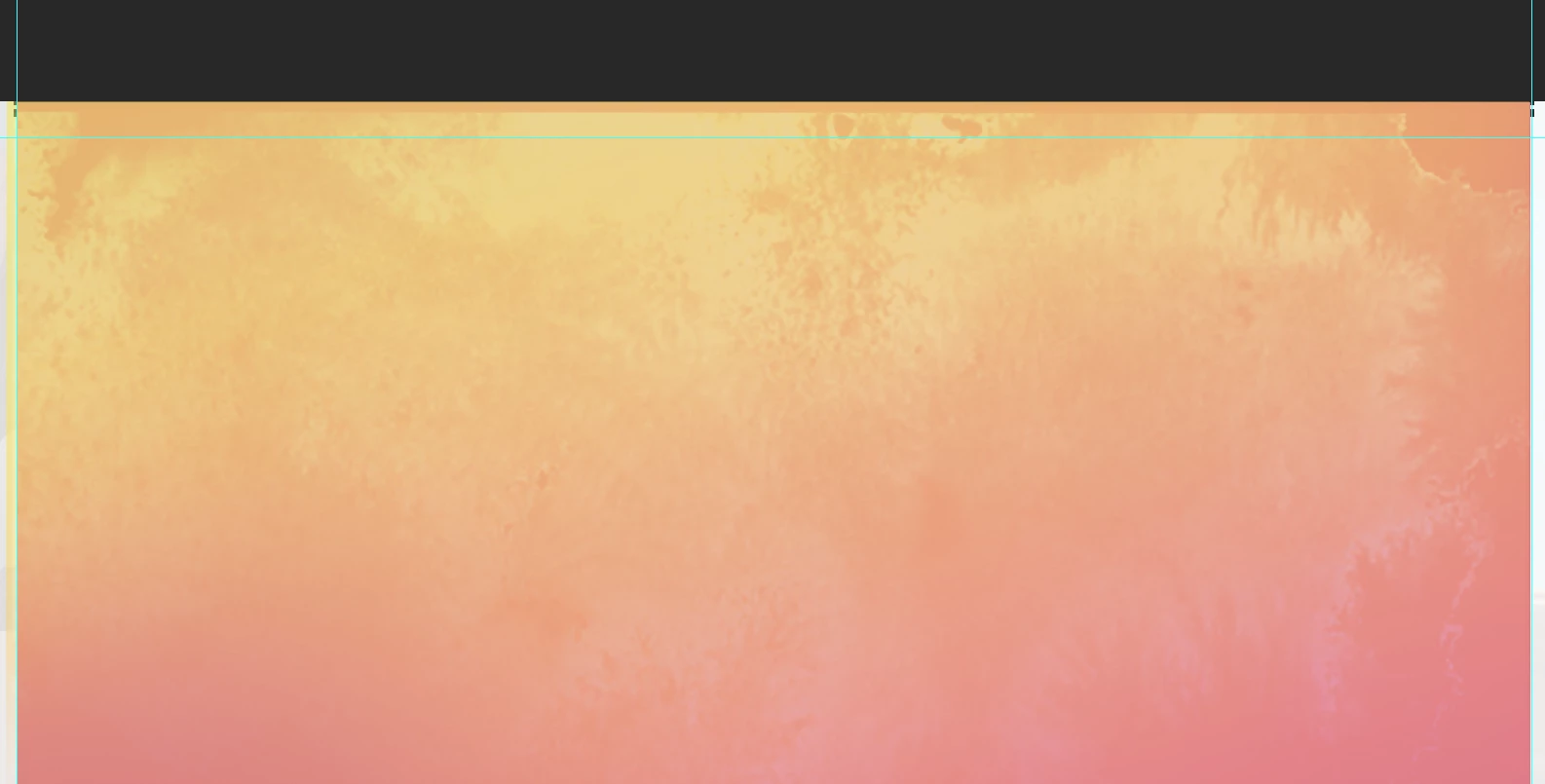
The image is made up of 3 layers:
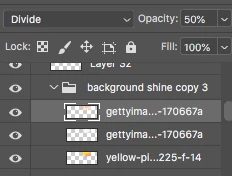

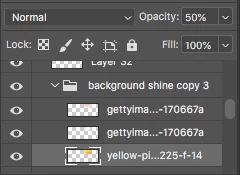
Keep in mind it is sitting on a pink background, which I am not showing because I don't believe it is important.
When I merge the layer above set at a 50% opacity & Divide Blend, it turns my image into this:
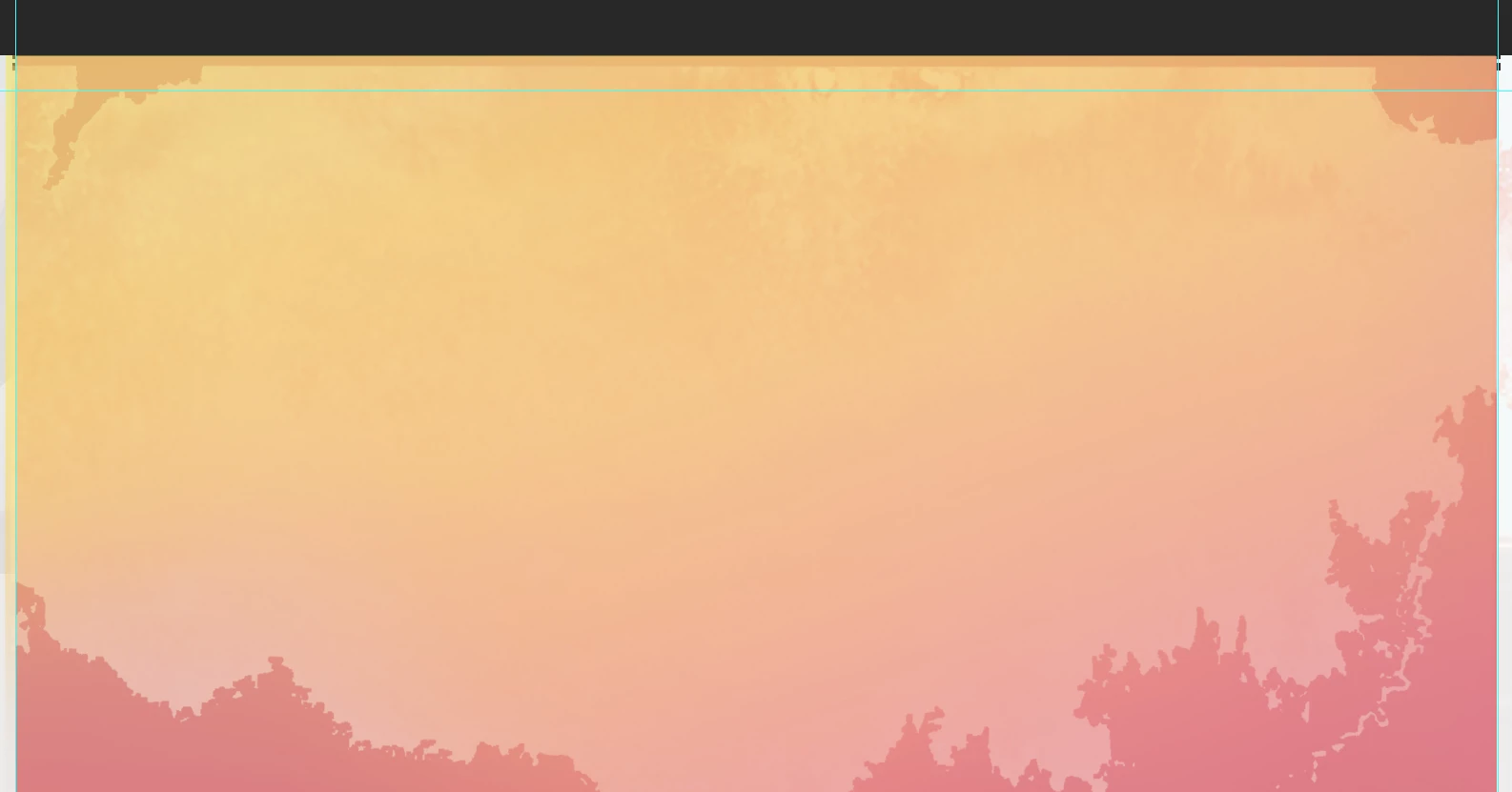
What can I do to prevent this? Any suggestions?
Thanks in advance for any help given.
Message was edited by: Sahil Chawla
 AdChoices