Apple Preview vs Photoshop
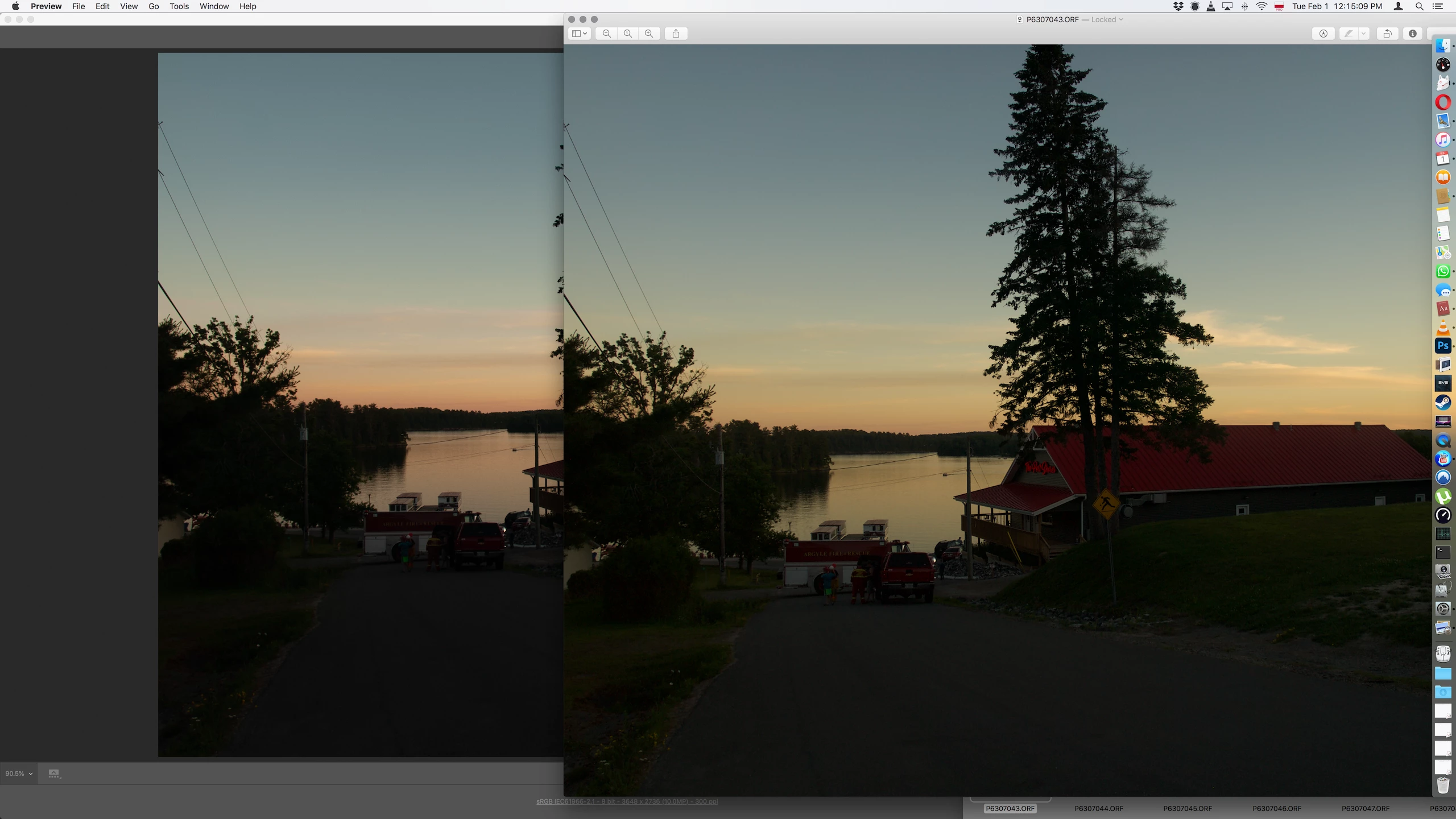
I know I'm beating on a dead horse, there been countless posts about colour management, but I still have issues, that I can not resolve. Working on a .ORF file, which is RAW Olympus, for those uninitiated, and here's my problem. I preview the pictures quickly with Apple quick look, which I'm assuming is the same as opening in Preview. Then when I open it with Photoshop Camera Raw, the colours look very different, and even the brightness looks different. I am working in sRGB1966 both on Photoshop and on my Olympus camera. Long story short, the pictures look better in Preview, truer colours, more dynamic range. So, why is that, and how should I work on my pictures, make them look good in Photoshop, or make them look good in Preview and probably the rest i.e. web. Attaching photo to show the difference, obviously left is Photoshop, right is Preview, same screen, same settings. Thank you in advance for any help.
Paul
 AdChoices