
Application crashes when opening RAW files
When trying to open a RAW file from ACR the RAW editor screen disappears and the application crashes. The PS app shows as Not Responding in Task Manager. This just suddenly happened in the last few days and my PC has shown no errors or crashes since it last worked.
I have tried:
- Going back to version 12.2 and every version inbetween
- Going back to ACR version 11.4.1 (both were working happily before)
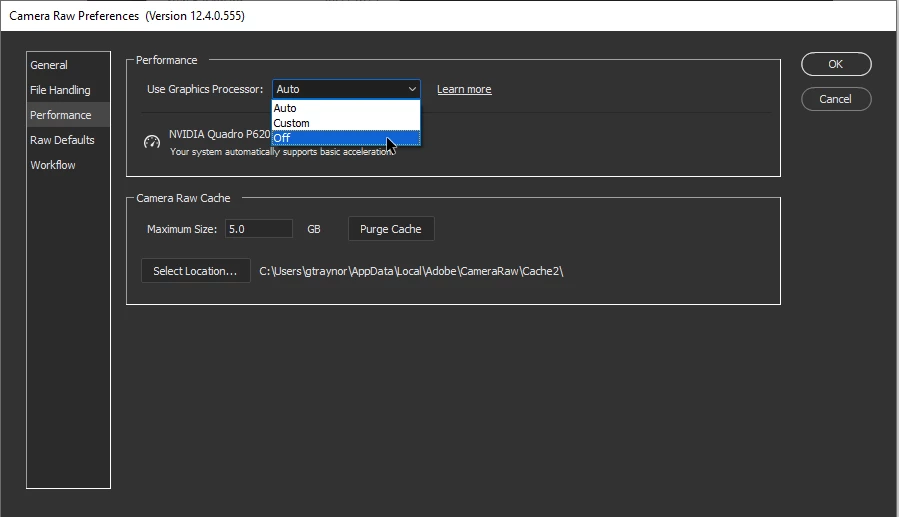
- Disabling the graphics accelerator and resetting Photoshop to defaults.
- Uninstalling Acronis software completely
- Several different types of RAW files - CR2, ARW, SR2
Jpeg and TIFF files open and edit no problem.
However, if I then use the ACR filter it crashes when returning to Photoshop
Windows defender shows no blocked apps. All updates are installed.
ACR versions 12.xxx have never worked on my PC as the lag was unbearable.
Does anyone have any tips on how I can troubleshoot this issue? PLEASE! Slowly going crazy!
 AdChoices