
Answered
Apply Camera raw develop settings with bridge
Hi folks,
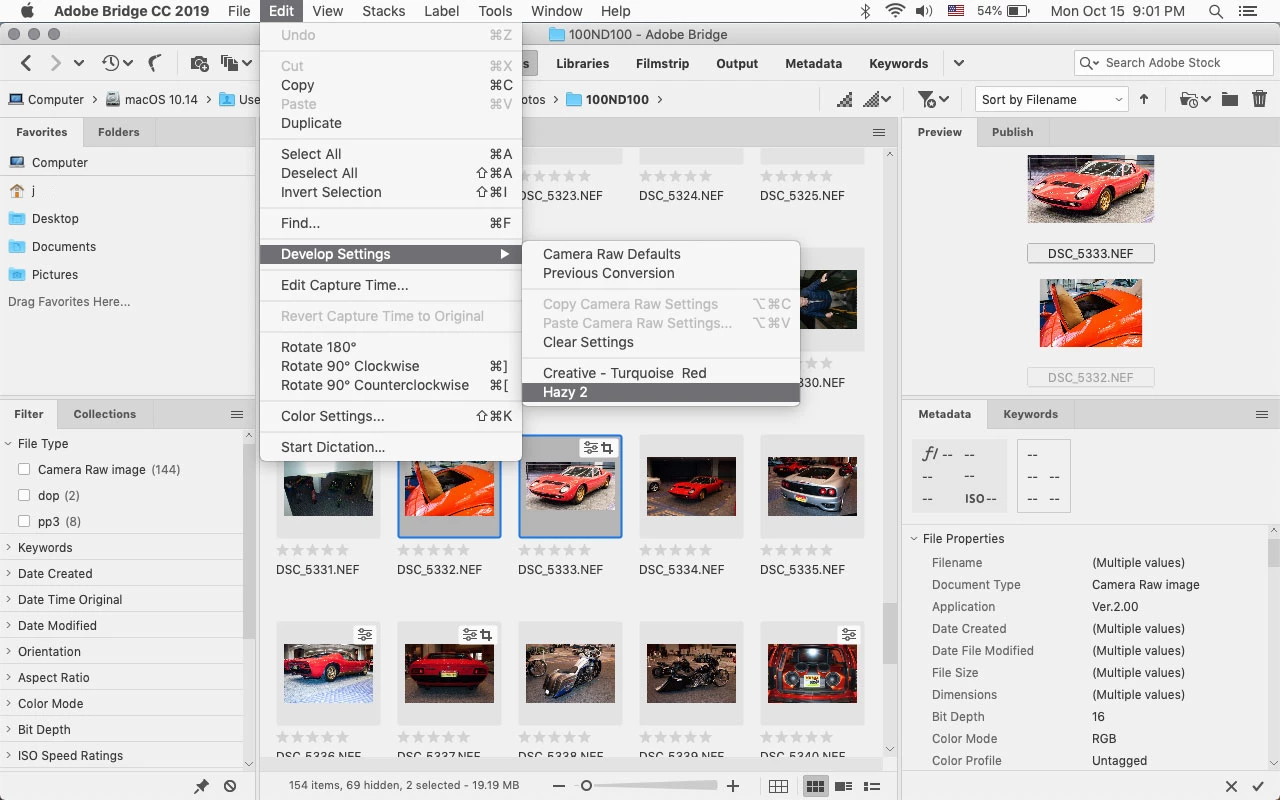
Can I view an image in bridge, then right click and apply my Camera RAW presets somehow?
I used to do this in the old version all the time, but now can't seem to do it. Don't we just love having to re-learn software when we get an update 
The presets are saved where they were before (C:\Users\Phill\AppData\Roaming\Adobe\CameraRaw\Settings)
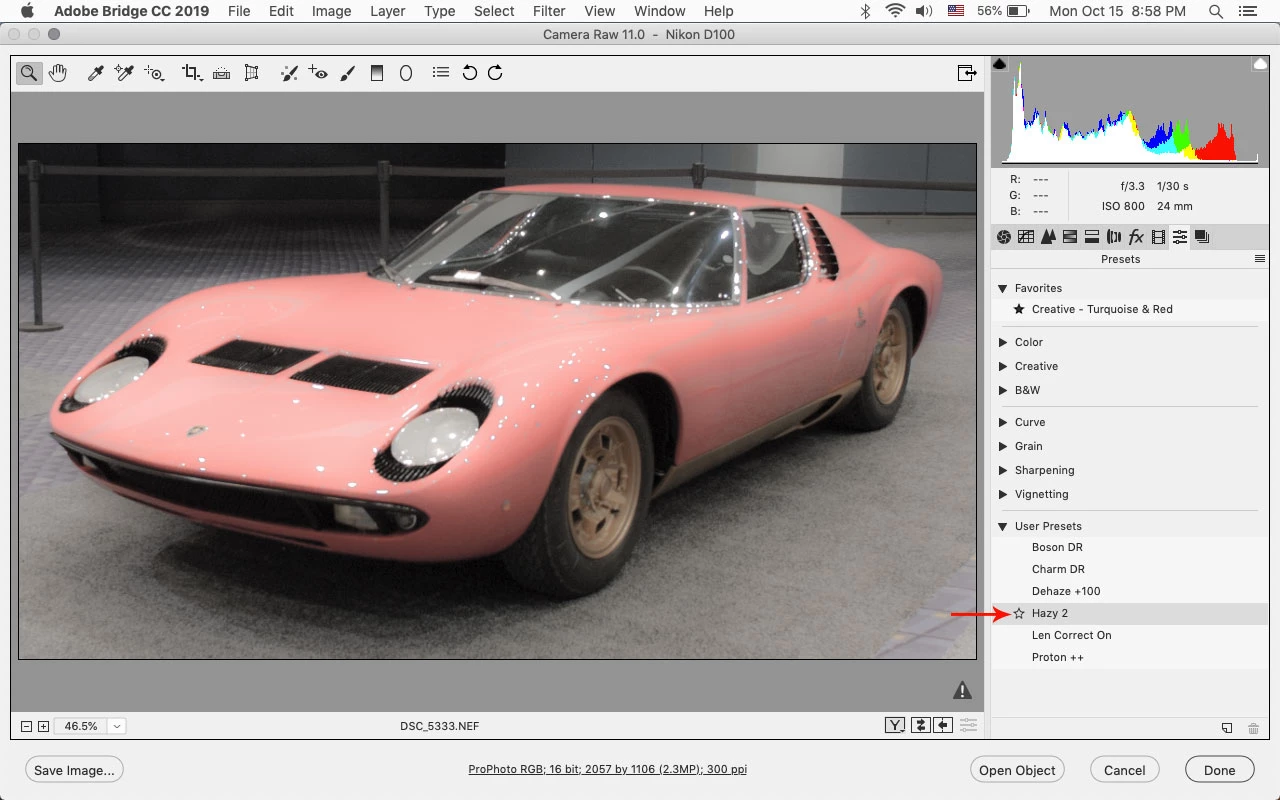
If I open the image in Camera RAW, then Load settings I can get to the presets. But that's a very slow way of doing it.
I thought they were available to choose from here:
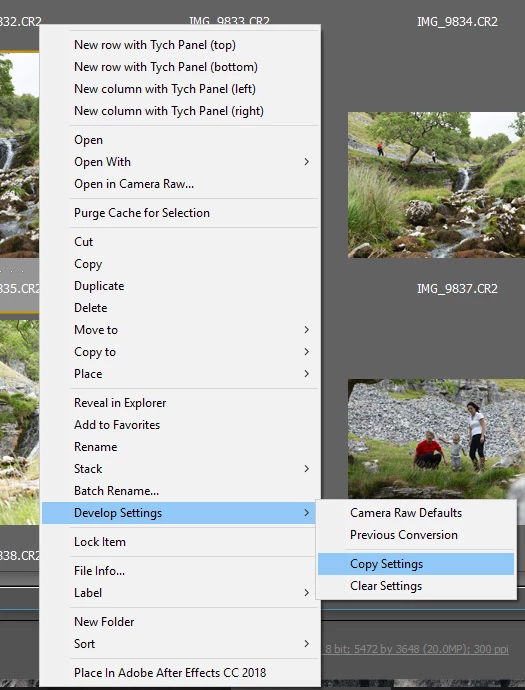
Any ideas on how to set this up would be great
Thanks
 AdChoices