Known Participant
November 24, 2021
Answered

Apply pattern to selected area

  • November 24, 2021
  • 2 replies
  • 1012 views

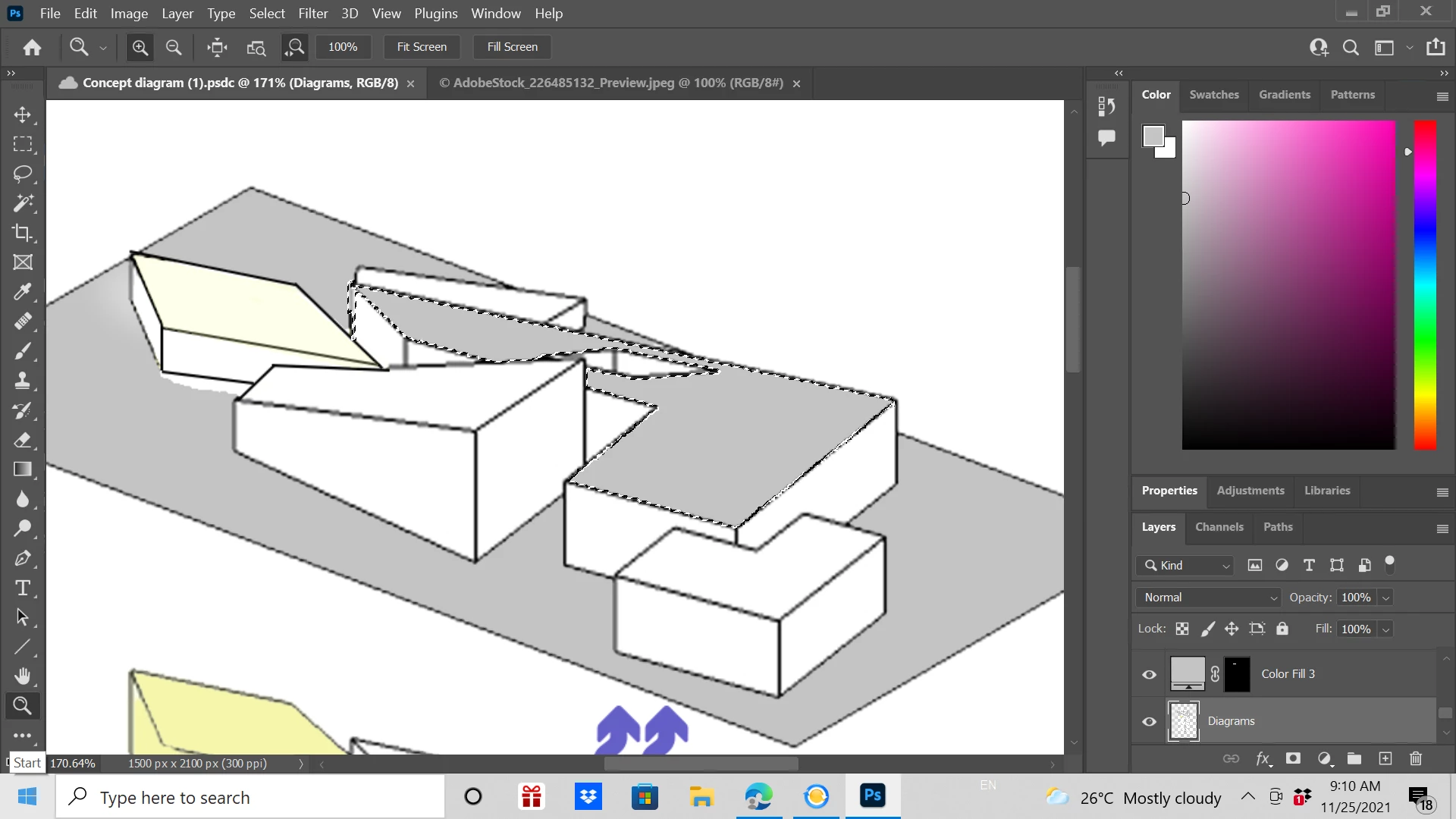
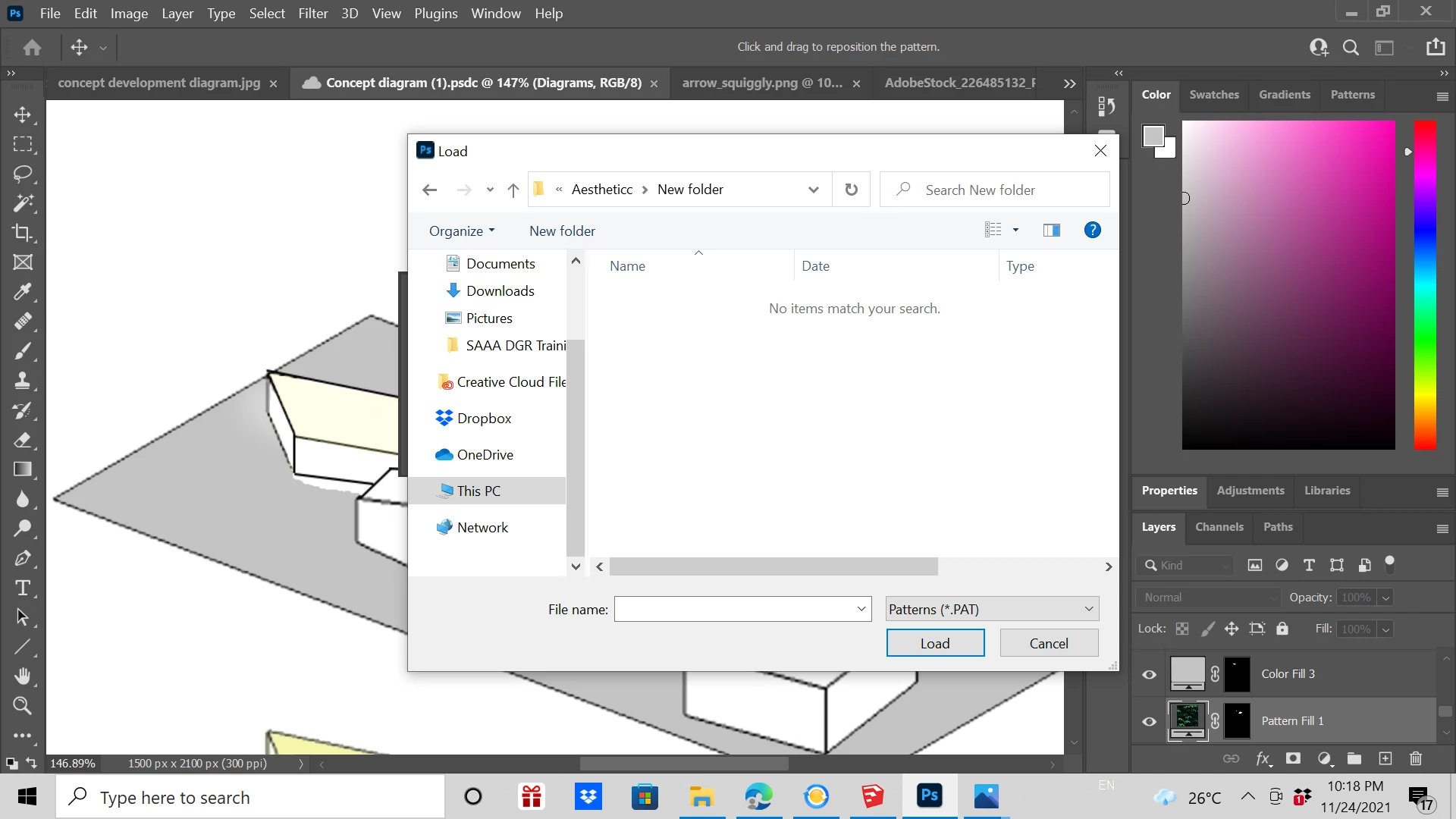
I want to overlay a pattern onto this area that I selected but I cannot import my pattern. When I try to access the image I want to use as a pattern it says that no items match my search even though I had placed it inside a folder. How should I import my pattern then?
 

This topic has been closed for replies.
Correct answer Semaphoric

I tried to follow the steps but it still registers as a jpeg image. 

This is the surface that I want to cover with the pattern


Add a Pattern Fill layer, and scroll down to the end of the list. Your newly created pattern should be there.

2 replies

Kukurykus
Legend
November 24, 2021

Moderator please remove Actions and scripting label from this thread (and delete my post).

c.pfaffenbichler
Community Expert
Community Expert
November 24, 2021

What kind of image? .pat? 

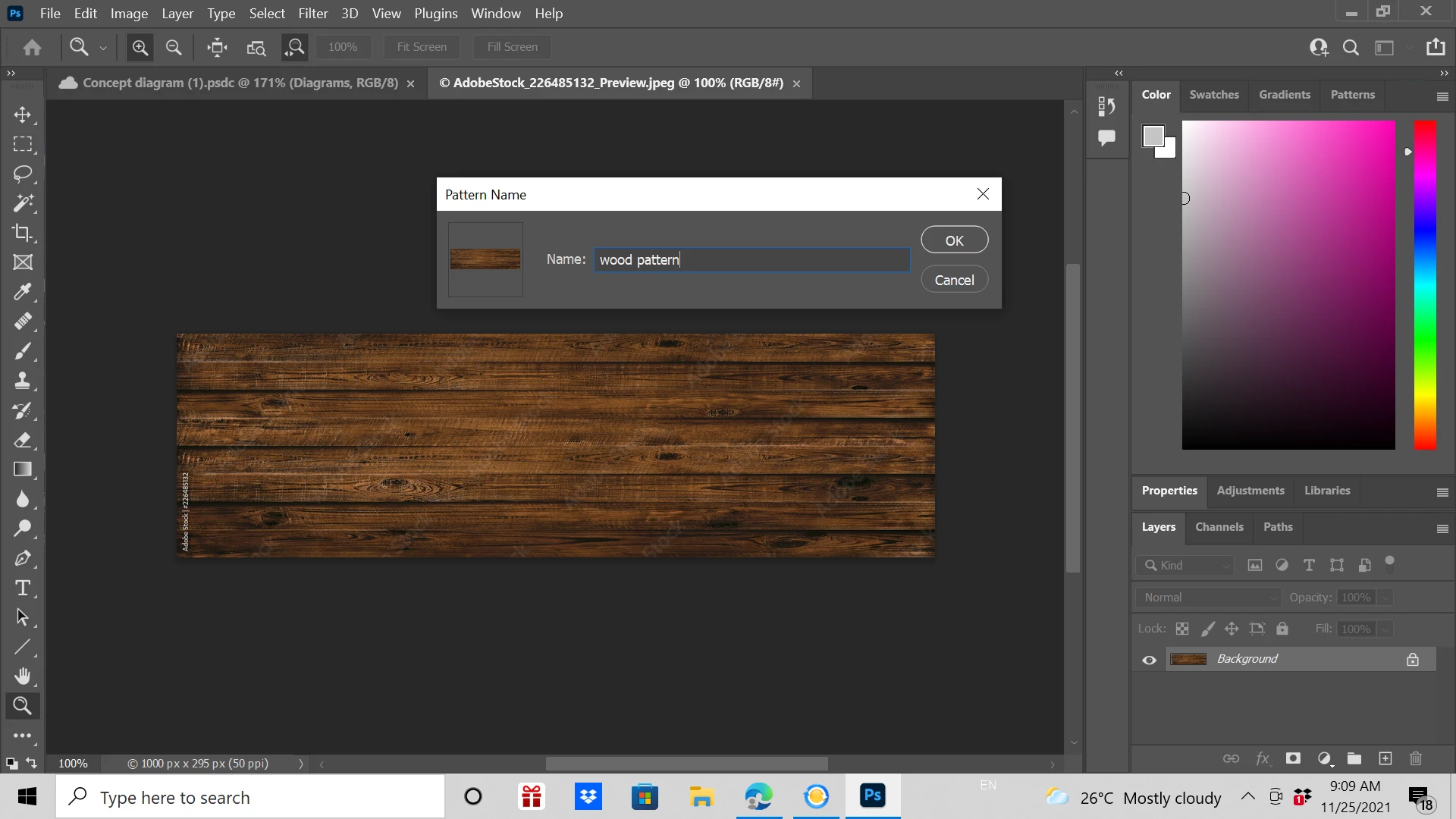
If its »just« an image (like jpg, tif, png, …) you need to create a Pattern via Edit > Define Pattern. 

Known Participant
November 24, 2021

It's a jpg image. Where do I find the Edit option?

c.pfaffenbichler
Community Expert
Community Expert
November 24, 2021

Open the jpg, then invoke the menu item 

Edit > Define Pattern