Answered
Arabic language
Hello, can you help me please? have a problem in the Photoshop in MacBook, I can't write Arabic, the litter is choppy and write lift to right, this is wrong Arabic is not like English.
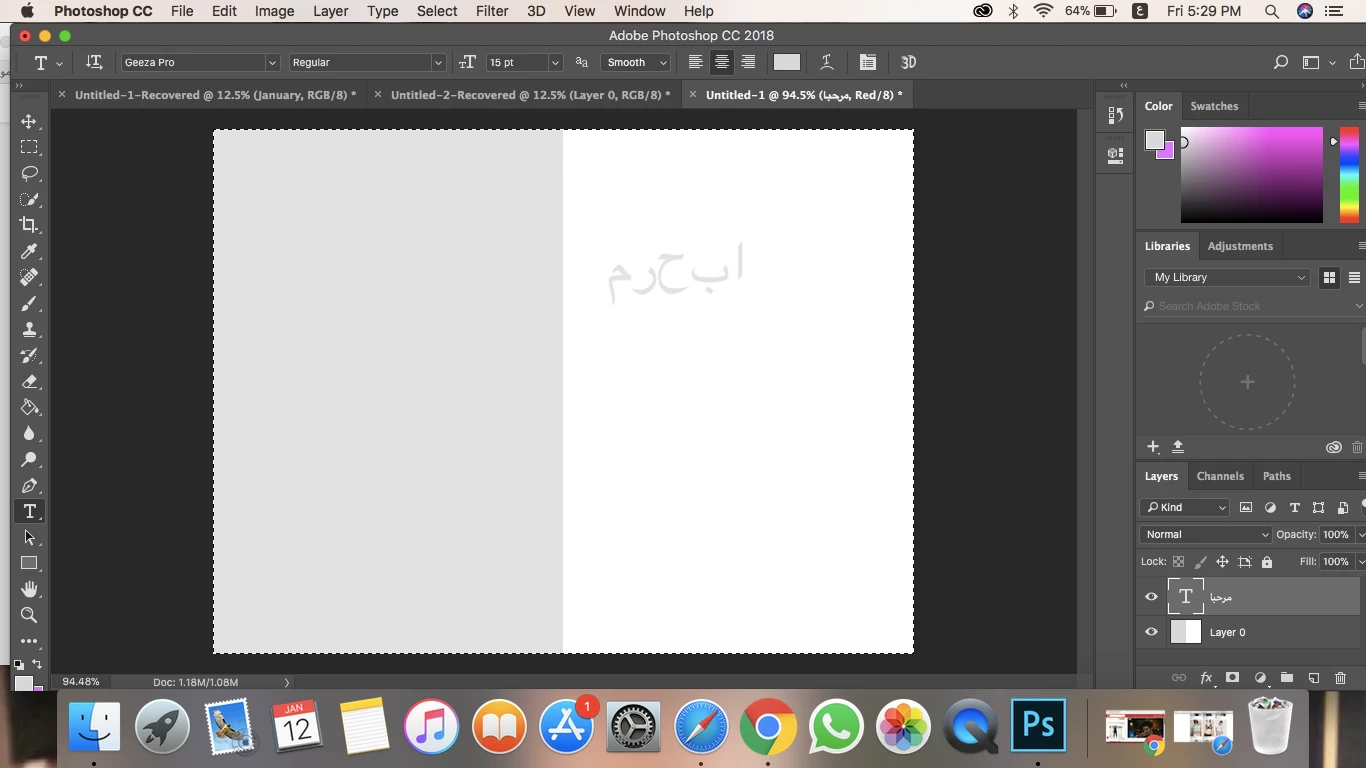

Hello, can you help me please? have a problem in the Photoshop in MacBook, I can't write Arabic, the litter is choppy and write lift to right, this is wrong Arabic is not like English.
In Preferences/Type, turn on the Middle Eastern and South Asian options:
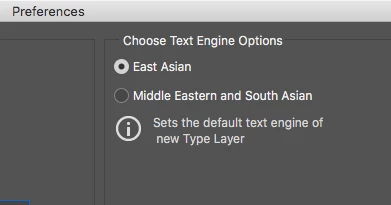
Then go to the Type menu, Languages, and enable Middle Eastern Features.
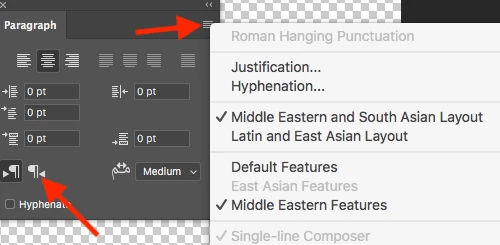
In the Paragraph panel, enable the Middle Eastern options, and the panel will then have a Right to Left button:
Already have an account? Login
Enter your E-mail address. We'll send you an e-mail with instructions to reset your password.
 AdChoices