
Participating Frequently
March 29, 2021
Question

Artboard not working

  • March 29, 2021
  • 3 replies
  • 468 views

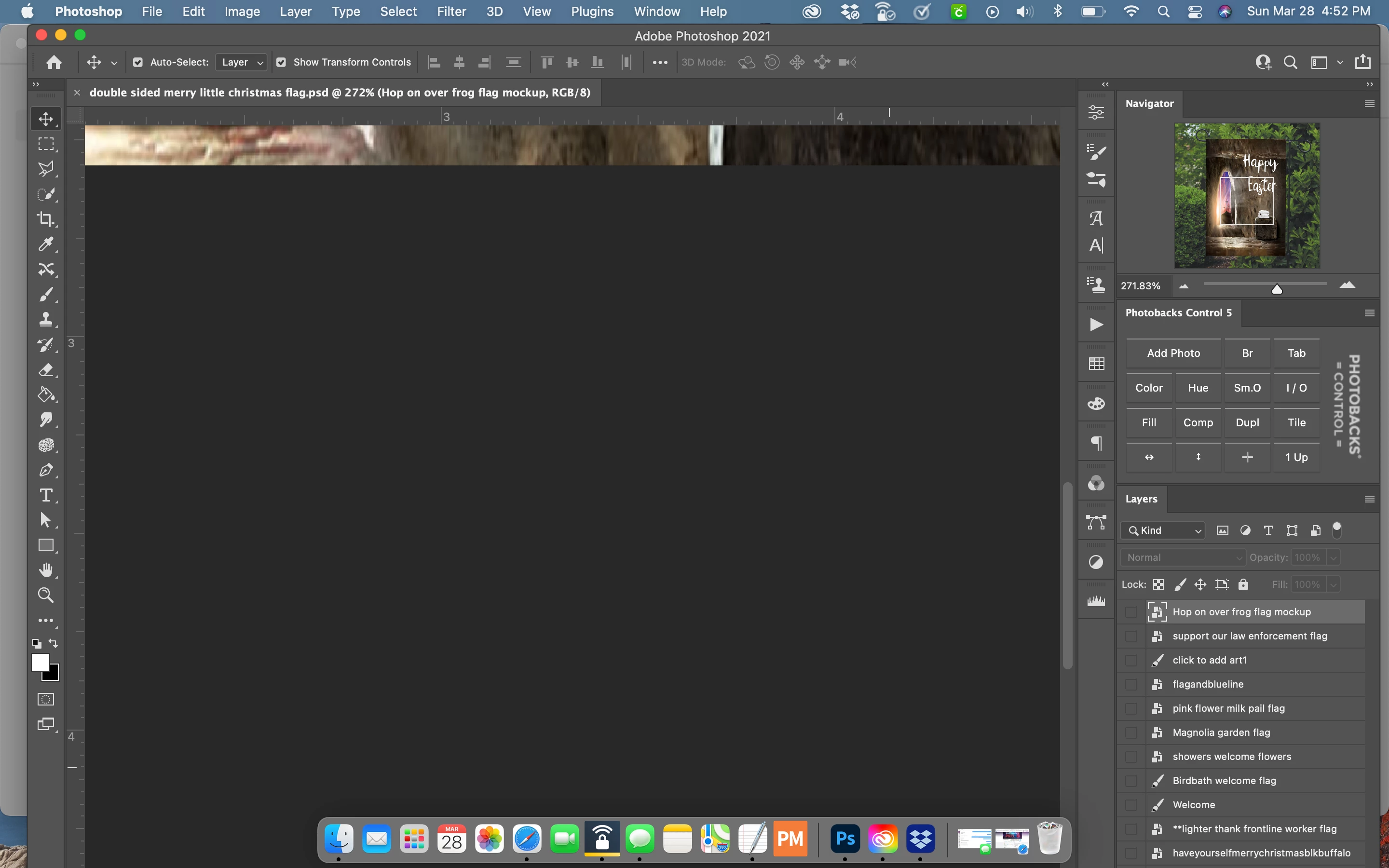
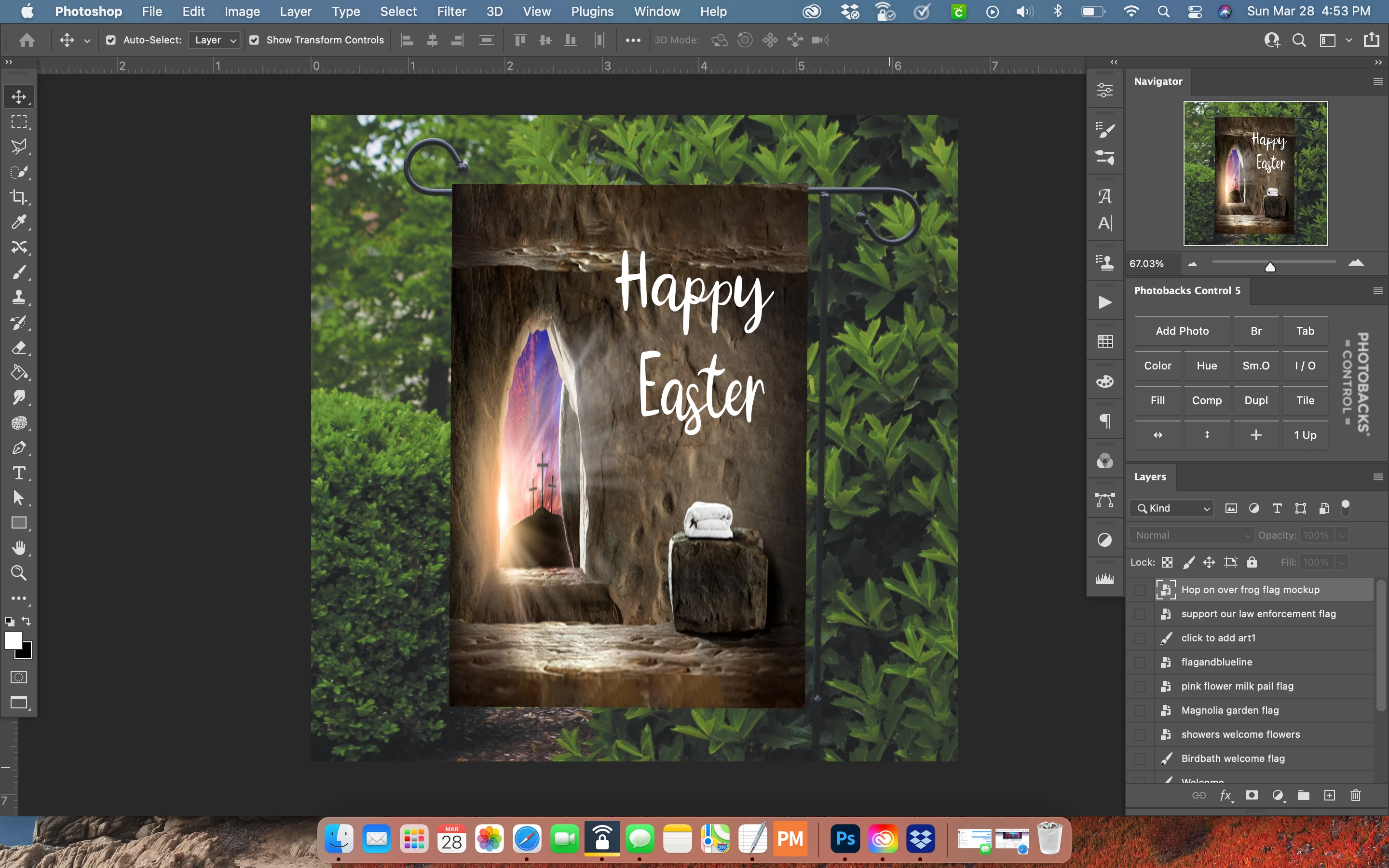
Not sure if anyone here can help me. I updated PS the other day a shortly after it crashed (happens when I change print settings-nothing new) However, since then the artboard is black if in standard mode. There are also no tabs. I can't get image to show up on artboard unless it's in full screen mode (no tabs available). In standard mode if I increase the size of navigator to 200% I can see a portion of image in standard mode but no tabs. Don't know how to fix.this. I've tried rebooting MacBook Pro but doesnt help. I even tried going back to last version. Any suggestions would be greatly appreciated. Oh if it makes a difference, I'm on a Macbook Pro. Thanks
This topic has been closed for replies.

3 replies

happie_97
Community Expert
Community Expert
March 29, 2021

I agree that Application Frame might resolve this for you. It's not native on the Mac OS, it has to be activated.

Participating Frequently
March 29, 2021

my design/image isn't showing on the artboard in standard mode.  Only a smal section if I increase it to 200% in navigator.  


Participating Frequently
March 29, 2021

Like the first photo I included.


mglush
Community Expert
Community Expert
March 29, 2021

Hi!

What version of Photoshop are you using?

Did the suggestion above for turning on the Application frame get your tabs back?

Did you still want to change the background color in standard mode to a different color than black? Here is a link that will show you how: https://planetphotoshop.com/changing-the-color-of-your-pasteboard.html


Let us know if you are still having issues and how we can help.

Michelle

Participating Frequently
March 29, 2021

I don't necessarily want to change the color, I want to be able to see my design that I opened on the artboard not just in the navigator.  I don't understand why it suddently stoped.  


S_Gans
Community Expert
Community Expert
March 29, 2021

It looks to me like you may want to turn on Window>Application Frame. 

Adobe Community Expert / Adobe Certified Instructor