
Lseeyou
Participant
June 19, 2020
Question

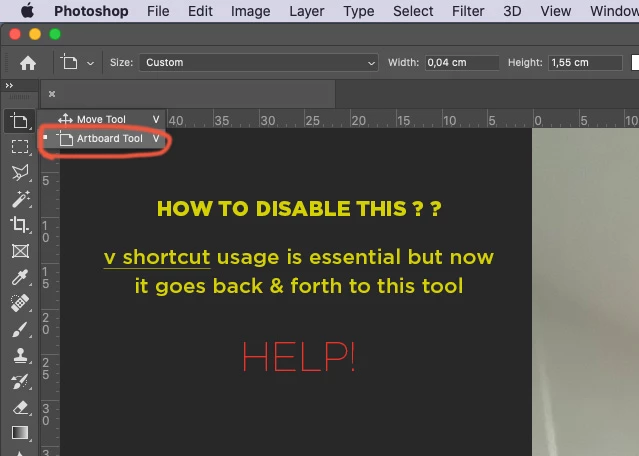
Artboard Tool disable (v shortcut)

  • June 19, 2020
  • 1 reply
  • 473 views

This tool is giving me headaches.... is there any way to fix this?


THANK YOU!
 

1 reply

jane-e
Community Expert
Community Expert
June 19, 2020

Hi

To confirm, is it pressing V by itself that does this? Check in Preferences > Tools. Do you have "Use Shift Key for Tool Switch" enabled?


~ Jane

Lseeyou
LseeyouAuthor
Participant
June 19, 2020

Dear Jane,


thanks for your reply!


So decades of Photoshop usage i will need to add SHIFT key for tool switch? I use single key to access tools and toggle between them using same key... my head is trying to make sense of this... sad day for me.


The problem with this Artboard tool it shouldnt be in the single move tool. We sometimes use this tool only to get out of any tool previous selected... or is just me?


Wow now i need to start teaching my hand to use shift + shortcut key if i need to toggle...


Thank you once again for your time in helping me.


Have a GREAT DAY!