

Question
Artboards don't load on Photoshop
Hi there,
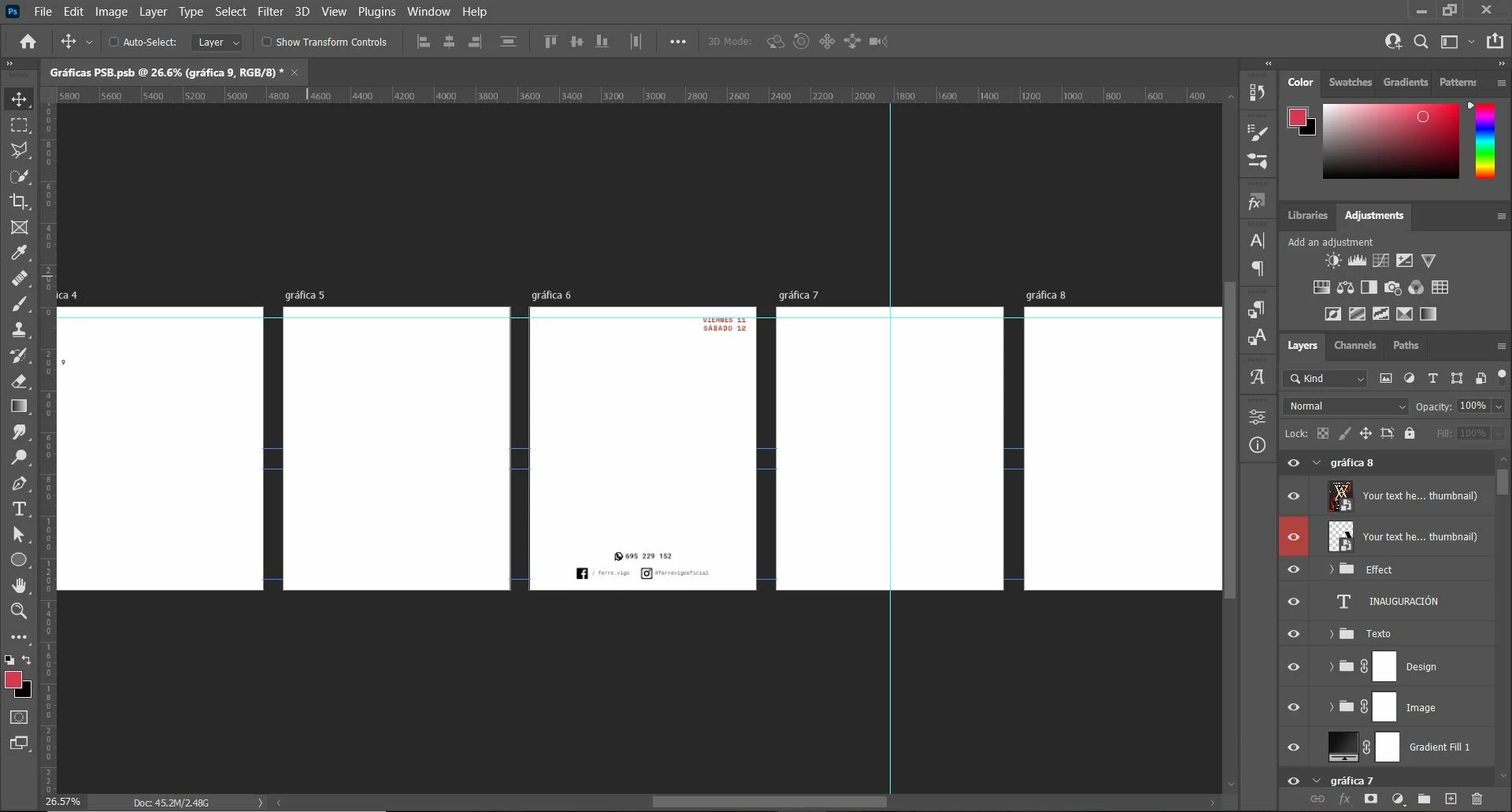
I have a 10 artboard PSD file and all of a sudden the artboards stopped displaying but the layers still exist as you can see here:
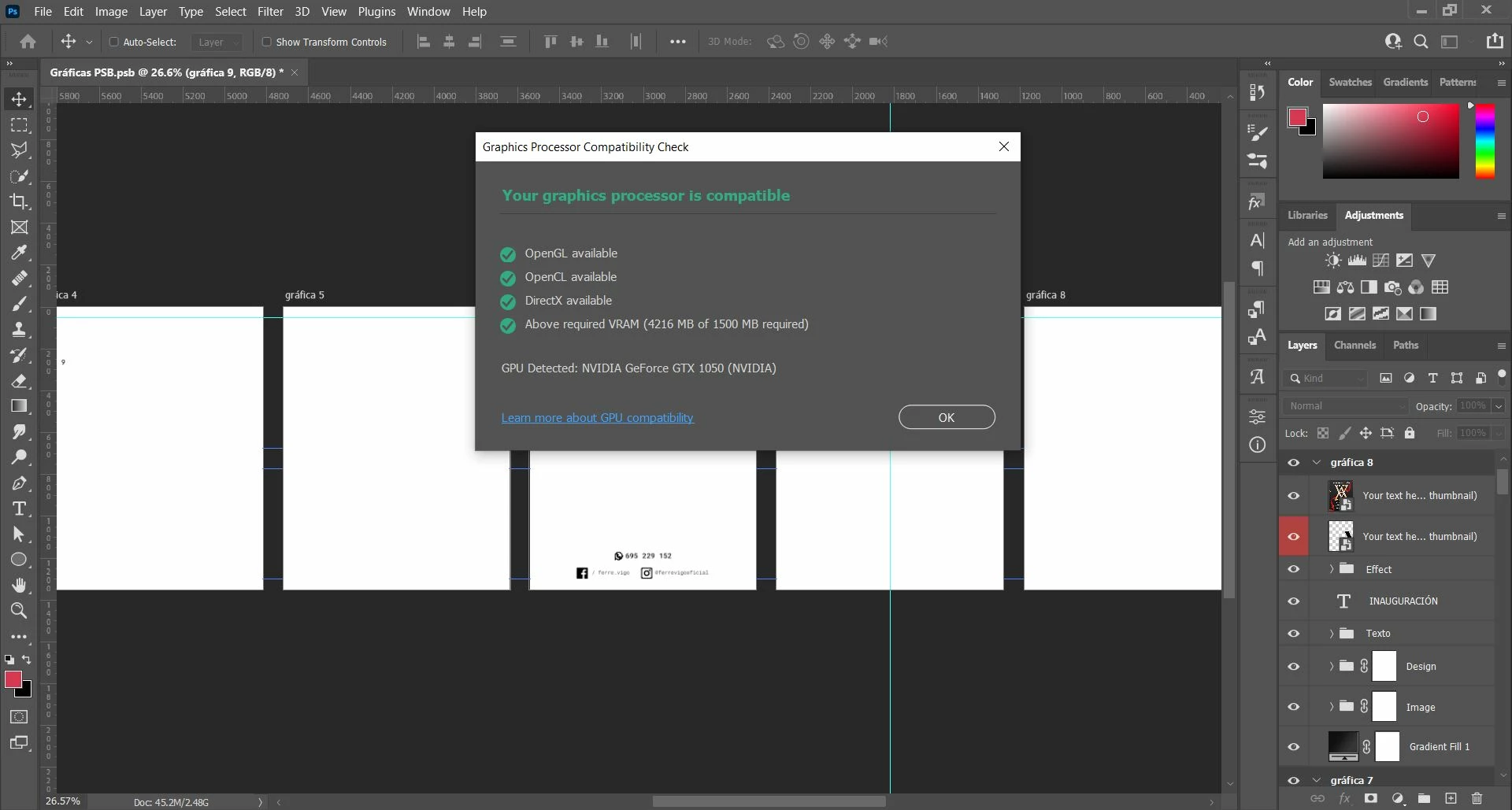
My GPU is compatible as you can see here:
And finally, my sistem info is:
Adobe Photoshop Version: 23.1.0 20211208.r.143 83e47c5  x64
Number of Launches: 247
Operating System: Windows 10 64-bit
Version: 10 10.0.19043.1586
System architecture: Intel CPU Family:6, Model:14, Stepping:9 with MMX, SSE Integer, SSE FP, SSE2, SSE3, SSE4.1, SSE4.2, AVX, AVX2
Physical processor count: 4
Processor speed: 2496 MHz
Built-in memory: 8054 MB
Free memory: 3091 MB
Memory available to Photoshop: 5419 MB
Memory used by Photoshop: 85 %
SAM SDK Version: 2.0.0-main.950
ACP.local Status:
 - SDK Version: 1.50.2
 - Core Sync Status: Reachable and compatible
 - Core Sync Running: 5.6.2.1
 - Min Core Sync Required: 4.3.66.0
ACPL Cache Config: ^4
Live Edit Client SDK Version: 3.86.01
Manta Canvas: Enabled.
Alias Layers: Disabled.
Modifier Palette: Enabled.
Highbeam: Enabled.
Image tile size: 1024K
Image cache levels: 4
Font Preview: Medium
HarfBuzz Version: 2.8.1
TextEngine: Unifed Text Engine
 ======= GPU
Native API stable: True
OpenGL API stable: True
OpenCL API stable: True
GPUDeny:               0
GPUForce:              0
useGPU:                1
useOpenCL:             1
isGPUCapable:          1
GPUName:               NVIDIA GeForce GTX 1050
GPUVendor:             NVIDIA
IsNativeGPUCapable:    1
IsOpenGLGPUCapable:    1
IsOpenCLGPUCapable:    1
HasSufficientRAM:      1
  GPU accessible RAM:                 4,216 MB
  Required GPU accessible RAM:        1,500 MB
UseGraphicsProcessorChecked:   1
UseOpenCLChecked:              1
Windows remote desktop:  0
Please, I need help as I literally have no idea what can be causing the issue and I've just lost all my clients files with this issue.
Thanks in advance.
Kind regards,
Fabs.
 AdChoices