Participant
November 29, 2018
Question

ARW file will not open with latest camera raw 11.0.0.61 and Photoshop CC 20.0.1

  • November 29, 2018
  • 4 replies
  • 2887 views

I just downloaded a new version of Photoshop after the black Friday sale, and tried to open some .ARW files from my Sony a6300.

Unfortunately the app is giving me the "unable to open, this is the wrong type of file"

Now I can download the DNG: Adobe Digital Negative Converter but i'll be working with Alpha Raw a lot.

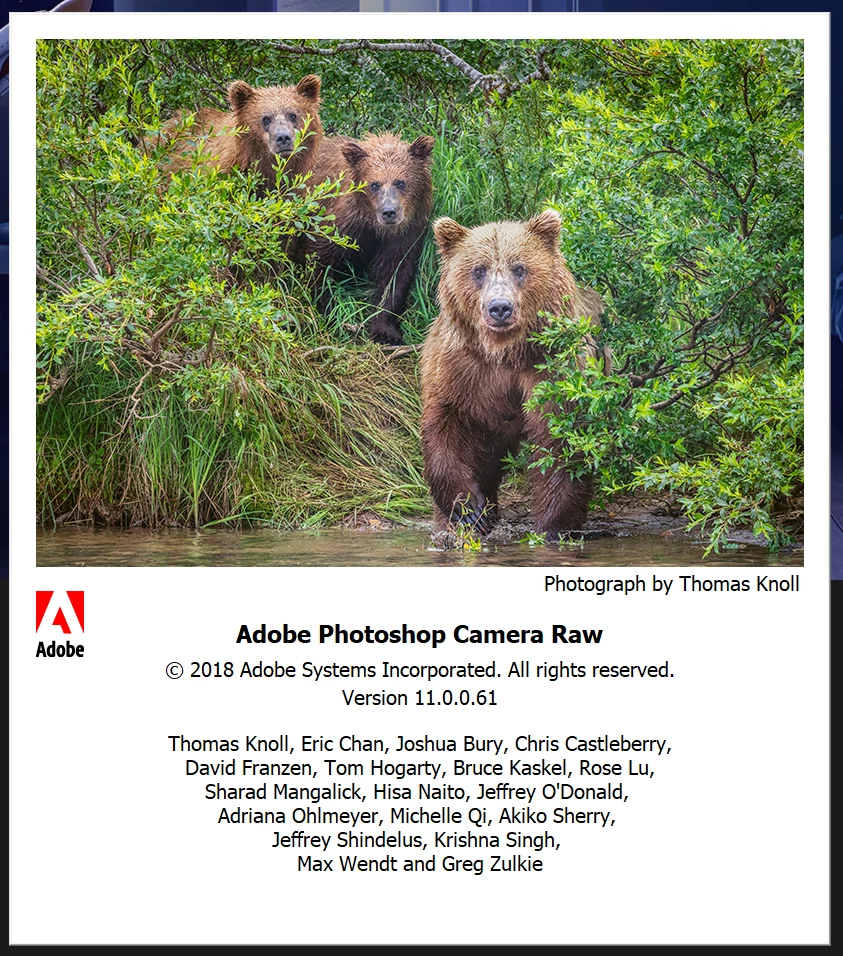
As you can see I have the latest camera raw update, why can't I open ARW??? AHhhhh. Thanks!
This topic has been closed for replies.

4 replies

PECourtejoie
Community Expert
Community Expert
December 3, 2018

And does the DNG converter work on these files?

PECourtejoie
Community Expert
Community Expert
December 3, 2018

Hello, did you try other .ARWs, or just a single one? The file might be corrupted ?

Benjamin Root
Legend
November 29, 2018

Have you been able to open files from this particular A6300 in a previous version of Camera Raw/Photoshop?

You could try resetting Camera Raw‘s preferences:

One other thought.... Do you already have Photoshop open when attempting to open the raw files? Perhaps the files are trying to open in an old version of Photoshop?

Chuck Uebele
Community Expert
Community Expert
November 29, 2018

Damn, Benjamin, I missed the OP mentioning the A6300.

Benjamin Root
Legend
November 29, 2018

Details are always easy to miss! Especially when it’s late as it is!...or is it early? Lol.. 1:28 AM here

Chuck Uebele
Community Expert
Community Expert
November 29, 2018

Which camera model are the files from?