

cpjalufka
Participant
January 22, 2020
Question

Attempting To Change Font in Photoshop 2020 Crashes Application

  • January 22, 2020
  • 4 replies
  • 4871 views

I'm on an iMac (27" Mid 2011) running mac OS High Sierra 10.13.6. I'm running  Photoshop 2020 21.0.3
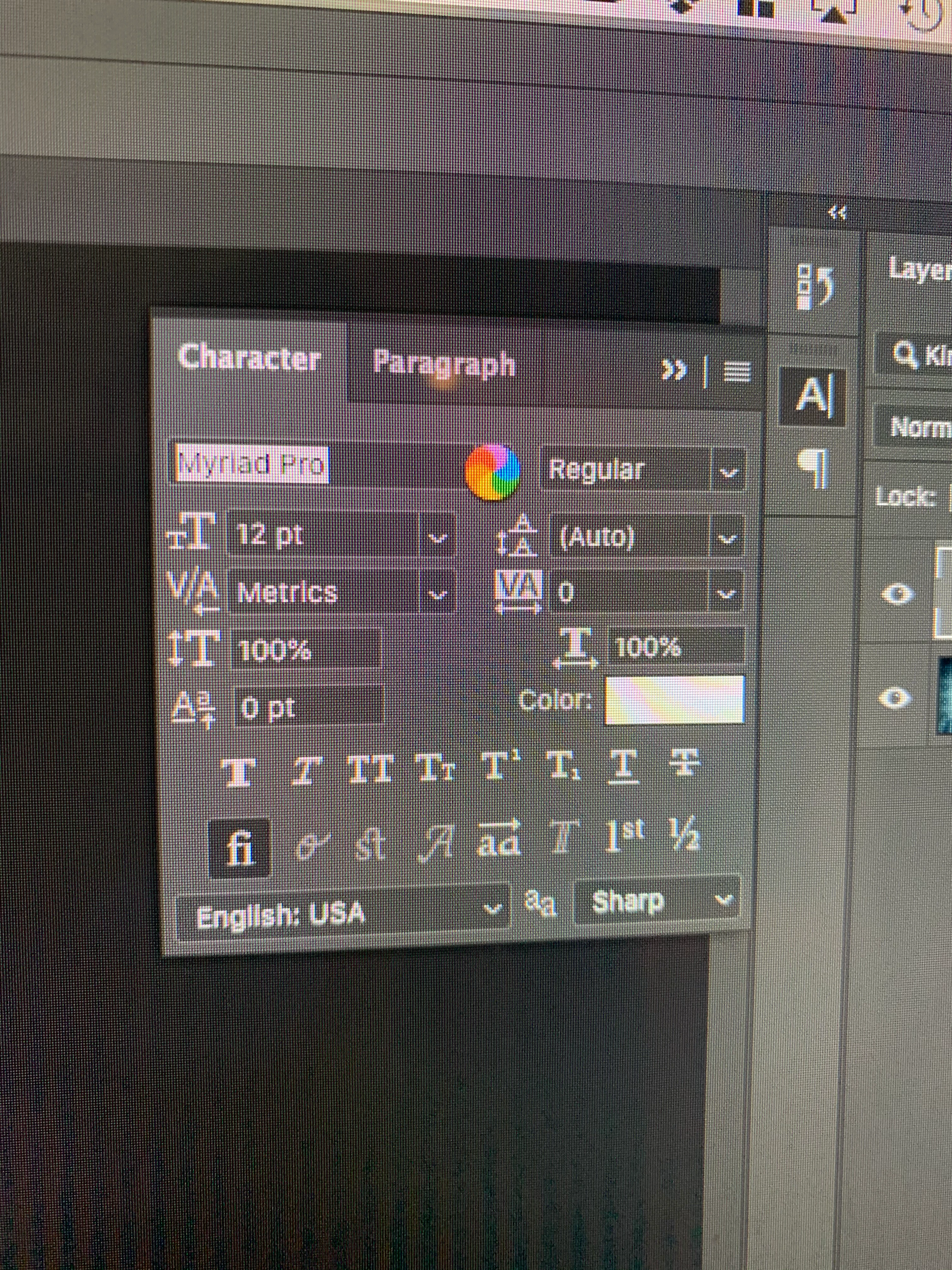
 

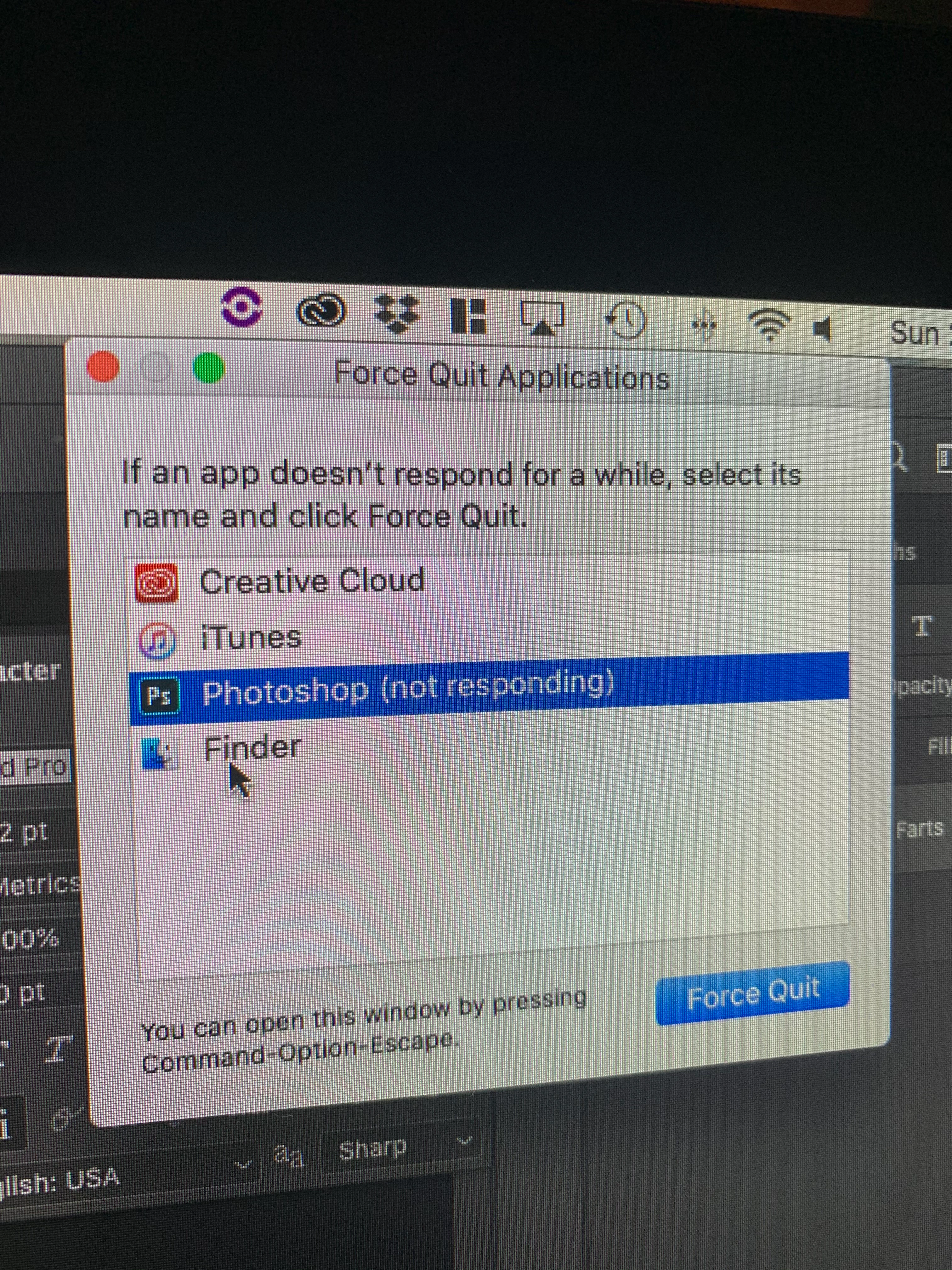
I can create a new type layer in Photoshop (2020 21.0.3) but if I try to change the font from the font dropdown menu I get the spinning beachball and a message that Photoshop is not responding. I have uninstalled and reinstalled Photoshop as well as done each of the recommended fixes found here -- https://helpx.adobe.com/photoshop/kb/troubleshoot-fonts-photoshop.html  - and nothing has solved the issue. Any thoughts?


I'm on an iMac (27" Mid 2011) running mac OS High Sierra 10.13.6. I'm running  Photoshop 2020 21.0.3
 

This topic has been closed for replies.

4 replies

Participant
April 8, 2022

anyone solved?

i´ve only the stocks fonts

and a mac with 64gb of memory

and still crashing.


Legend
April 8, 2022

We need a lot more info since you are not the OP. What version of macOS? What version of Photoshop? When does it crash and do you get a crash report? Are you having problems in other software (Pages? TextEdit? etc?) Have you turned off all unneeded fonts in Font Book?

Participant
April 8, 2022

already tried all the PS versions, already turned off all the fonts and still the same

crashing when chaging fonts, object selection tool, sometimes when try to open files ...

here the system info

https://docs.google.com/document/d/1xEEeAS4uLIofFFNXwlIiHC3y7j_H5qowsfT8hrwfeIs/edit?usp=sharing


mzampitelli
Known Participant
April 27, 2020

I have the same problem, from one day to the other. I have a maxed out mac 2019, i can't believe it's because i have too many fonts. I am a graphic designer. And this is a product i pay 1000 euro per year. 

Participant
December 18, 2021

Did you ever have this problem resolved? This JUST started to be an issue as of last night. I highly doubt I have "too many fonts" but I've tried every step that Adobe suggested to no avail. I'm trying to simply choose another font to type out a few words and finish a project of mine. I even ran the latest update available today in hopes that it would resolve this bug but it didn't. Beyond frustrated!!

Inspiring
January 22, 2020

Here is a page on Adobe Font Support: https://helpx.adobe.com/photoshop/kb/troubleshoot-fonts-photoshop.html


Font Issues:

Damaged fonts can cause various problems in Photoshop, some of which don't appear to be font-related.

1: Update Photoshop to the most recent version
2: Turn off Font Preview in Photoshop preferences
3: Remove fonts
4: (Mac OS) Validate all fonts through the Font Book Mac OS application
5: Use the FontTest script to determine if there are damaged fonts on your computer
6: Delete the Photoshop font cache
7: Delete the system font cache
8: Isolate the font causing the problem (Mac OS only) 


Preference Issues:

Make sure the product is updated as Adobe may have fixed any issues. 

1. Create a new user and see if the problem still persists. If the problem does not then it is a problem in your user's preferences.

2. Try another good Mac. If it works here then it is a problem with the local preferences


File Corruption Issues:

1. Try another file. If the other file works then the original file may be corrupted. 

-----------------------

Fixing Font Issues:

https://helpx.adobe.com/photoshop/kb/troubleshoot-fonts-photoshop.html


Fixing Local Preference Issues:

Reset your preferences. Under Adobe Photoshop Preferences>General choose Reset Preferences On Quit then restart your application.


Fixing Installtion Issues:

The nuclear option is using the Adobe Cleaner: https://helpx.adobe.com/creative-cloud/kb/cc-cleaner-tool-installation-problems.html


cpjalufka
cpjalufkaAuthor
Participant
February 1, 2020

Perhaps I did something wrong, but after going through all the options multiple times, still, no luck on changing a font in a new or old .psd file without Photoshop "not responding." I also kept it at that point for 2 hours to see if it would eventually respond, and no luck. Finally used Adobe Cleaner and that didn't fix it either, but now InDesign (my main software for work) is not opening. It's getting stuck on launch ats "starting up service registry." 

Kevin Stohlmeyer
Community Expert
Community Expert
February 3, 2020

I'm pretty sure you have a combination of too many fonts active and not enough RAM available.

Try deactivating the bulk of the fonts and see how your computer responds.

Kevin Stohlmeyer
Community Expert
Community Expert
January 22, 2020

What are you using for font management? How many active fonts do you have currently?

Everytime I see this - its an overload of active fonts.

cpjalufka
cpjalufkaAuthor
Participant
January 29, 2020

Not really using anything for font management. I get by with the most barebones tools in Photoshop, should really learn how to use it more effectively! I have about 480 fonts. 

Kevin Stohlmeyer
Community Expert
Community Expert
January 29, 2020

do you mean 480 individual font files or 480 font families?