
Question
Auto blend layers, totally black masks
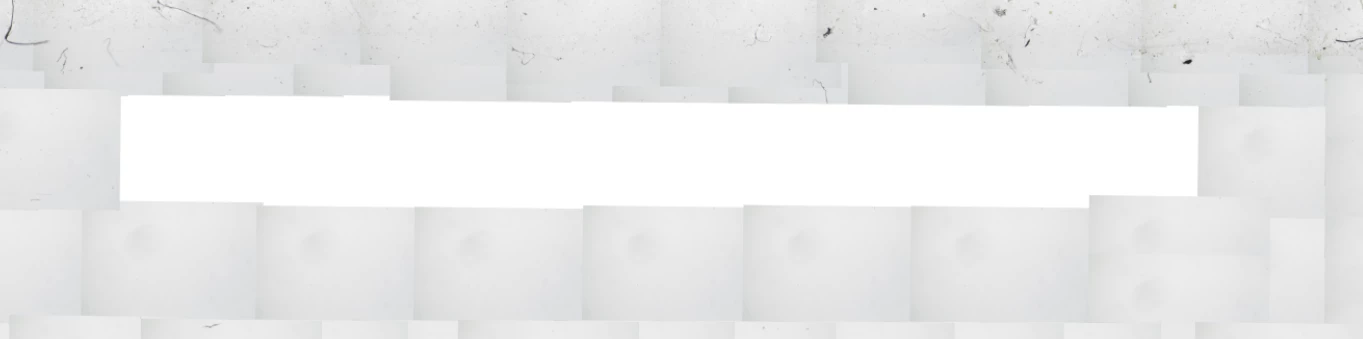
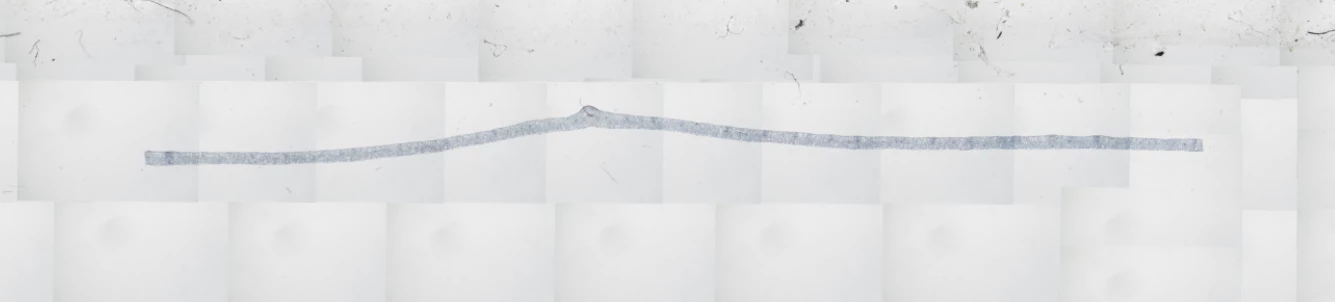
I have a very large file, with over 700 images loaded in as layers and placed manually. I want to use auto blend panorama to blend the tonality of a few layers at a time. I select the desired layers and click Edit, Auto Blend Layers, Panorama. But, all the layer masks are black, so that section of the overall image is now missing. I know this is an old problem in PS. I'm using Photoshop CC 2018. Tried going back to CS6, which previous posts said worked. But, that did not work, either.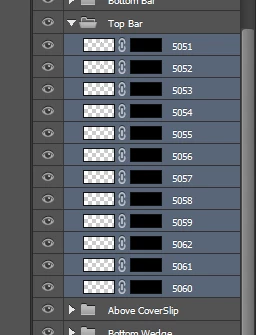
 AdChoices