It should work. However, if you have any problem with Batch dialogue, actually with Save step and you can not figure out what the problem is why not using Image Processor which offers JPEG format to save and option to run action during batch process.
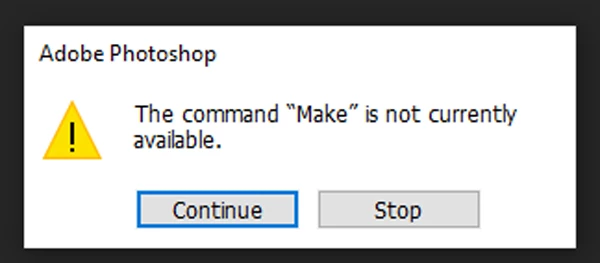
It seems you solved problem with Make not available. One of the reasons for error message can be color mode so if problem persist then it can be wise to record step at the beginning of action to convert color mode to RGB and prevent problem with Make of adjustment layer not available. To record step to convert color mode do the following:
- Convert image to some other color mode like Grayscale for purpose to record step in action.
- Start recording action.
- Go to Image > Mode > RGB.
Another way of doing same thing without to convert image to some other color mode is to use Insert Menu Item command > then navigate to Image > Mode > RGB to record step:
Convert Mode
To: RGB color mode / when expanded
You can also record step to convert to lower bit mode if you still have problem because that is another option which can cause problem because not all adjustment layers are available for 32 bit mode.

 AdChoices