Answered
Automate: Merge to HDR Pro: How to fix incorrect EV values
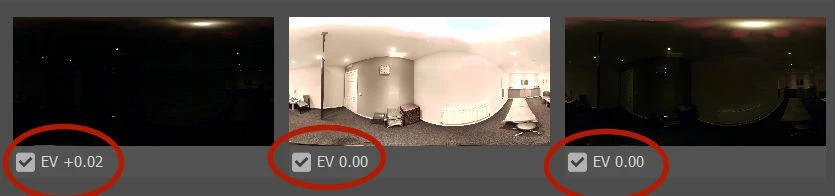
I'm trying to use Merge to HDR Pro, but find that Photoshop has used the wrong EV values for the files that I chose, also resulting in the wrong stacking order.
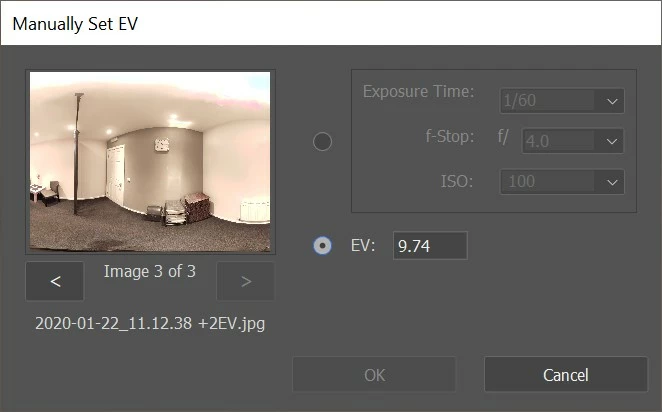
- Is there a way to tell Photoshop the correct values? I only seem to be able to uncheck one file.
- Where does Photoshop acquire these values?
Am running Photoshop 21.0.2 on Win10
 AdChoices