Answered
Automate pdf issue
Hello, when I use the automate pdf feature of Photoshop 21.1.2, it creates a multi-page pdf with zoomed or shrinked pages, but all the pages have exaclty the same size : 1700x2338 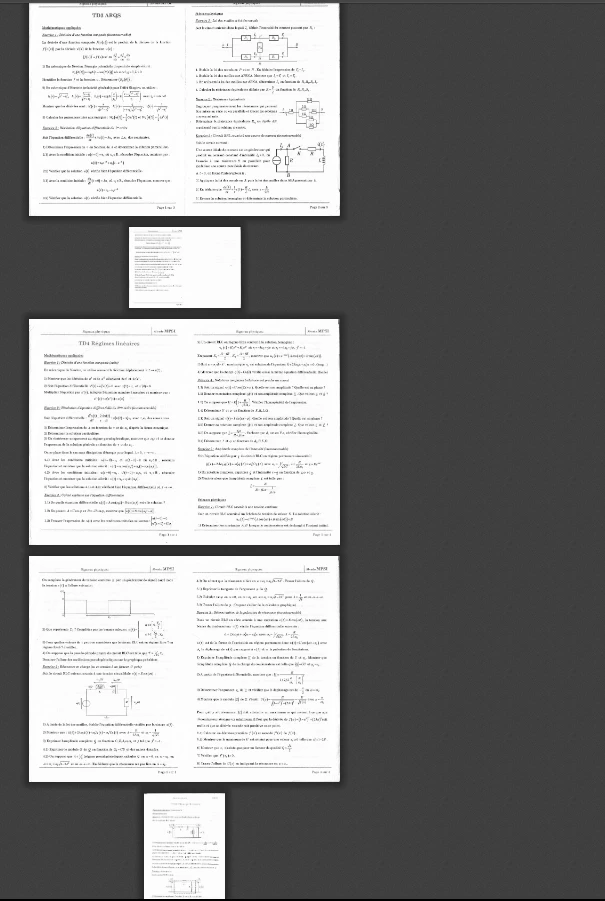
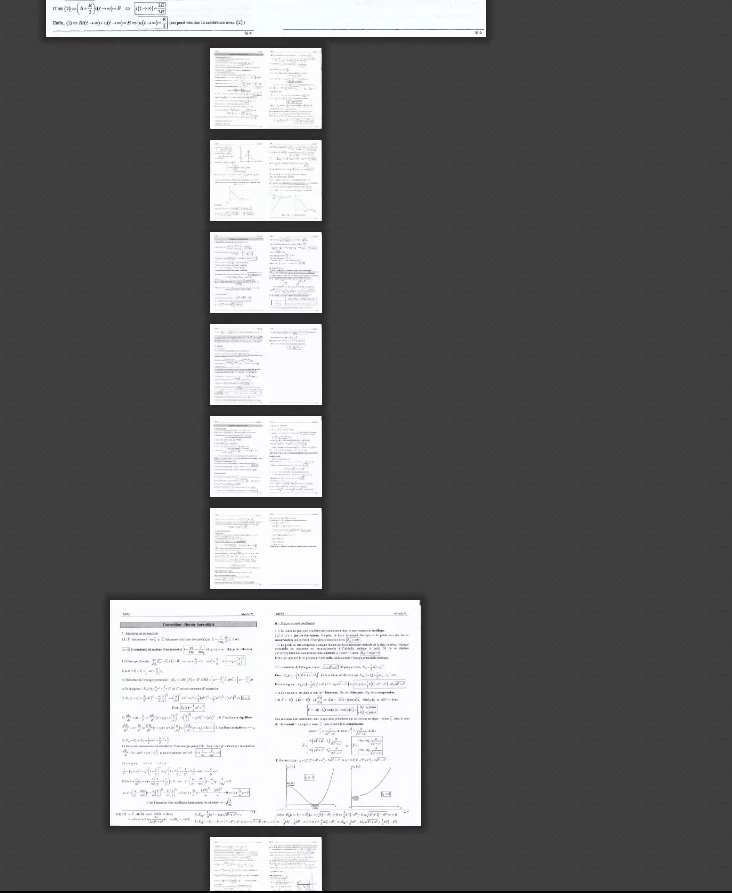
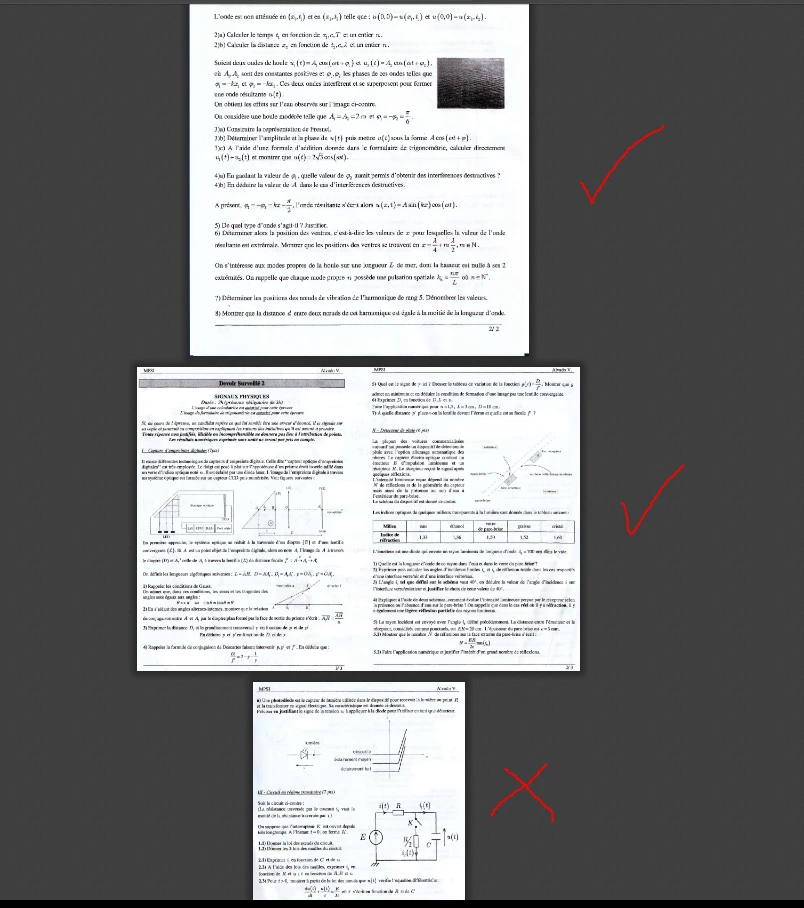
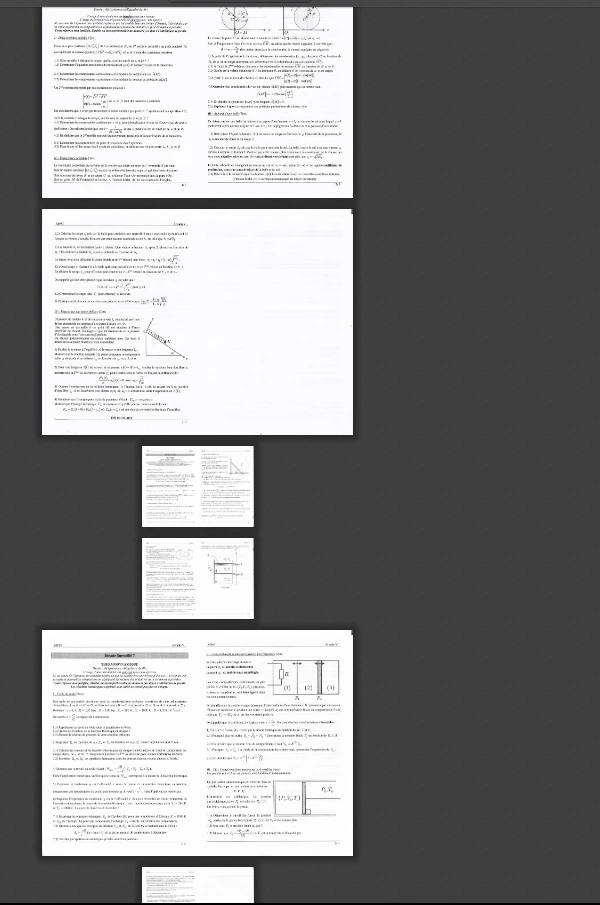

Hello, when I use the automate pdf feature of Photoshop 21.1.2, it creates a multi-page pdf with zoomed or shrinked pages, but all the pages have exaclty the same size : 1700x2338
https://www.dropbox.com/sh/hshyya8h60p6xty/AADV3xM7lTFTR6Pfc5Fb1w5ia?dl=0
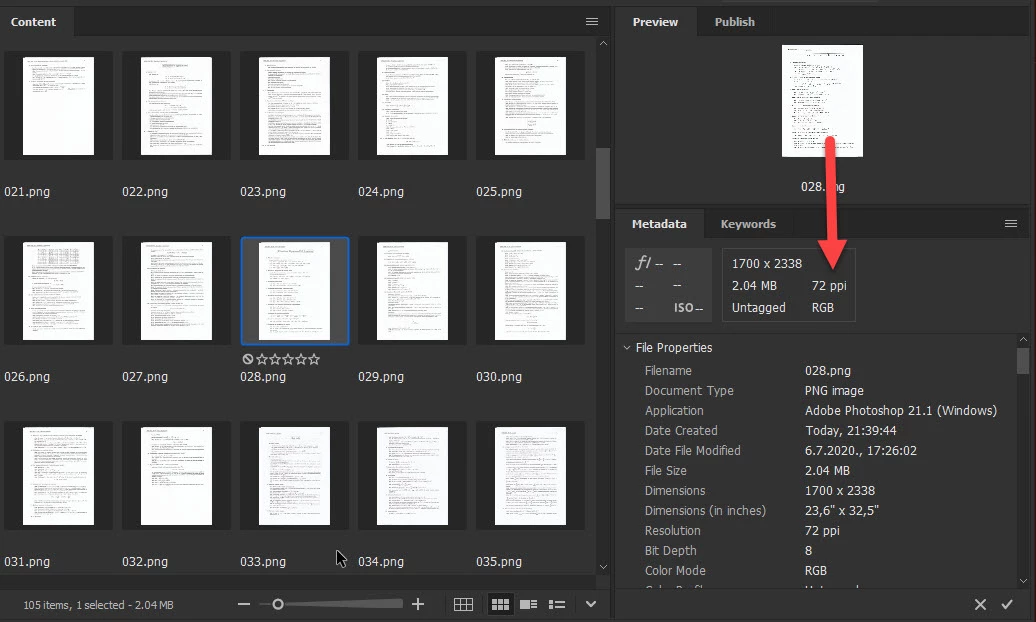
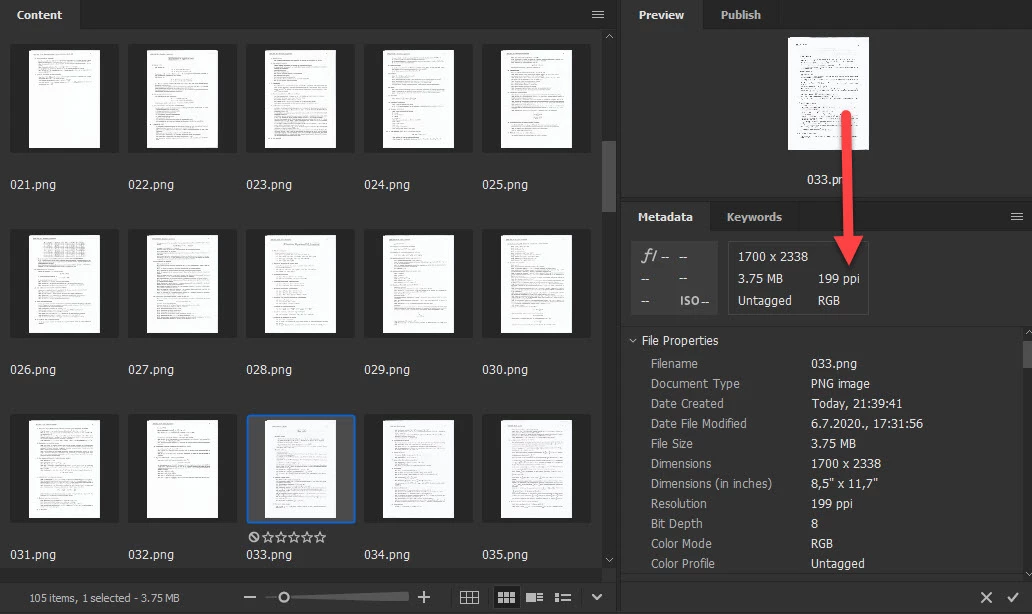
I found that files number 006.png, 022.png, 023.png, 024.png, 028.png, 029.png... has different resolution 72ppi while other files has 199ppi resolution, perhaps that is problem? Try to change resolution of mentioned and perhaps some other file with lower resolution to matching res with other files and see if that works.
Already have an account? Login
Enter your E-mail address. We'll send you an e-mail with instructions to reset your password.
 AdChoices