
Participant
December 27, 2011
Question

Automatic Detection of Scale Bar/Insert New Scale Bar

  • December 27, 2011
  • 2 replies
  • 1704 views

Two quick questions.  I have never scripted much, but I have an idea which would help my workflow professionally. 

The first questions is whether there are any professional services which I might be able to contract in order to have a script developed? 

The second question is in regards to whether my scripting idea would even be possible in Photoshop. 

I do research using electron microscopes, and as such in every micrograph I collect there is a scale bar.  Unfortunately, the scale bars are not aesthetically pleasing, and so I bring them into Photoshop.  Typically I will rescale, cut, paste, etc to use the images to tell the story about the data.  One of the things I always do is draw a line trace over the scale bar on the image (typically with my own font and applied stroke) and then adjust it (whether I want to double the scale, etc) to make it look more professional.  On all of my micrographs there is a black information bar with white lettering and a white scale bar (see attached).  Is there any way to write a script that would automatically read the region where the scale bar is located and then draw a new layer with a line the same size (with the line properties desired) using a Fourier transform or some other mathematical algorithm?  If that is possible, the next step would be to read the scale bar size and do a similar function with inserted text.
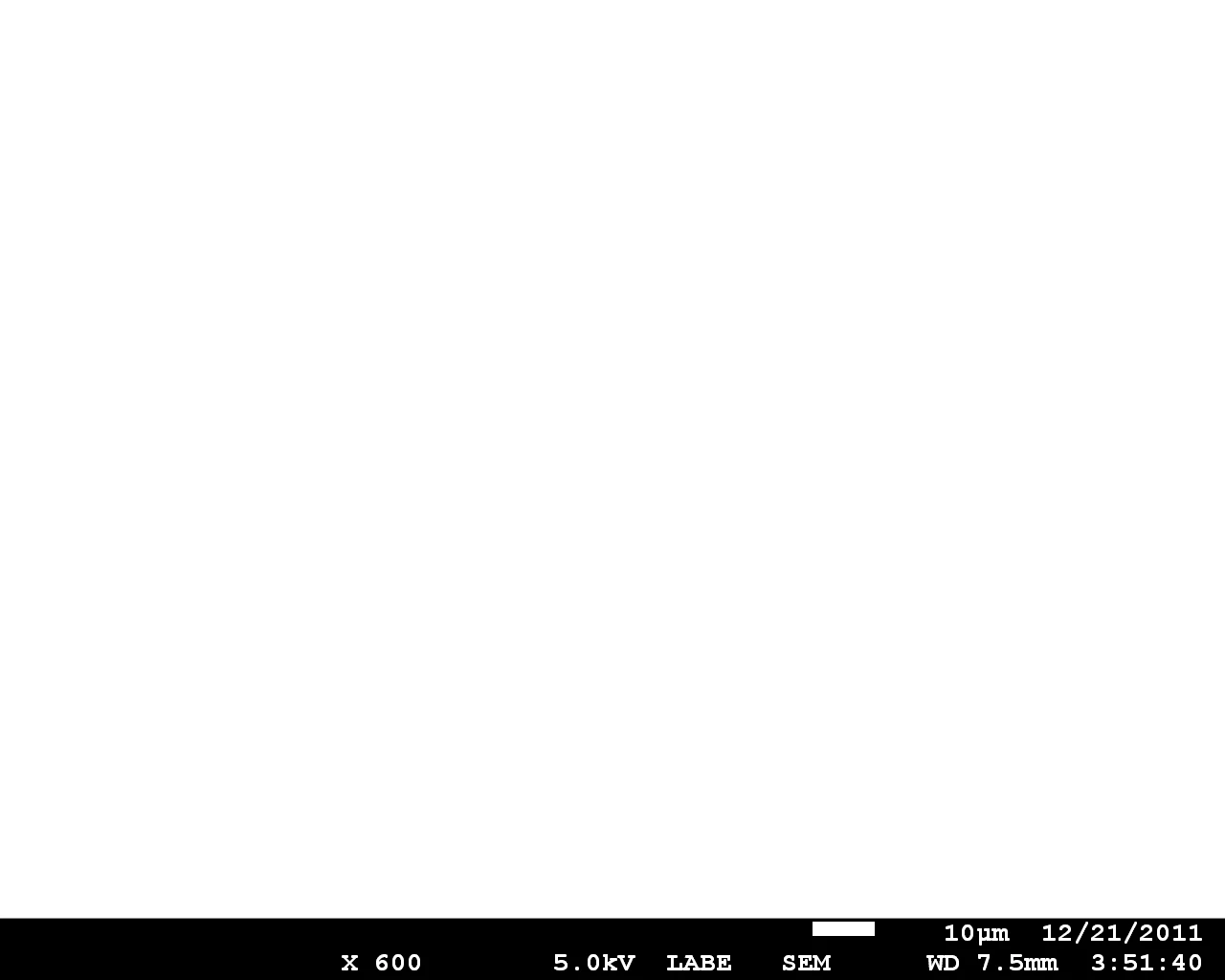
Thanks,

Matt

This topic has been closed for replies.

2 replies

c.pfaffenbichler
Community Expert
Community Expert
December 29, 2011

Have been approached by anyone of the pros yet?

If not it might be possible to get the size of the white rectangle from a Work Path.

Are the images all grayscale and is the whole bar always the same size and position?

olszta77Author
Participant
December 29, 2011

No, you are the only response I have gotten thusfar.

I have never used Work Paths before, so I am not sure.

The images are grayscale, and the scale bar is always in the same position,

but not the same size (width wise). I take images at many differetn

magnifications, so each image could vary in the length of the scale bar.

Hence, each time I want to make a custom scale bar and cut off that black

banner at the bottom, I need to make a new layer by drawing a line matching

the scale.

Thanks

Matt

c.pfaffenbichler
Community Expert
Community Expert
December 30, 2011

Michael,

Yes, most microscope companies do have information in the tiff file, but

the way our microscope works is that a separate text file is made with each

.tiff file. It is the text file that contains all of the pertinent data

(such as scale bar length in pixels). While I could write something to

utilize this, it would mean I would always have to know the location of the

text file. Unfortunately, this probably wouldn't work well.

I do like the function of inserting a scale bar, and I can see that being

useful.

Thanks

Matt


If the bar only varies in width, this might help to create a layer of the size of the bar:

// 2011; use it at your own risk;

#target photoshop

if (app.documents.length > 0) {

var myDocument = app.activeDocument;

// set to pixels;

var originalRulerUnits = app.preferences.rulerUnits;

app.preferences.rulerUnits = Units.PIXELS;

//

myDocument.selection.load(myDocument.channels[0], SelectionType.REPLACE);

myDocument.selection.select([[0,960], [975,960], [975,992], [0,990]], SelectionType.INTERSECT, 0, false);

myDocument.selection.makeWorkPath(1);

var theBar = solidColorLayer(128,128,128);

theBar.name = "scalebar";

// reset;

app.preferences.rulerUnits = originalRulerUnits;

};

////// function to create a solid color layer //////

function solidColorLayer (theRed, theGreen, theBlue) {

// =======================================================

var idMk = charIDToTypeID( "Mk  " );

    var desc3 = new ActionDescriptor();

    var idnull = charIDToTypeID( "null" );

        var ref1 = new ActionReference();

        var idcontentLayer = stringIDToTypeID( "contentLayer" );

        ref1.putClass( idcontentLayer );

    desc3.putReference( idnull, ref1 );

    var idUsng = charIDToTypeID( "Usng" );

        var desc4 = new ActionDescriptor();

        var idType = charIDToTypeID( "Type" );

            var desc5 = new ActionDescriptor();

            var idClr = charIDToTypeID( "Clr " );

                var desc6 = new ActionDescriptor();

                var idRd = charIDToTypeID( "Rd  " );

                desc6.putDouble( idRd, theRed );

                var idGrn = charIDToTypeID( "Grn " );

                desc6.putDouble( idGrn,theGreen );

                var idBl = charIDToTypeID( "Bl  " );

                desc6.putDouble( idBl, theBlue );

            var idRGBC = charIDToTypeID( "RGBC" );

            desc5.putObject( idClr, idRGBC, desc6 );

        var idsolidColorLayer = stringIDToTypeID( "solidColorLayer" );

        desc4.putObject( idType, idsolidColorLayer, desc5 );

    var idcontentLayer = stringIDToTypeID( "contentLayer" );

    desc3.putObject( idUsng, idcontentLayer, desc4 );

executeAction( idMk, desc3, DialogModes.NO );

return app.activeDocument.activeLayer

};

c.pfaffenbichler
Community Expert
Community Expert
December 28, 2011

The first questions is whether there are any professional services which I might be able to contract in order to have a script developed?

As far as I know some of the regulars in this Forum offer their services professionaly but you could also ask over at

http://ps-scripts.com/bb/