Participant
October 13, 2018
Answered

Background

  • October 13, 2018
  • 3 replies
  • 531 views

Hello, i have been trying find best way to remove background from images:

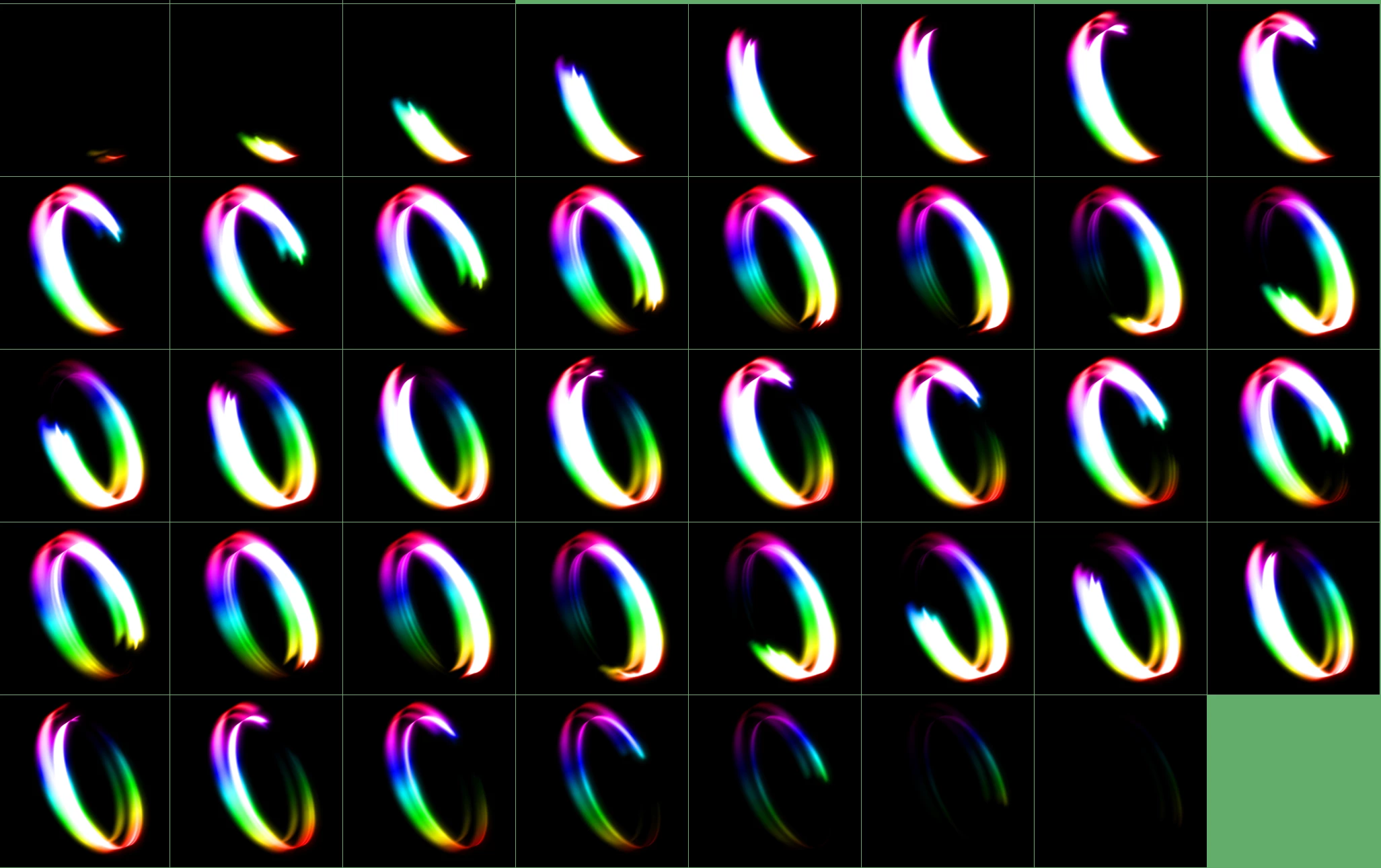
Example:
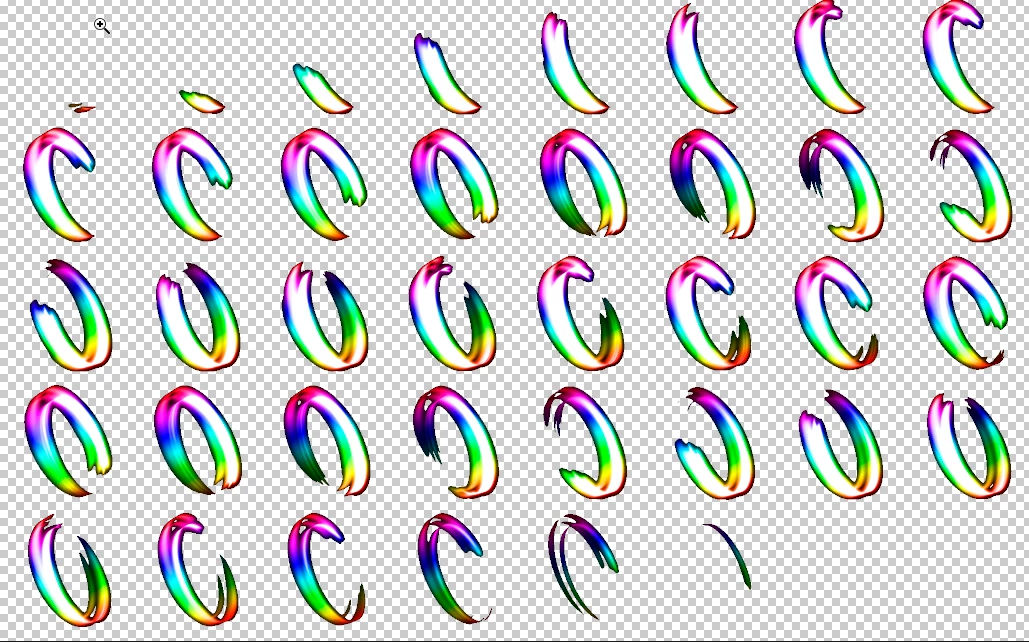
     Using Photoshop magic wand tool, it leaves the background color as outline:
  

   Then i found this tutorial, that uses adobe after effect and a plugin named unmult

   Result:
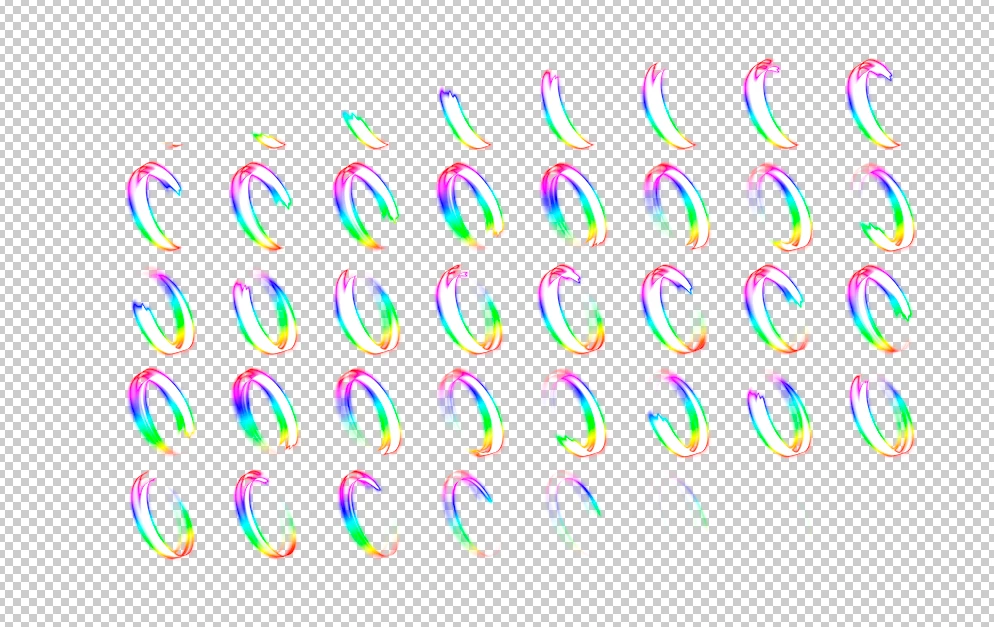
  The problem is the image got a specie of fog? dont know how to describe it, its like a shadow

  (ignore the black background, added it again, to make the problem visible)
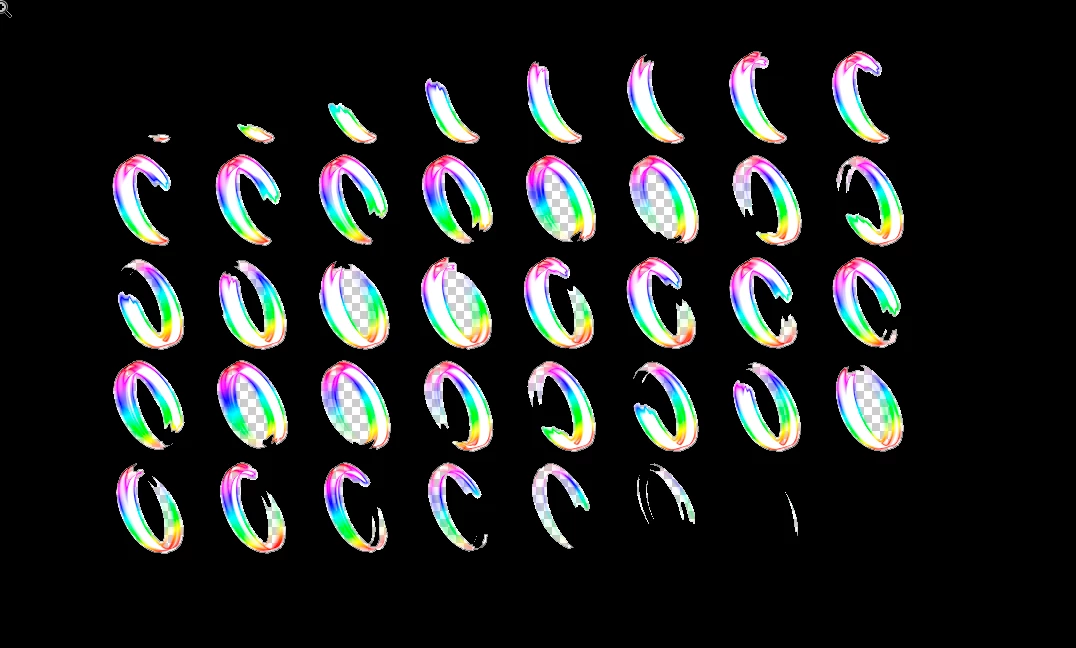
   I already tried, do a background with a color that don't have in the main image and merge both, then used color range, magic eraser nothing leaves a satisfactory    result, do someone knows how i can remove that "fog" or "shadow" ?

This topic has been closed for replies.
Correct answer davescm

Try magic wand with tolerance set to 100 sample point and Contiguous ticked. Select the background and use clear to erase

Results against a white background for clarity

Dave

3 replies

Norman Sanders
Legend
October 13, 2018

I am not quite sure what you are referring to but perhaps this will help:

1. Move the Background layer lock to the trash

2. Put a new blank layer below the image layer

3. Return to the image layer and click on it in the Layers panel to bring up Layer Style

4. In the Blend If section slowly move the top left slider to the right.

5. If the cut-off is too abrupt, hold down the Alt key to split the slider and move the right half slightly.

The Blend If sliders and result are below:

C7aesa7rAuthor
Participant
October 13, 2018

JJMack

Hello, do i did something wrong ? the result still leaves a black outline

EDIT: magic wand tool - YouTube

I tried expand 2, 5, 6 px

The result aren't so good than this one

The problem is that fog,shadow

davescm
Community Expert
davescmCommunity ExpertCorrect answer
Community Expert
October 13, 2018

Try magic wand with tolerance set to 100 sample point and Contiguous ticked. Select the background and use clear to erase

Results against a white background for clarity

Dave

JJMack
Community Expert
Community Expert
October 13, 2018

Go back to step 1  Magic wand contiguous

add step 2  Select>Modify>Expand try 2 px

Step 3 clear

How you remove a backgrond depends on the image's content. Masking is usually the best way

JJMack