Mr. Met
Inspiring
December 2, 2017
Answered

Band aid tool not working properly after upgrade

  • December 2, 2017
  • 3 replies
  • 1306 views

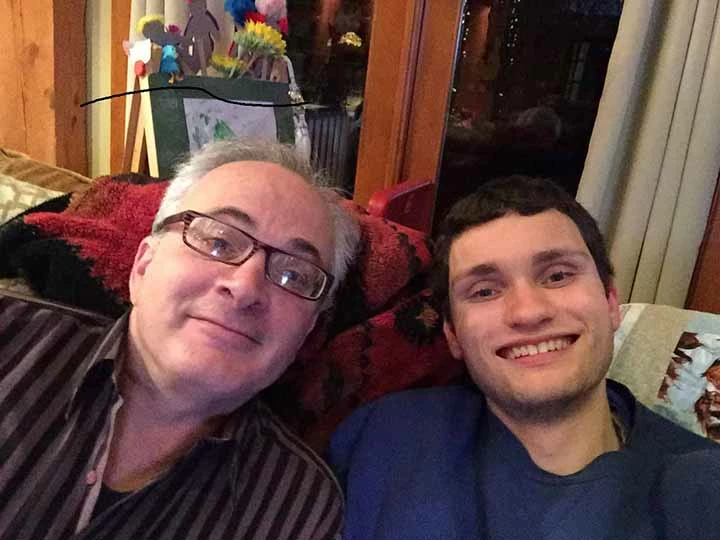
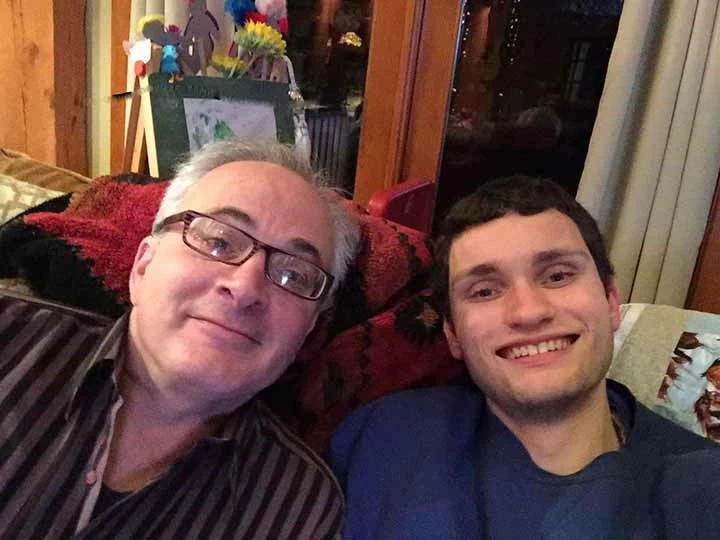
I updated PS last week and the band aid tool no longer works properly. I run the tool over an area and it just makes a smeary mess. See attached photos. Look over the head of the guy on the left. Is there something in the settings I have to reset or set? Prior to the update, in the vast majority of cases I would run the band aid and it fixed the blemish seamlessly.
    This topic has been closed for replies.
    Correct answer

    Hi what do do mean by band aid tool?

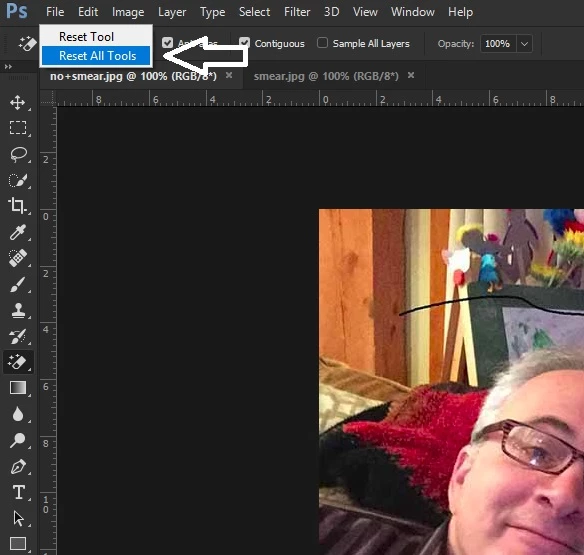
    Have you tried resetting PS tools

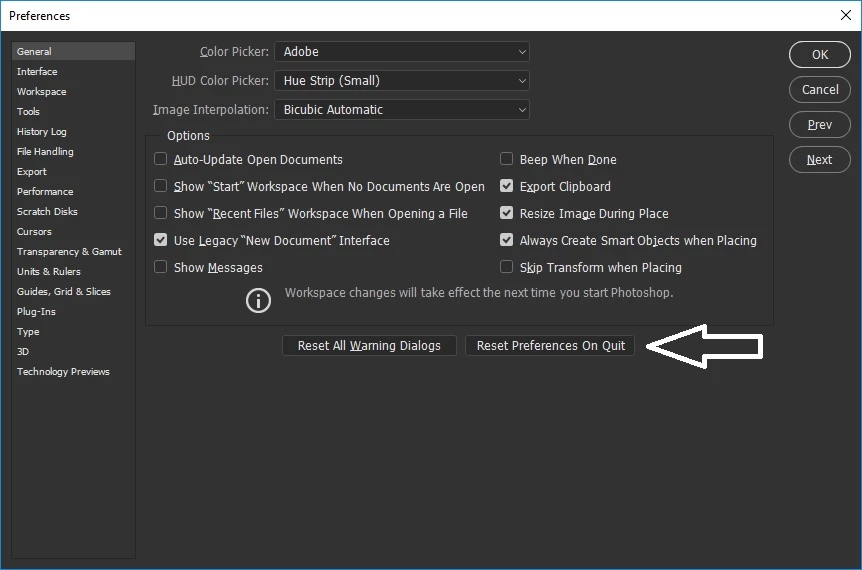
    Another thing to try is resetting PS preferences

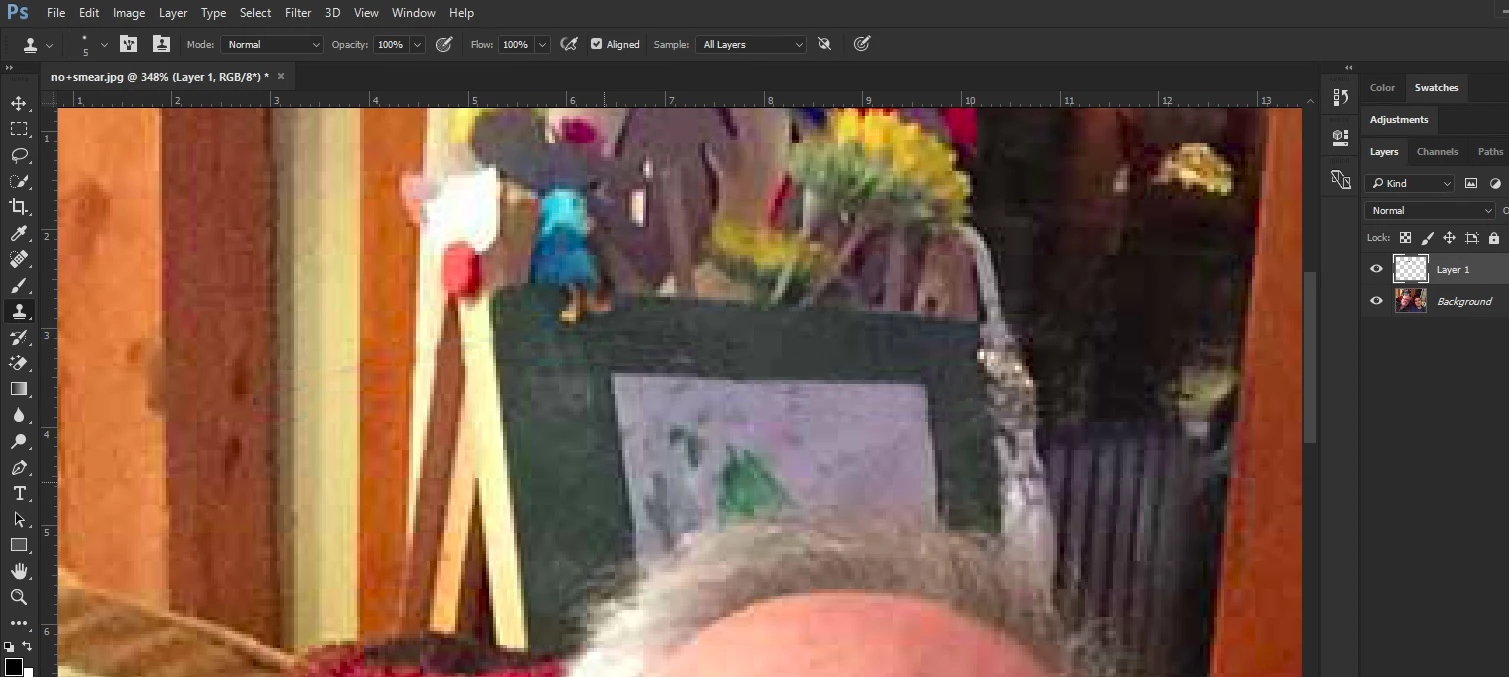
    Maybe you should try the Clone Stamp tool on a new layer and select Sample All Layers

    3 replies

    S_Gans
    Community Expert
    Community Expert
    December 2, 2017

    I'm actually a fan of the Spot Healing brush, but I think the right fix is a combo of what's written here. Firstly, I like to use this on a blank layer with "Sample All Layers" turned on. Brush size should only be slightly bigger than the area you want to fix, so you can limit the addition of stray colors and such from adjacent areas. For this image, I'd also use a brush that's not completely soft, but also not completely hard either - about 70% hardness. And, I rarely use a full swipe. I'll do it in shorter strokes, so that I can check and reposition/resize periodically.

    If all those things don't work, I also switch between this and the regular healing brush. With similar settings, you can consistently re-select the sample areas (for instances where you may be getting too close to an edge).

    Adobe Community Expert / Adobe Certified Instructor
    josephlavine
    Community Expert
    Community Expert
    December 2, 2017

    I assume that you are referring to the Spot Healing Tool, but please correct me if I am mistaken.  Keep in mind that the Healing Brush samples areas around the your brush stroke, and areas of contrast and transition can be troublesome. 

    A few items to check are the Hardness of the brush, and whether under Type, you are using Content-Aware, Create Texture, or Proximity Match.

    Mr. Met
    Mr. MetAuthor
    Inspiring
    December 2, 2017

    I'll have to check on the machine I haven't updated yet. I do know that content aware is active by default since the upgrade. Thanks again for your help.

    Correct answer
    December 2, 2017

    Hi what do do mean by band aid tool?

    Have you tried resetting PS tools

    Another thing to try is resetting PS preferences

    Maybe you should try the Clone Stamp tool on a new layer and select Sample All Layers

    Mr. Met
    Mr. MetAuthor
    Inspiring
    December 2, 2017