
Question
Batch edit nested smart objects....any ideas?
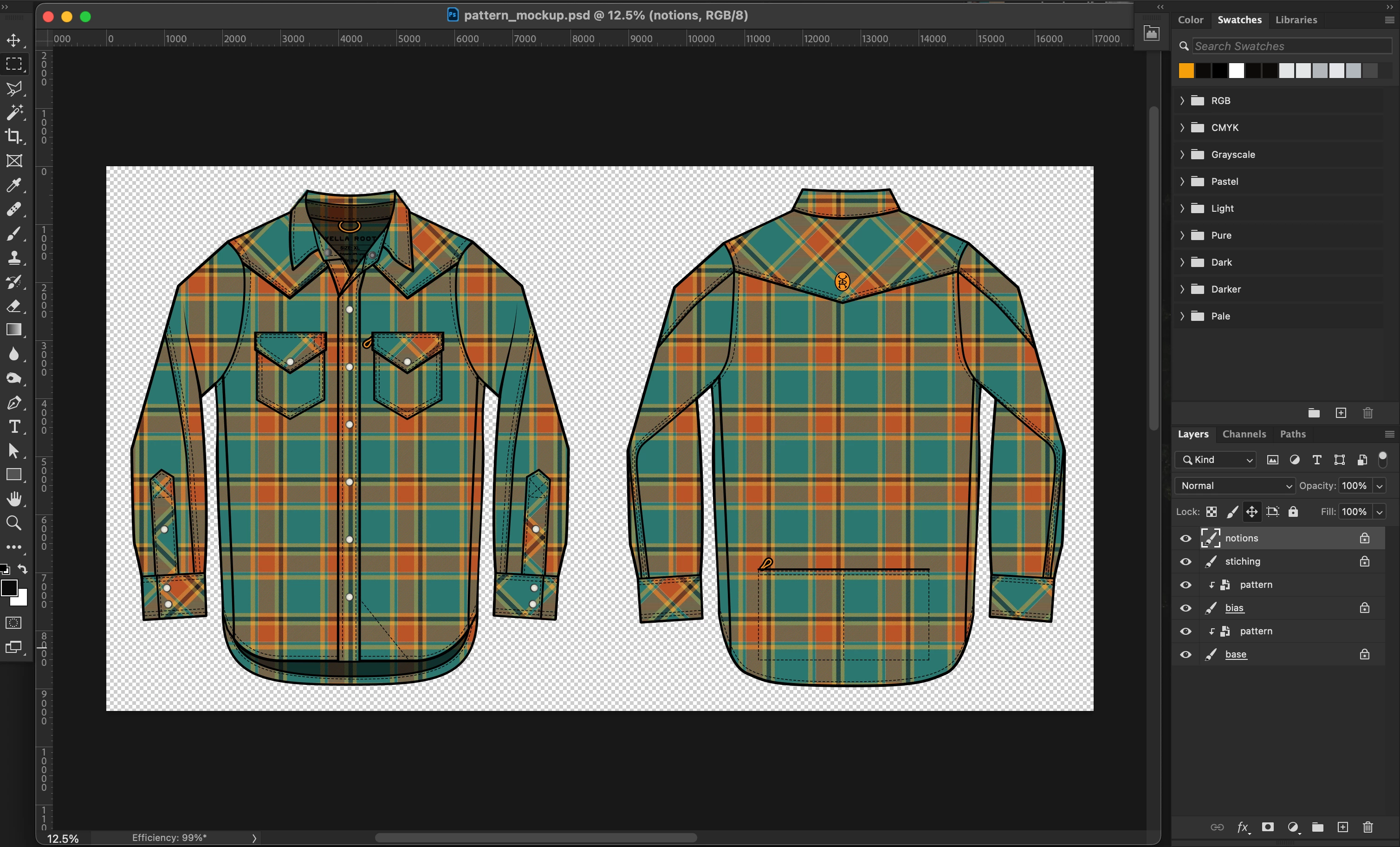
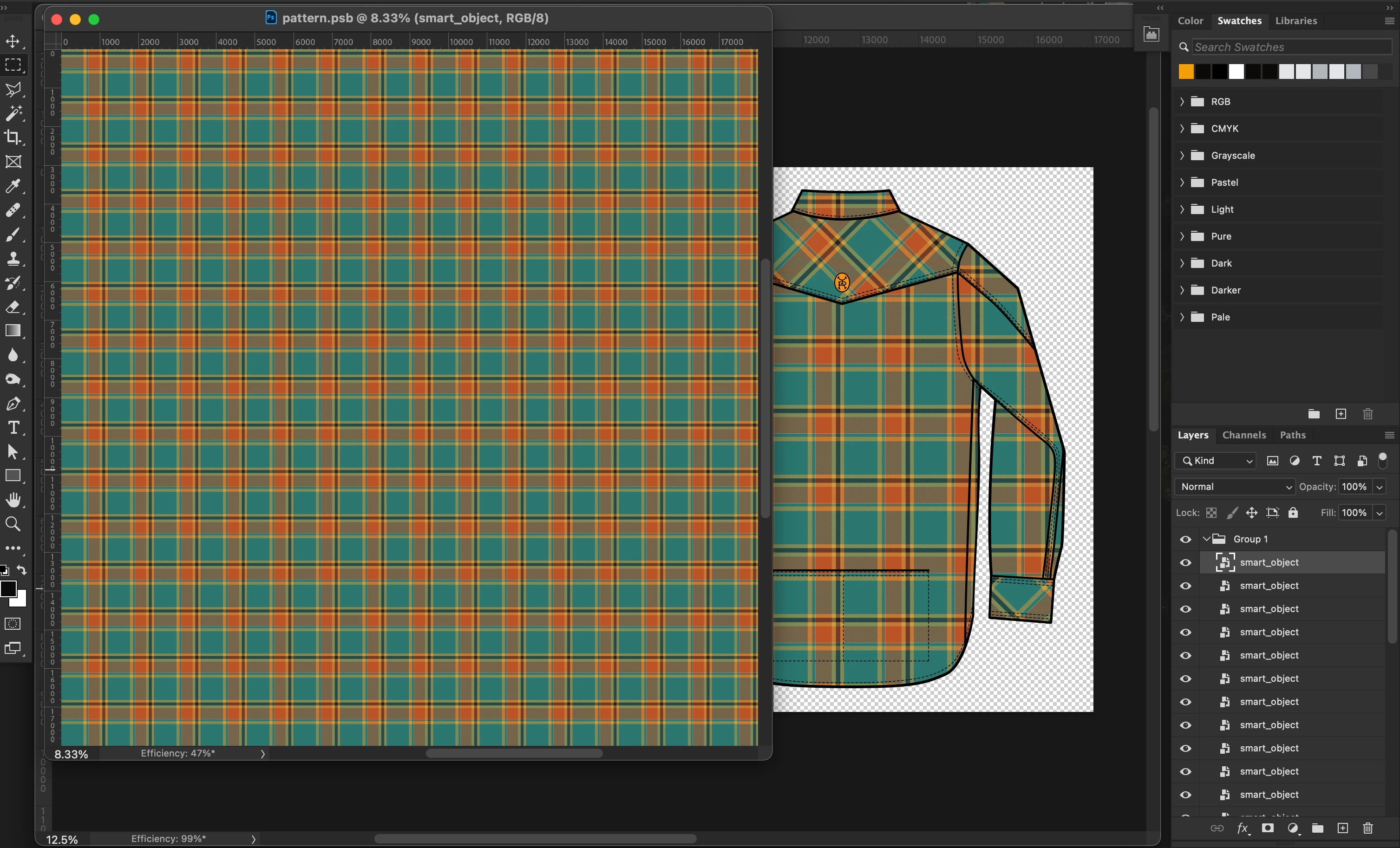
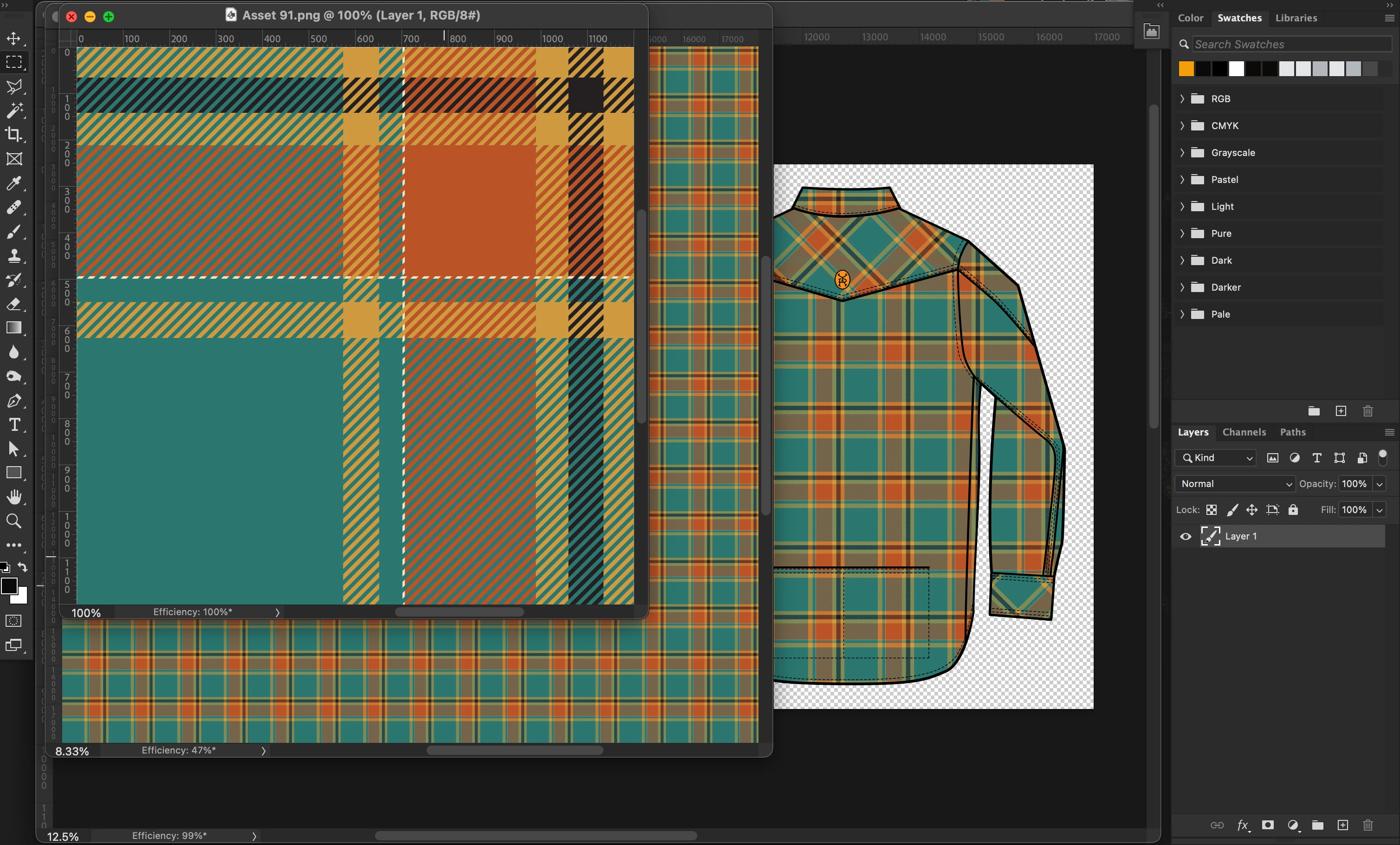
I've created a mockup of a shirt with a pattern on it (image 1). The pattern is a large smart object (image 2), that is made up of multiple small smart objects (image 3), which are tiled.
I'm trying to batch replace the image in the small tiled smart objects, which would in turn update the larger smart object...and then export the updated mockup as a JPG into a done folder. As part of the batch, would like to repeat the process for all small images in a source folder.
I've seen a couple threads where folks have done with smart objects but I have not found anything with nested smart objects.
Has anyone tried doing this before? I really appreciate any help anyone can offer. Thanks!
Related threads:
- https://community.adobe.com/t5/photoshop-ecosystem-discussions/script-for-phone-case-mockup/td-p/10637699
- https://community.adobe.com/t5/photoshop-ecosystem-discussions/batch-replace-an-smart-object-content-and-export-every-copy-of-it-into-single-jpg-versions-in-folder/td-p/12771201
- https://community.adobe.com/t5/photoshop-ecosystem-discussions/batch-replace-smart-objects-script-using-a-linked-file-for-multiple-files/td-p/13564963
 AdChoices