

Batch Replace Smart Object for Mockups
Hello!
I am needing help figuring out how to automate mockup creation. I have figured out how to do it by hand, one by one, but that is becoming VERY tedious with the amount that I need done.
I have tried creating an action and recording my process, but it always gives me the same error message when I try to run it through File > Automate > Batch... "The command "Edit Contents" is not currently available."
Here is what I have:
- a PSD mockup file that I purchased. It is a picture frame and it came with a smart object that is 3:4 ratio
- lots of art files in JPEG that I have already batch resized into 18 inches x 24 inches (3:4 ratio)
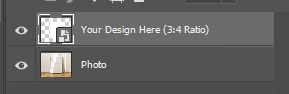
Here are the steps I am currently taking to create the mockups one by one:
- Double-click on smart object symbol, which opens up the new tab in photoshop
- I drag in my art file that had already been resized and it fits perfectly
- I close that smart object tab and click save when it asks
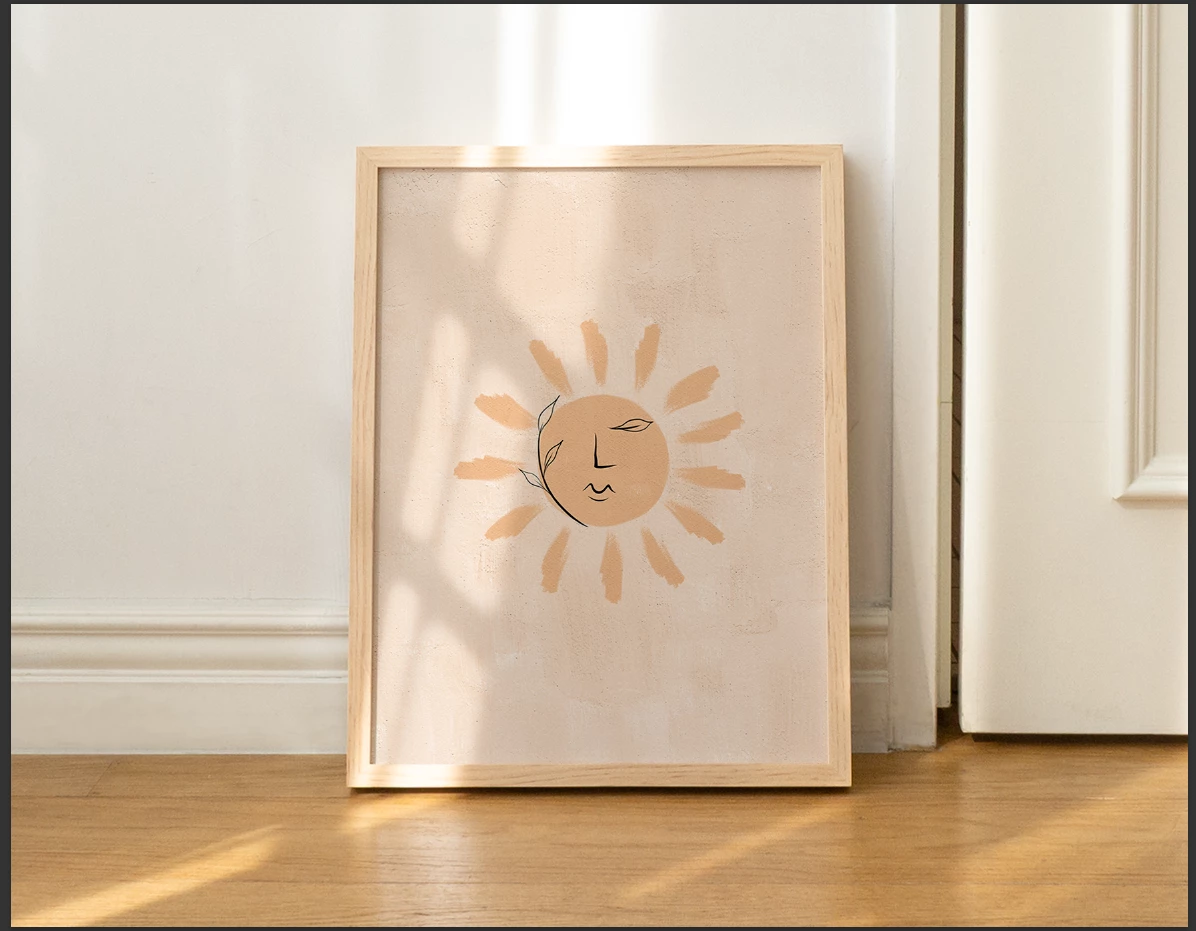
- The mockup looks great, and the image fits nicely
- I click "Save a Copy..." and then save it as a JPEG in my chosen folder (Note that "Save As..." does not allow me to save it as a JPEG for some reason... not sure why)
- Rinse and repeat
Here is what I need:
- An automated process that will replace the image in the smart object (frame)
- Save the image as a JPEG
- Rinse and repeat with all the art pieces
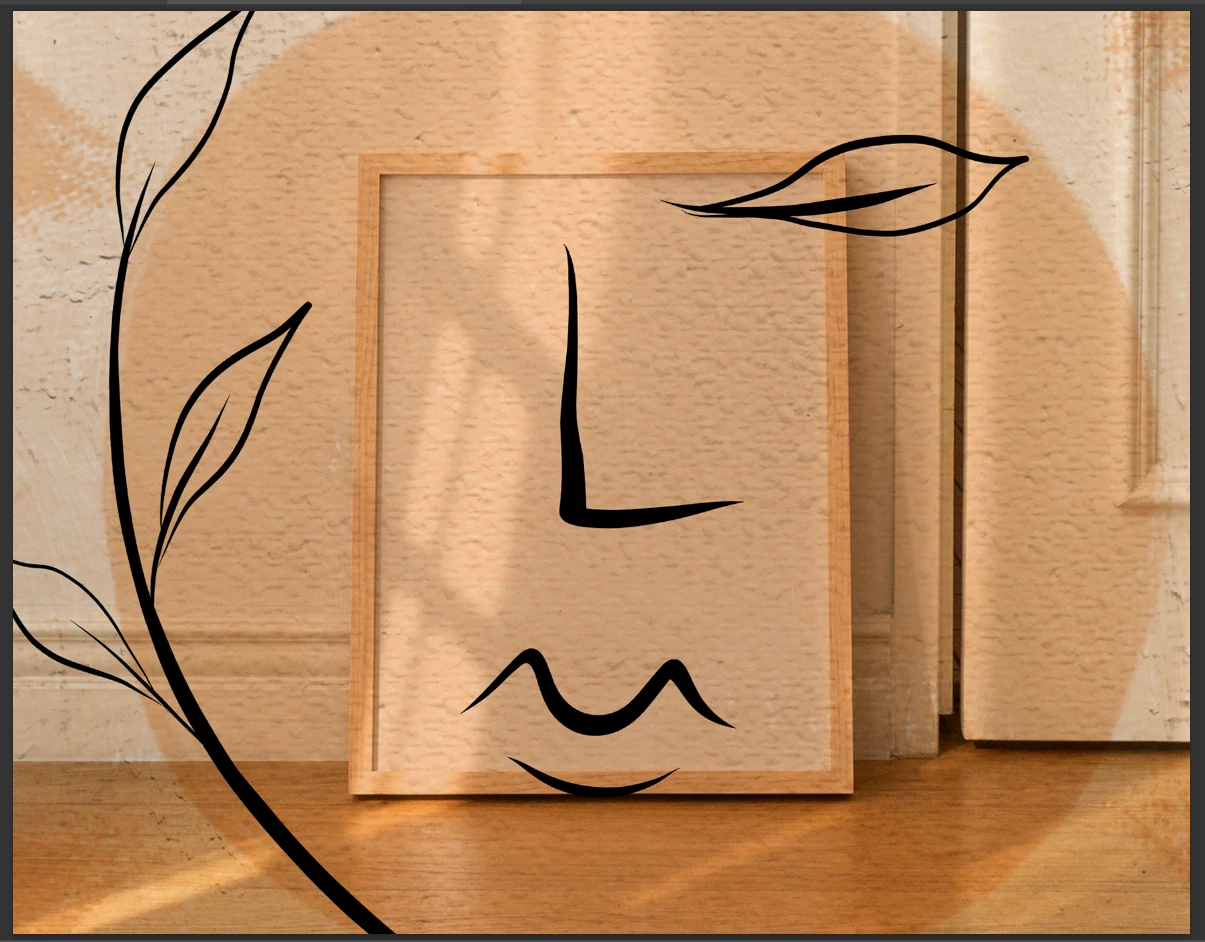
Now, I have also found that the iamges don't always seem to be sizing correctly into the Smart Object, which I think is the reason a lot of my attempts at Batch Actions isn't working.
It's doing this when I use Replace Contents or Relink to File:
It does this when I use Edit Contents or double-click the Smart Object and drag the file into photoshop:
I would really appreciate any help with this. And if you think scripts might be the answer, please also explain how to use them, where to put them, how to run them, etc. I've never used them before. Thank you, guys!!
 AdChoices