

Best Blending Method
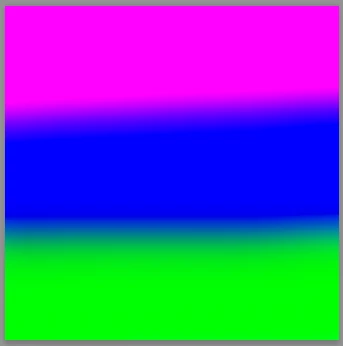
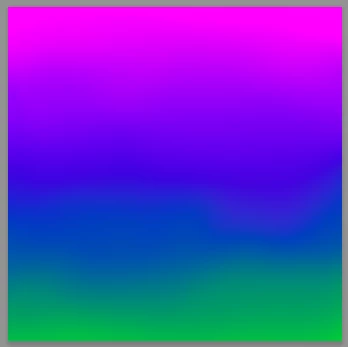
My daughter has taken a big interest in drawing. We just got her a Wacom MobileStudio Pro 16 and she has been using Adobe Photoshop. There is one thing in particular that we could not get to work to our liking by using blur or smudge so we tried a program called SAI. Here is a scenario. She uses brush to put a horizontal line of purple across top of canvas then right below it, overlapping slightly, a horizontal line of blue, then a third line of whatever color. She wants to blend the area where these colors meet. In the SAI program the blur tool worked flawlessly, giving a smooth transition from one color to the next simply by brushing up and down all the across the intersection of the colors. Tried this in photoshop with blur using various settings and it does not happen. You get a slight blur but still distinct difference in color intersection (no blend). Also tried smudge in photoshop and it came closer but it tends to move the colors around and not really blend them.
What are we doing wrong ? Is there another tool we should be using or a brush setting in one of the two that we need to tweak ?

 AdChoices