Participant
October 29, 2020
Question

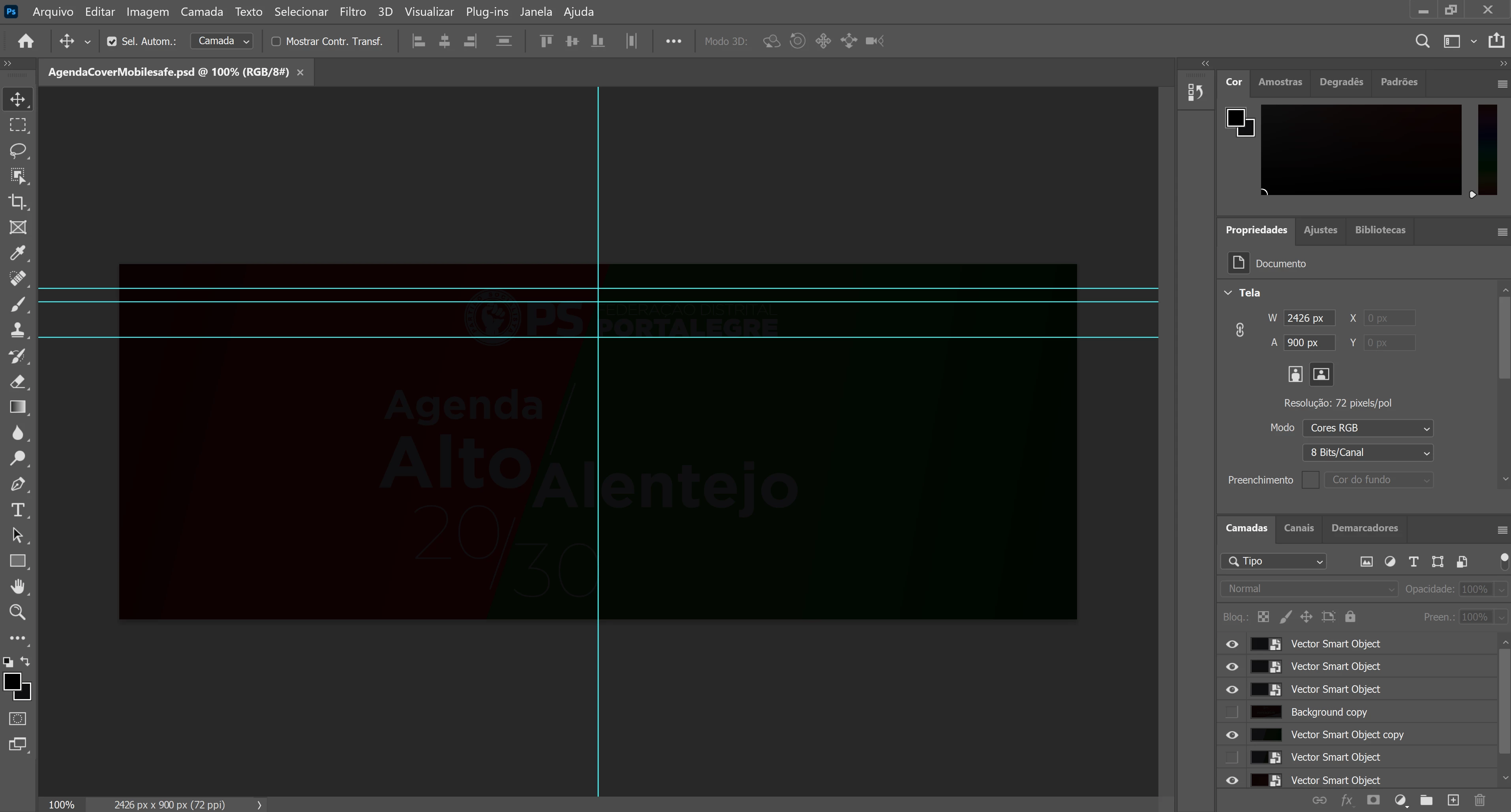
Black screen on Photoshop 2021

  • October 29, 2020
  • 2 replies
  • 746 views

I have installed the new version of Photoshop (Adobe Photoshop: 22.0.0 20201006.r.35 2020/10/06) in my ASUS ZenBook Pro Duo and when I open a PSD file, the screen appears like this. How can I solve this problem? Thank you in advance.


This topic has been closed for replies.

2 replies

Participant
January 28, 2021

Same problem, same laptop. How to solve problem

January 28, 2021

Hi

This is a monitor profile issue, open Control Panel and go to Colour Management, follow the screenshots below


JJMack
Community Expert
Community Expert
October 29, 2020

Do you have the latest display device driver available for your zenbook installed?

JJMack
Participant
October 30, 2020

JJMack, yes I did!

Still not working properly.