Participant
April 30, 2021
Question

Black to gray gradients

  • April 30, 2021
  • 2 replies
  • 1014 views

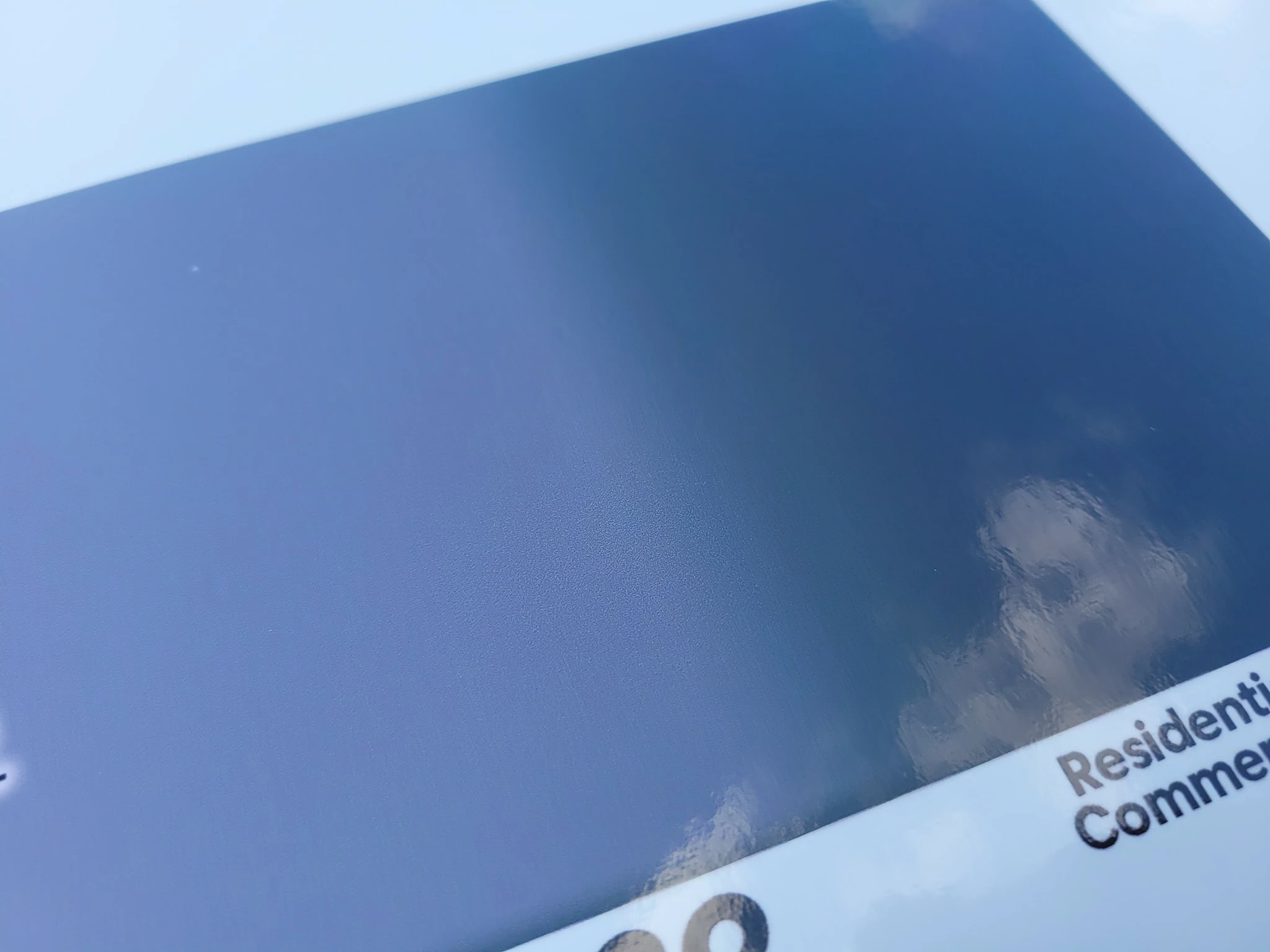
I am having a hard time getting a specific light gray fading to black and not having a weird green chunk in the transition. I've tried so many things to fix it and can't. The last thing I tried is having the gray as it's own layer and making another layer on top with black to transparent gradient but it's still a weird green at the transition. If I change the gray it helps but I need to use that specific gray. I've made the image grayscale but it also changes the gray way too much. Can anyone help?!?
This topic has been closed for replies.

2 replies

Legend
April 30, 2021

If the gray has values other than pure black in its mix, try adding the identical values to your black. This should make the transition smoother. 

Participant
April 30, 2021

I did that also. 🙂 

c.pfaffenbichler
Community Expert
Community Expert
April 30, 2021

So the issue is printing? 

What is the printing Color Space? 

What is the image’s Color Space? 


Please post the gardient file. 

Participant
April 30, 2021

Ok I'll upload the file. It's in the printing but you can also see it in the file in PS. When you grayscale it the green completely goes away both on screen and print.

I'm printing on a large format HP360 latex printer. 16bit, cmyk. I've tried rbg as well. The file is also 16bit, cmyk, tried rbg also.