Participant
March 26, 2020
Question

Blank Screen on Photoshop?

  • March 26, 2020
  • 1 reply
  • 340 views

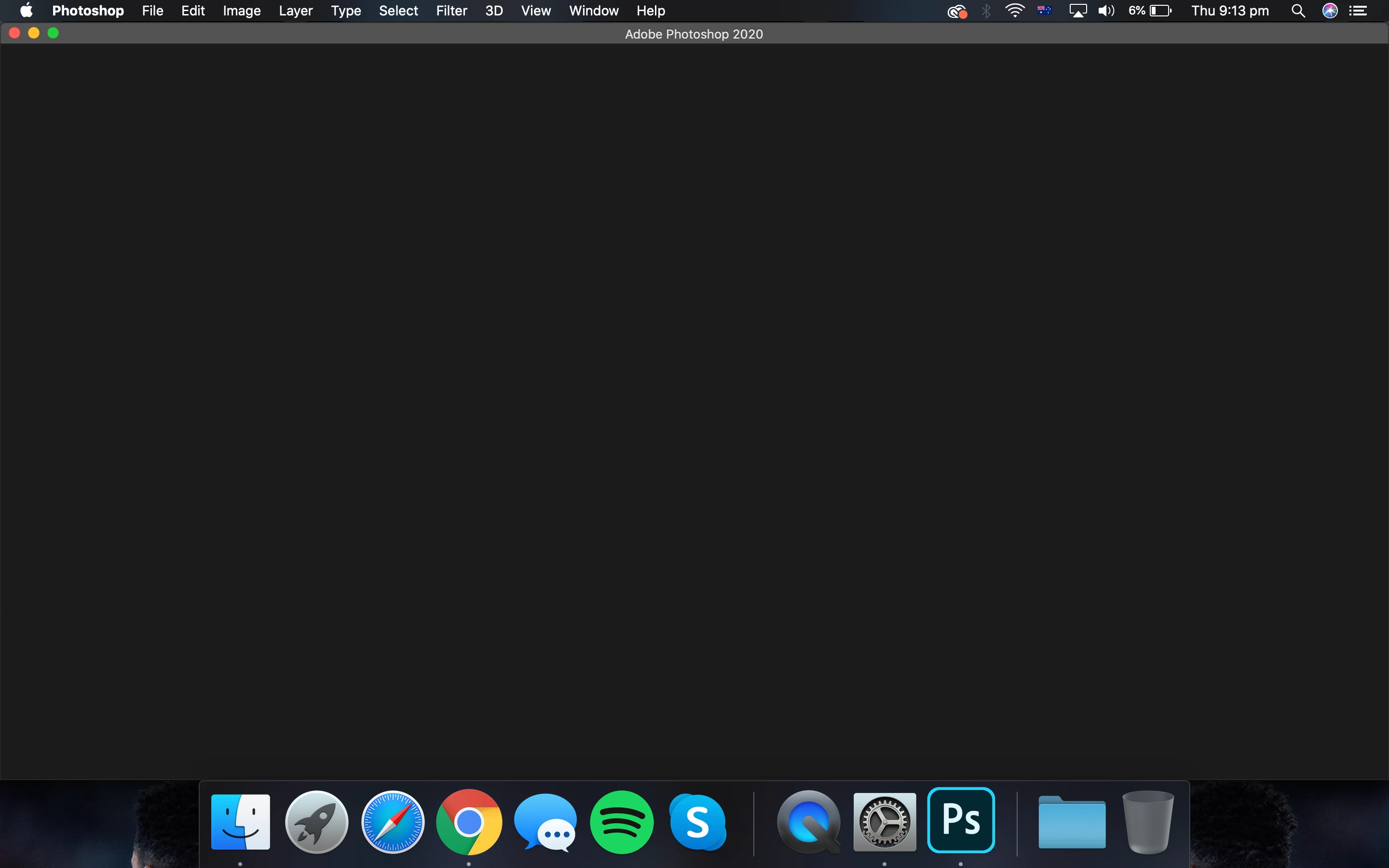
So every time I open photoshop it basically shows nothing.


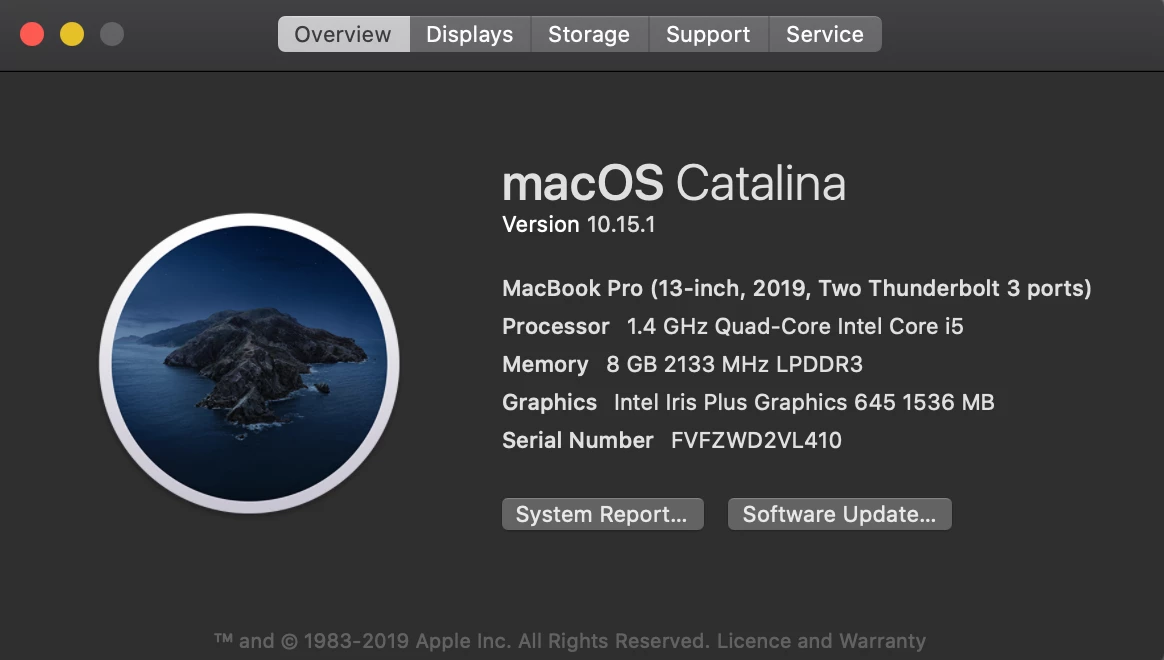
I've attached what computer I'm on and what photoshop looks like. PLEASE HELP
This topic has been closed for replies.

1 reply

c.pfaffenbichler
Community Expert
Community Expert
March 26, 2020

Does turning off »Use Graphics Processor« in the Performance Preferences (Photoshop > Preferences > Performance > Graphic Processor Settings) and restarting Photoshop have any bearing on the issue? 


What have you done for trouble-shooting so far? 

Restoring Preferences after making sure all customized presets like Actions, Patterns, Brushes etc. have been saved might be a good starting point:

https://helpx.adobe.com/photoshop/kb/basic-trouble-shooting-steps.html

Participant
March 26, 2020

I've done nothing with it so far. I got a new laptop today and one of the first things I did was download photoshop, but straight away it would show nothing. 

c.pfaffenbichler
Community Expert
Community Expert
March 26, 2020

»Newness« is no guarantee … so please try GPU trouble-shooting at least. 

https://helpx.adobe.com/photoshop/kb/photoshop-cc-gpu-card-faq.html