Participant
April 9, 2020
Question

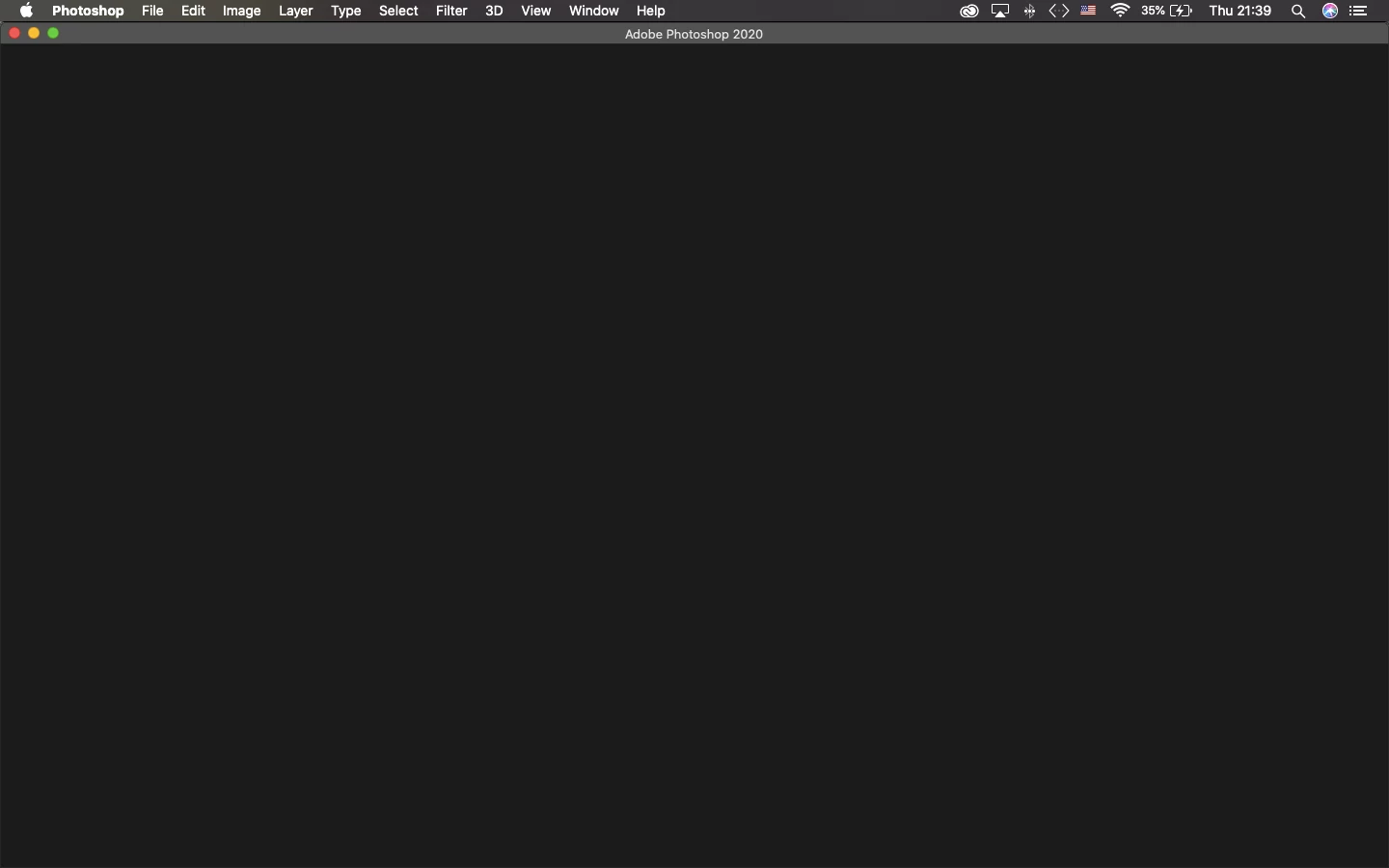
Blank Welcome Screen Photoshop 2020 on macOS Catalina

  • April 9, 2020
  • 3 replies
  • 2314 views

After a sudden crash on my MacBook Air 2015, my Photoshop CC 2020 seems to not be able to show up the home screen anymore. It also couldn't create new files and open old files, and the only way to start a project is to drag something in. I did try out some suggestions from this link, but nothing worked out:

https://helpx.adobe.com/photoshop/kb/photoshop-and-macos-catalina.html 

Photoshop looks like this when I open it up
:

Even though the app still works pretty normally (probably just a tad bit slower) if I add the images I needed into it, I couldn't access any files that I have saved on the Cloud and some of them are deadlines that I need to finish soon. It is pretty frustrating to not being able to get to my stuff.
I am using a MacBook Air 2015, with macOS Catalina ver. 10.15.4
Thanks for your help!


{Thread title edited by moderator}

This topic has been closed for replies.

3 replies

Participant
July 31, 2020

Hi, I had the same issue. On July 31st 2020, Adobe support took control of my computer and fixed the issue by going to

/Library/Application Support/Adobe/UXP

He then changed the name of the folder 'UXP' to '~UXP' and re-launched Photoshop. It resolved the problem for me. 


Hope this helps. 

Participating Frequently
April 12, 2020

For anyone else that couldn't fix it by doing all the options suggested, I was able to fix mine by logging out of creative cloud then opening up photoshop & signing it again & it was corrected

Participant
May 8, 2020

I have excatly the same problem and still wont work

nikunj.m
Community Manager
Community Manager
May 10, 2020

Hi there,


We are sorry about the experience with Photoshop due to the Blank screen. Would you mind sharing the version of Photoshop you are using along with your computers operating system? Also, what all troubleshooting steps have you tried so far?


Regards,

Nikunj

nikunj.m
Community Manager
Community Manager
April 9, 2020

Hi there,


We are sorry about the experience due to the blank home screen of Photoshop 2020.


Please try the steps suggested in the article: https://helpx.adobe.com/photoshop/kb/troubleshoot-home-screen-issues.html


Let us know if it helps!

Regards,

Nikunj

jaenergyAuthor
Participant
April 9, 2020

Hi, I did all of the things above in the article but it didn't work