Participant
April 26, 2024
Question

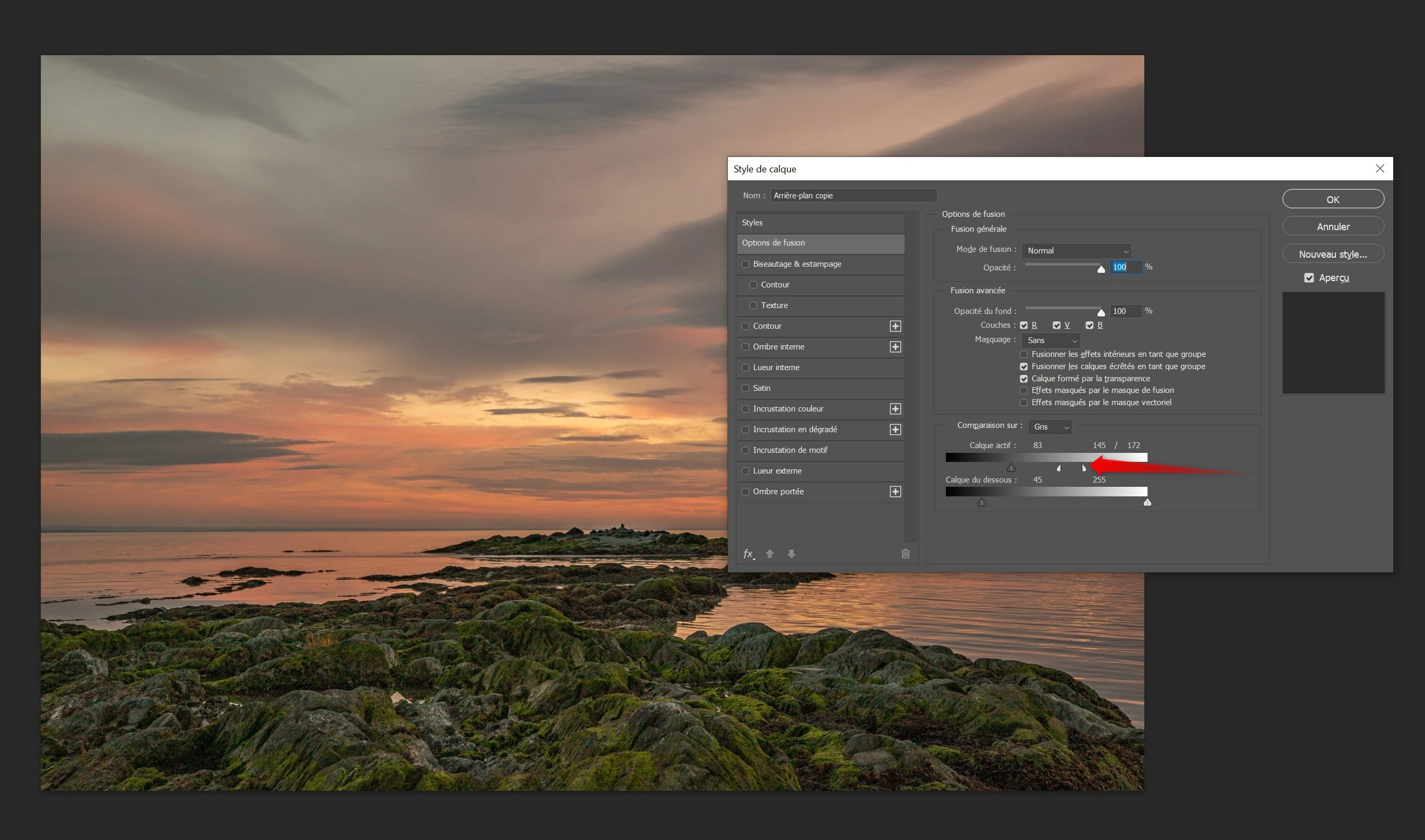
"Blend if" freeze Photoshop

  • April 26, 2024
  • 1 reply
  • 100 views

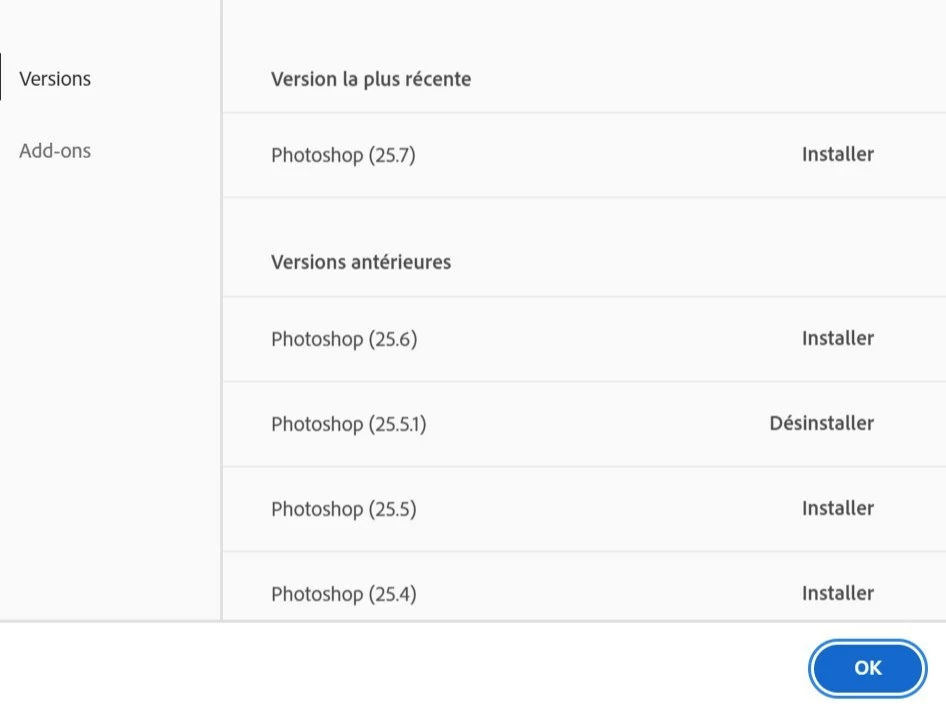
"Blend if" freeze Photoshop if I refine the selection. I had to downgrade to version 25.5.1. I am on last version of windows 10
This topic has been closed for replies.

1 reply

c.pfaffenbichler
Community Expert
Community Expert
April 27, 2024

Does turning off »Use Graphics Processor« in the Performance Preferences (Photoshop > Preferences > Performance > Graphic Processor Settings) and restarting Photoshop have any bearing on the issue? 
Does turning on »Deactivate Native Canvas« (Photoshop > Preferences > Technology Previews) and restarting Photoshop have any bearing on the issue?


What have you done for all-purpose trouble-shooting so far?
Restoring Preferences after making sure all customized presets like Actions, Patterns, Brushes etc. have been saved might be a good starting point:
https://helpx.adobe.com/photoshop/using/preferences.html
https://helpx.adobe.com/photoshop/kb/basic-trouble-shooting-steps.html
https://helpx.adobe.com/photoshop/kb/troubleshoot-gpu-graphics-card.html