
Iain_Blackwood
Participant
December 8, 2017
Question

Blend If Layers Disappearing

  • December 8, 2017
  • 2 replies
  • 1958 views

I took a photo of my dog but realised that his fur could use a clean up. So using a blend if layer, I was able to take away the dirt look.

However, whenever I save the image as a JPEG, the whole blend if layers disappear, going back to the original image.

Here is what I mean:

You can see here what the original image looks like, all layers (apart from background layer) made invisible
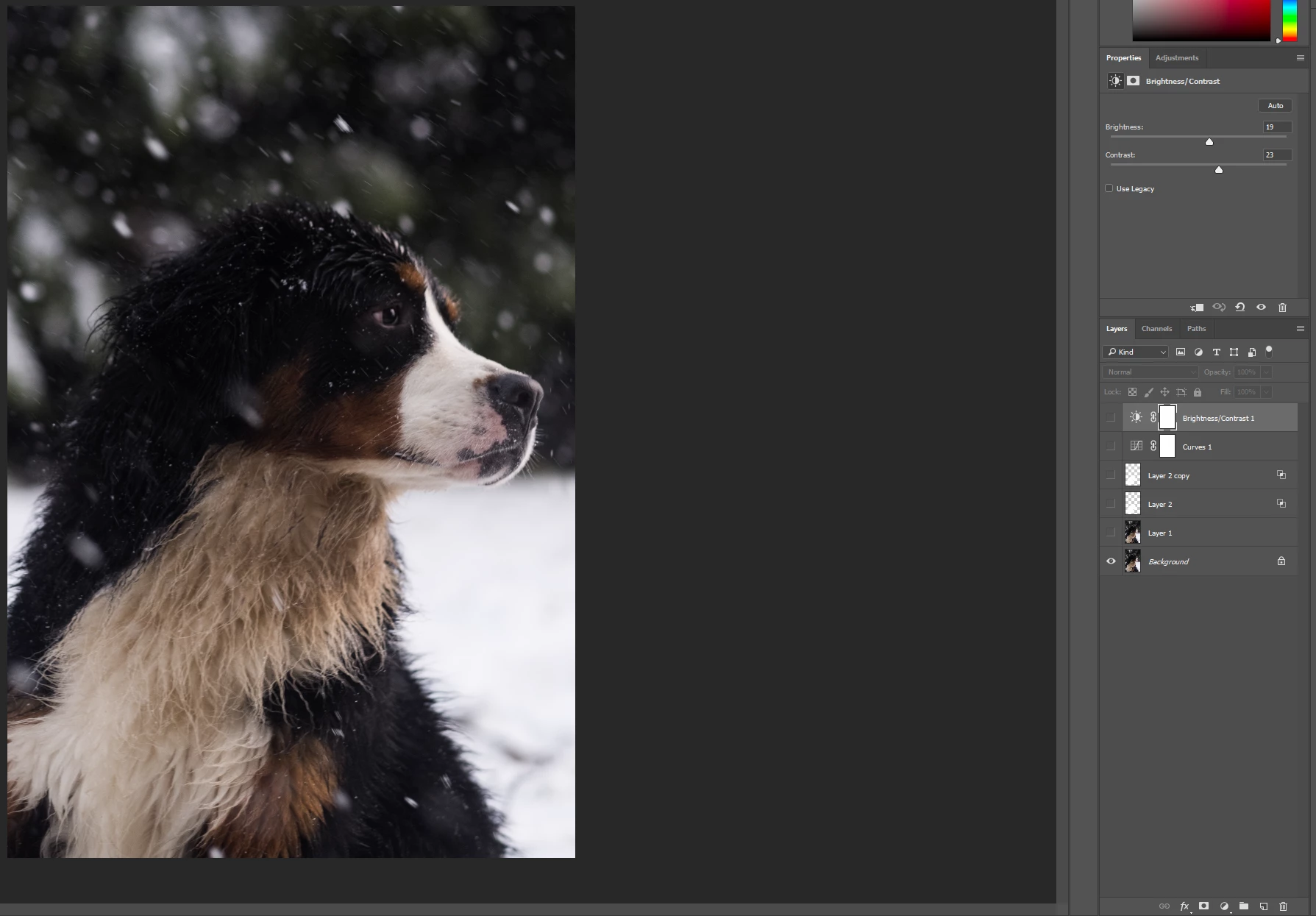
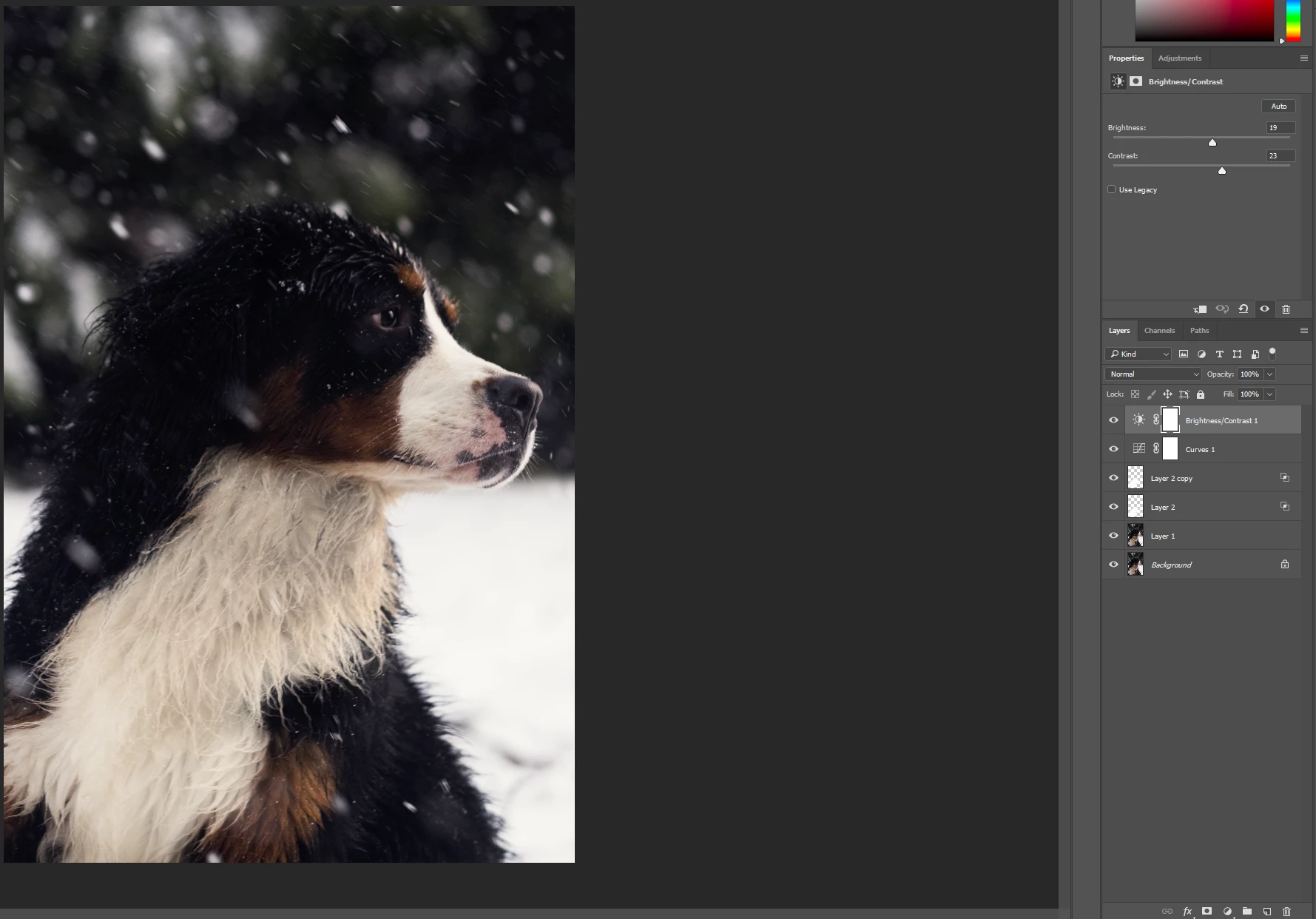
Then we have all layers made visible, to see what changes I made
So I go to Save As... and then save as a JPEG. The result is below.
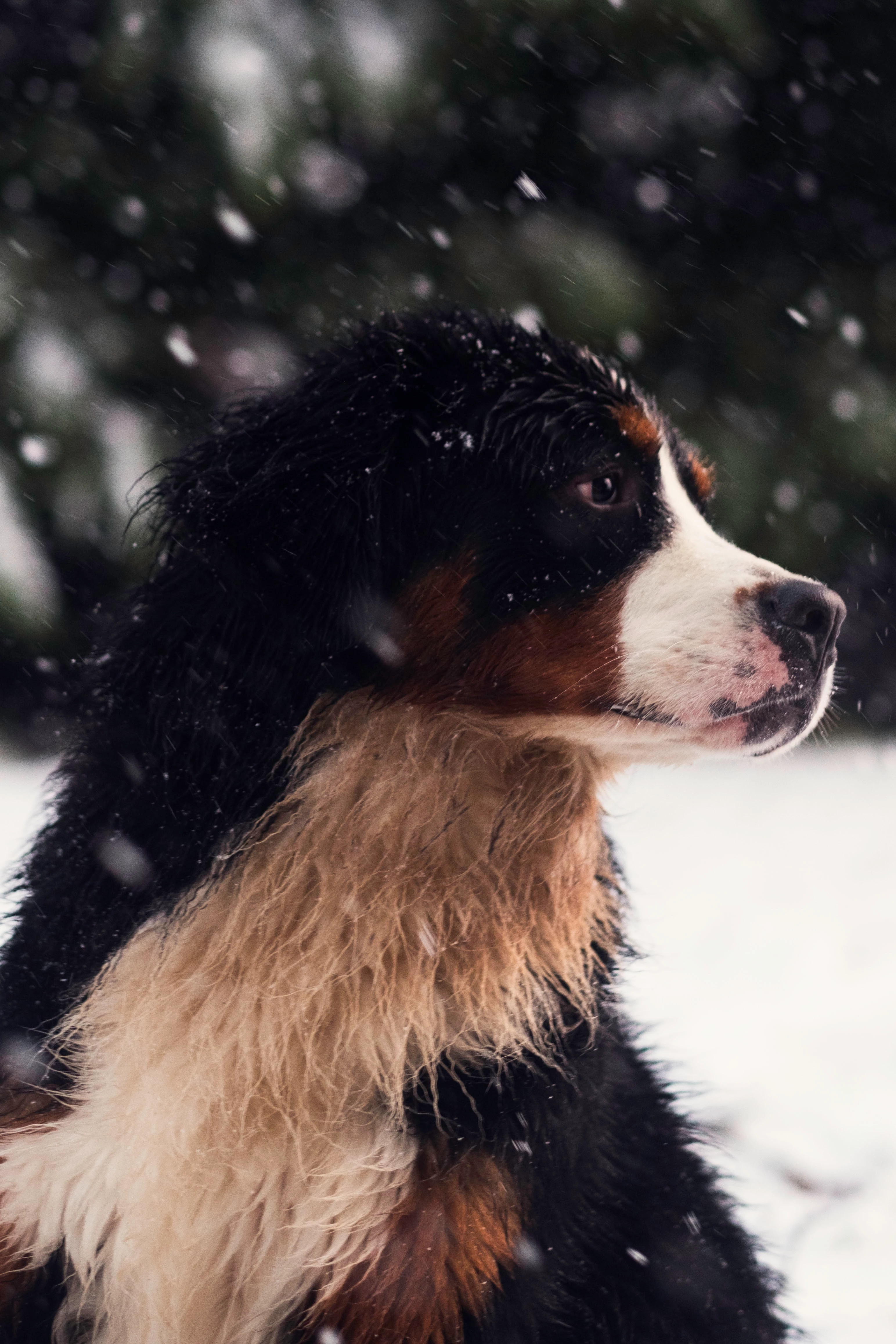
No blend if layers present! Fur is back to being dirty. So I tried the CTRL + ALT + SHIFT + E method to merge layers. Below is the result.
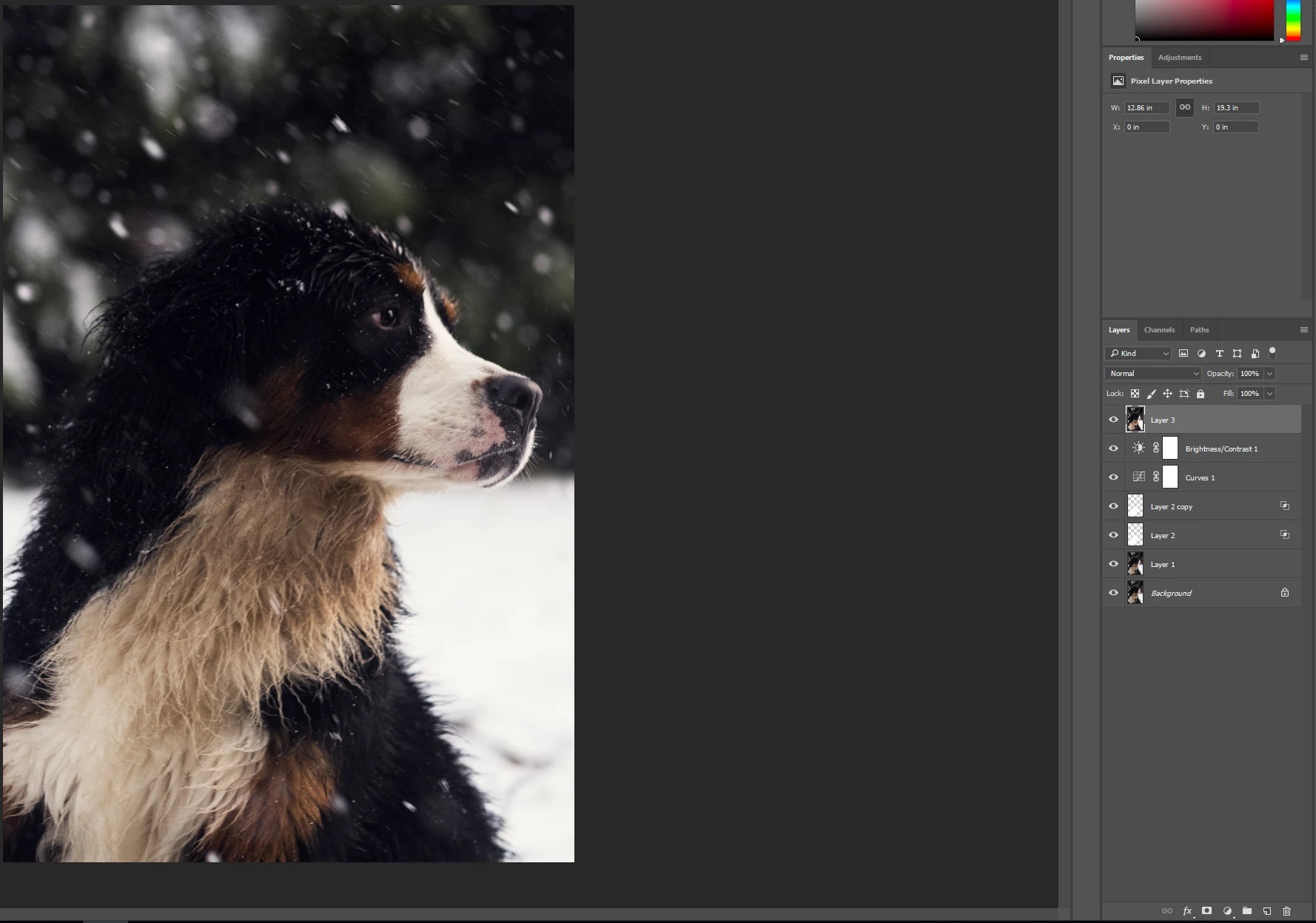
Again, no blend if layers present in the merged layer.

What am I doing wrong here? All blend modes of the layers are set to normal, I have just moved the sliders in the Blend If sections of the layer properties used to whiten the fur. How can I save it so that the whitening of the fur can be seen?

This topic has been closed for replies.

2 replies

Participant
January 6, 2018

Did you find a solution to this?

I’m suddenly experiencing the same thing.

My blends disappear when saving out to jpeg or turning layers into a smart file, merging etc.

It’s made it impossible to get the final product out of photoshop the way it’s supposed to look for web or print.  

davescm
Community Expert
Community Expert
January 6, 2018

Hi

Can you post some screenshots or links to files with examples.

Also , as per my previous post - check that you are viewing at 100% zoom

Dave

Participant
January 6, 2018

Thanks Dave, I managed to solve this logically with your clue regarding 8bit.

Sure enough, zooming to 100% showed the same resetting effect of the blend layers when saving/flattening/merging etc to a single file.

Changing the master file (tiff/psd) from 16bit to 8bit BEFORE saving a jpeg version WORKED!

I’ve never encountered this issue before but found several identical unanswered questions on forums dating back over 10 years.

I hope this helps others in the future and thanks again Dave for your nudge in the right direction.

Ben

davescm
Community Expert
Community Expert
December 8, 2017

Hi Iain

It is hard to tell without seeing the actual layered file (if you could post a link to it would be useful).

One thing that may be happening :

I can't see your zoom level, but when a zoom of less than 66.7% is used, then the blending of layers is done using 8 bit previews - rather than the full actual image. Occasionally this can result in changes being seen between the layered file and the flattened file.

You can easily check by zooming to 100% and viewing the before and after.

If it's not that then please save the layered file as a PSD and post a link to it.

Dave