
millyv1423394
Participant
March 7, 2019
Question

Blend? Merge? Image seamlessly with background
  • March 7, 2019
  • 1 reply
  • 240 views

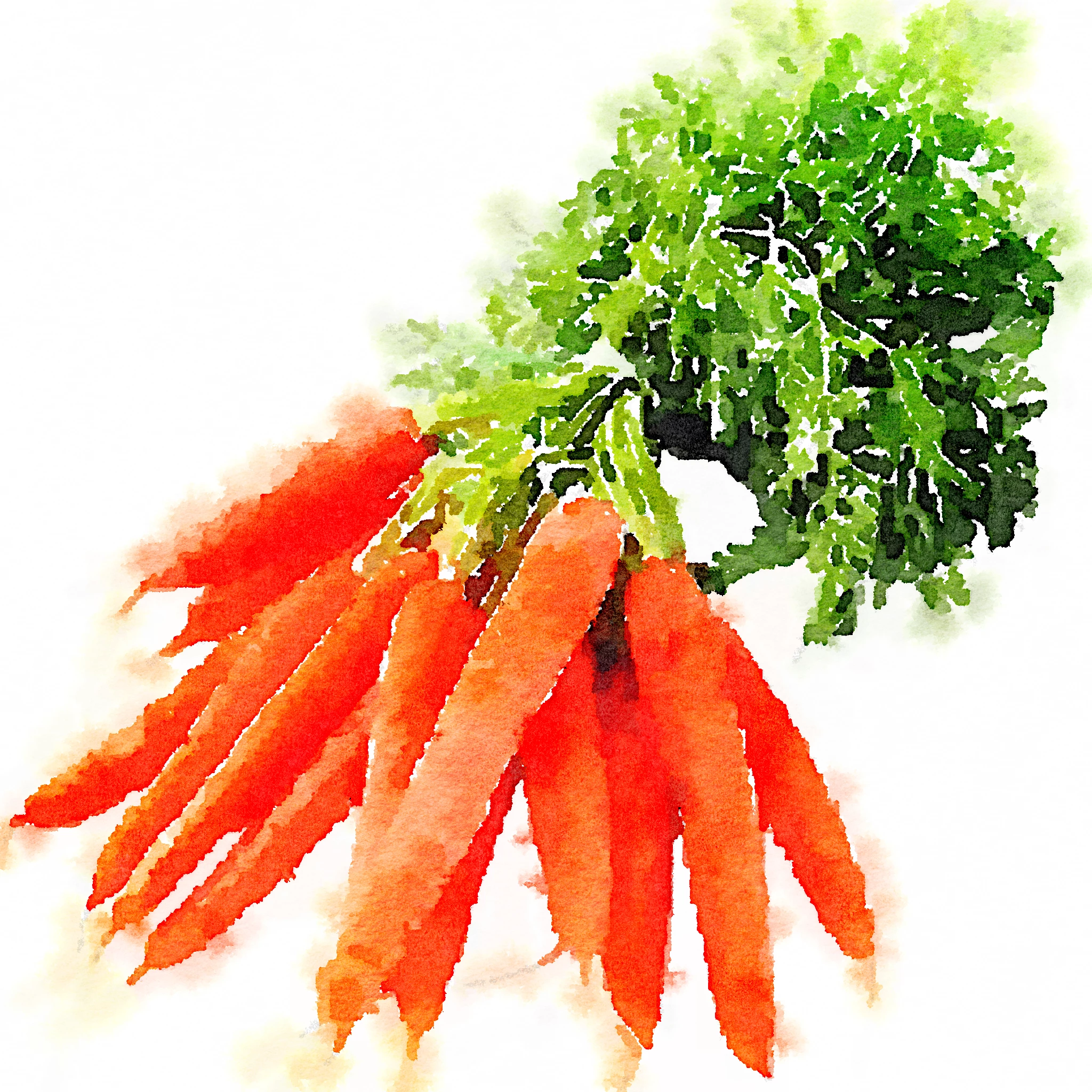
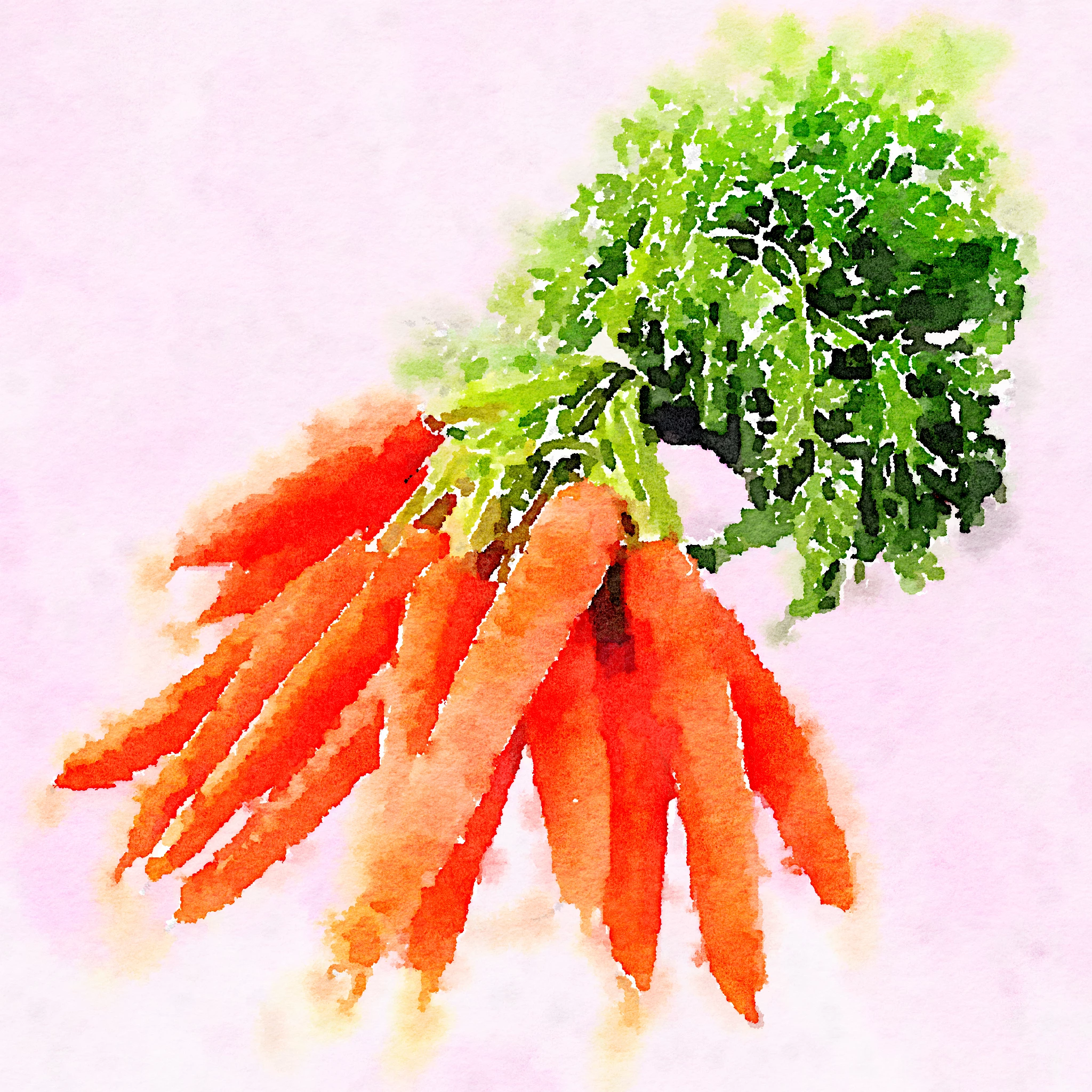
Hi, I am sure this is a common question, but because I am a newbie and not familiar with terminology I can t find the answer. I have to change background to some images, I found the tutorial for that, but I need the transition between image and new background to be as seamless as possible. the image is processed with a watercolor filter, so the margins are very blurry, how could I go about doing this?  Do you think it s better if image one has a white background originally, or a background of a color that is similar to that of the final background? For example imagine these two pictures in a dark purple background. Ps I already tried to apply the watercolor filter to both image and background, but the background colors come out completely different from what I need. It s not a photoshop watercolor filter so I can t choose which part of the image to process, or export a transparent gif. Thank you for any advice!
    This topic has been closed for replies.

    1 reply

    davescm
    Community Expert
    Community Expert
    March 7, 2019

    Hi

    Changing the background to a dark purple is going to leave those very light colours looking odd as painted on a dark background they would take on that colour.

    The easiest option would be to merge the unfiltered image with the background and then take it to your other application to get the watercolour effect. However I note that you are getting colour changes when you do that. Have you ensured that the image is taken across after conversion to the sRGB colour space (Edit Convert Profile)

    You can try duplicating the image and use a combination of blend if to soften the edge transition then mask a normal layer above it to bring back the solid colours using blend if to take out the white

    If that is still not practical then I would process the water color filter with a background as close to the final background colour and brightness as you can get then bring it across to Photoshop to composite.

    Dave