This topic has been closed for replies.

2 replies

jane-e
Community Expert
Community Expert
October 19, 2019

Hi

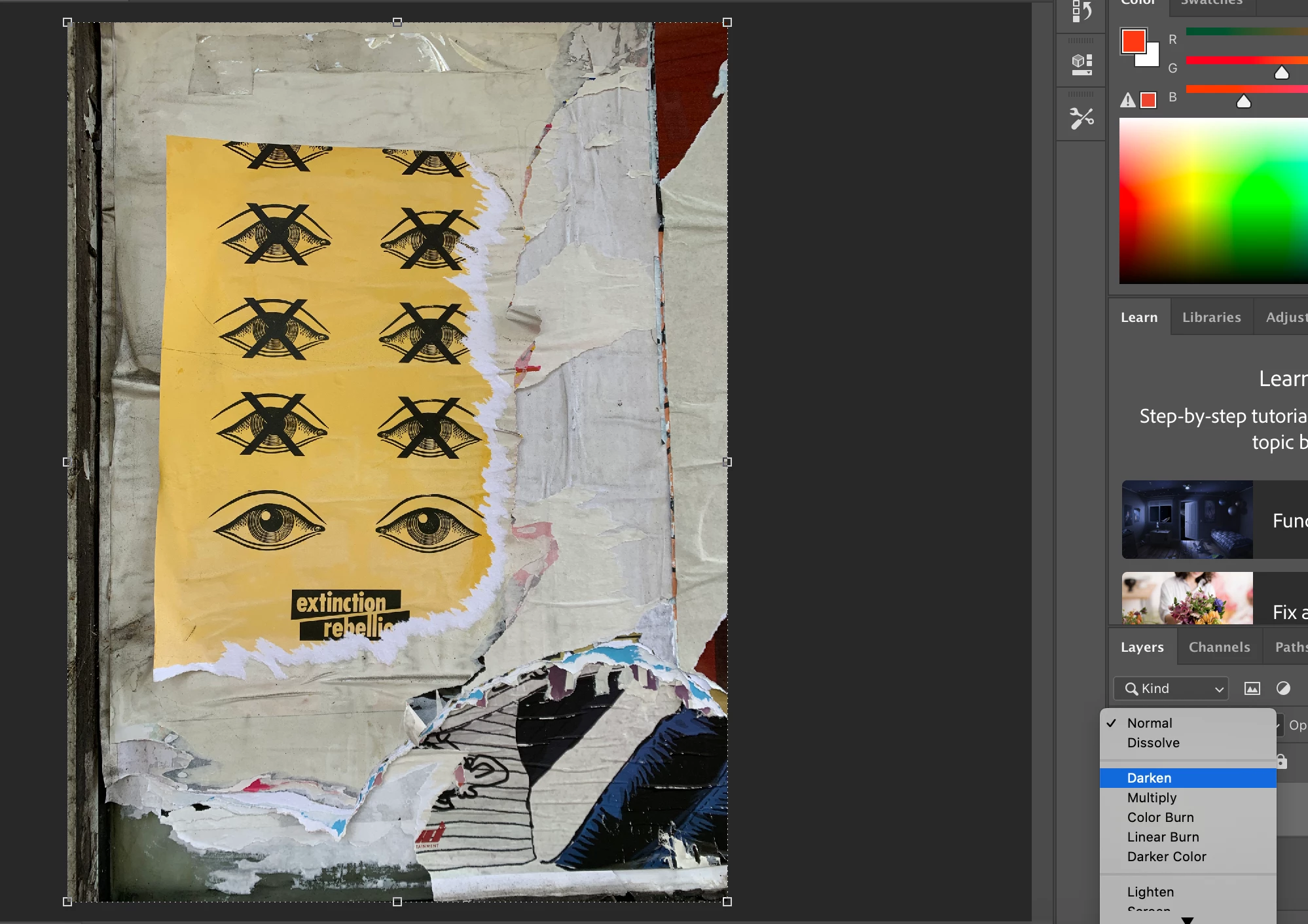
It’s a little hard to see, but it appears that you have one layer, which might be a background layer. You need to have a second layer and apply the blending mode to the upper layer.


If I am not seeing this correctly, post a better screen shot of your Layers panel, as asked for by Ged.


~ Jane


October 19, 2019

Jane I noticed your image uploaded blurry, happened to me earlier too

jane-e
Community Expert
Community Expert
October 20, 2019

Hi Ged — I took a screen shot of part of ncjfafaar’s original screen shot in an attempt to highlight that it appears that there is only one layer visible in the Layers panel, and you need two for the blending modes to show results. Indeed, as you spotted — it is blurry.


~Jane

October 19, 2019

Hi

Blending modes are working fine for me with Photoshop 20.0.6

Can you post a screenshot with all the pertinent panels opened