Blending options for smart sharpen won't save in gif
Some background info: I make gifs by importing the video into layers, converting it into a video timeline, and then selecting all the layers and converting it into a smart object. I sharpen my gifs using smart sharpen, with the settings at 500% and 0.3px usually, and then I adjust the blending options of the smart sharpen by setting it to darken.
In the process of making a gif in photoshop, I realized that my smart sharpen settings were not saving properly. As soon as I finished my gif and the Save for Web preview loaded, I noticed that almost all the frames of the gif appeared grainy. Only one of the frames retained my shart sharpen settings/blending options. Here are some pictures attached down below to show what it looks like.
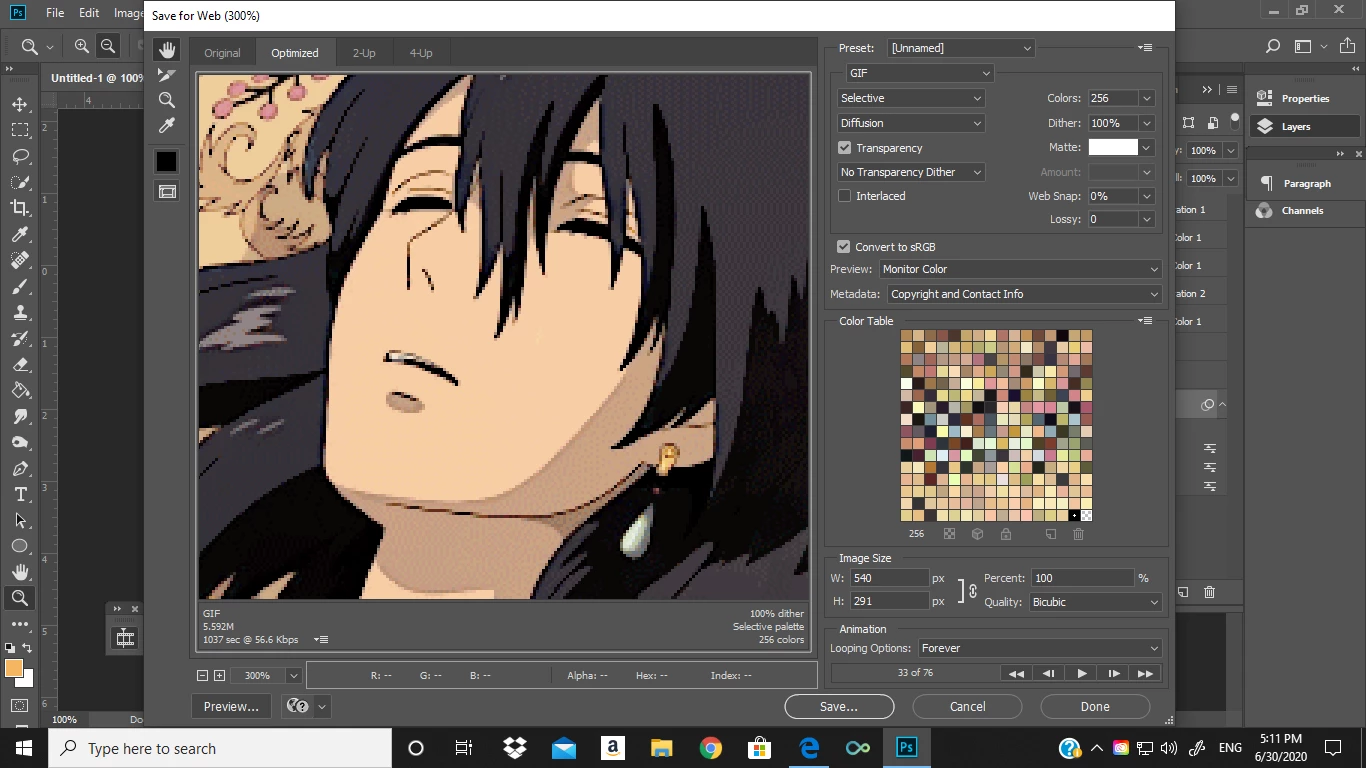
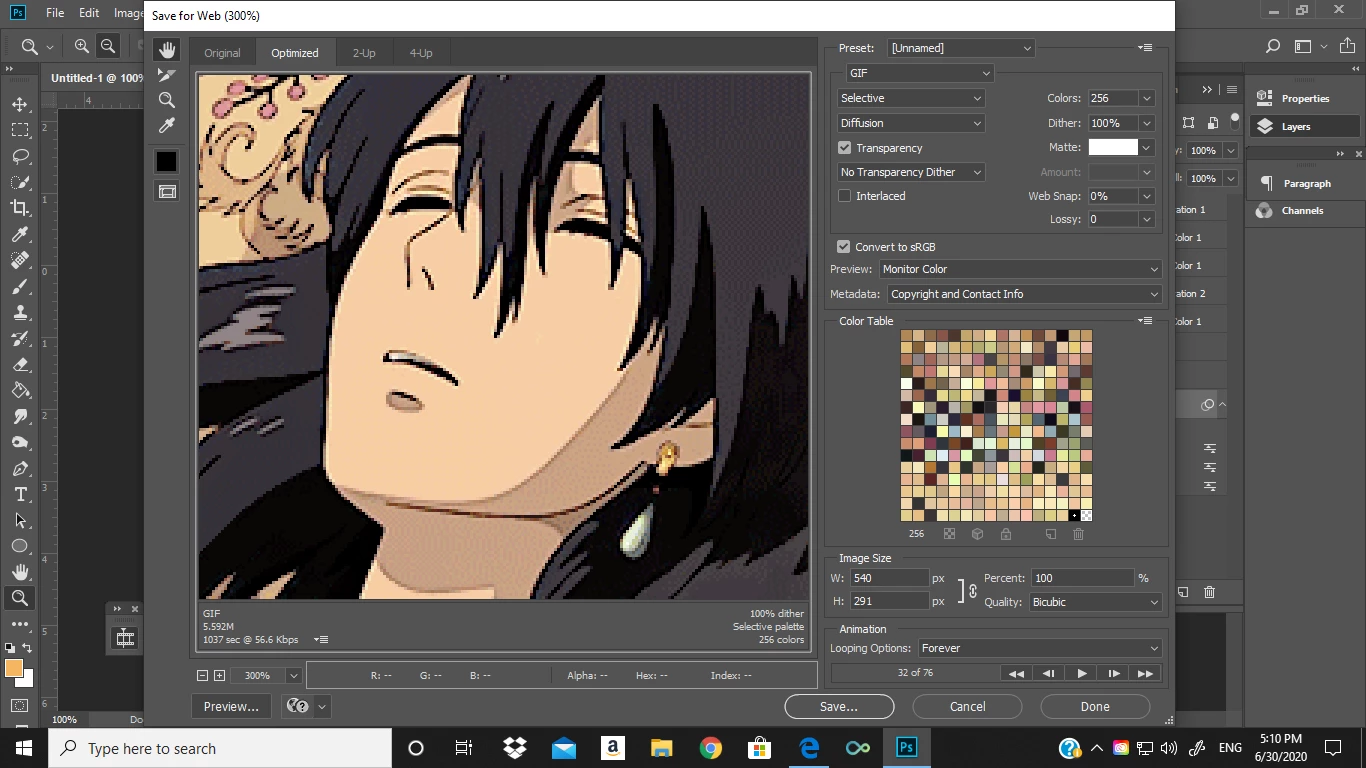
Sorry if both pics look kinda blurry, it's because I zoomed in on the preview to show the difference in sharpening better. The first pic is frame 33, and as you can see, it's much smoother than the next pic, which is frame 32 and much grainier in comparision.
Anyone know a solution to this? This is the first time this has happened, and I've used Smart Sharpen for my gifs for a while now. Thanks!
 AdChoices