Answered
Blue and Orange Boxes in Brush Presets
What do these blue and orange boxes mean that appear when I select a brush in the brush presets window?
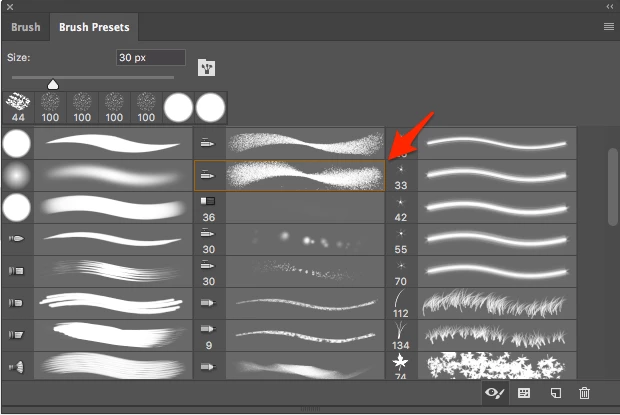
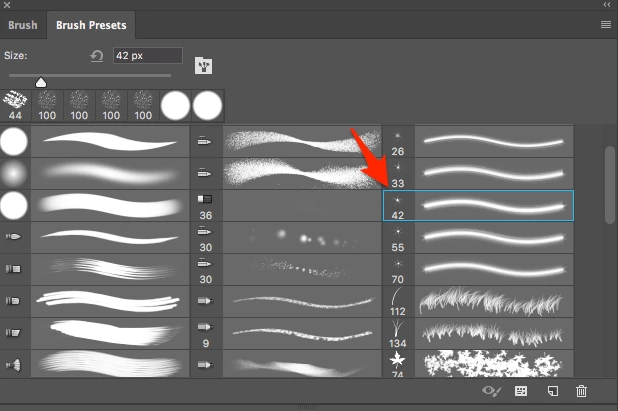
What do these blue and orange boxes mean that appear when I select a brush in the brush presets window?
I believe I have figured it out. The orange and blue box's are inidcators of the type of brush you have selected. For instance a blue selection means you have an eraser brush selected. An orange box means you have a brush selected.
Already have an account? Login
Enter your E-mail address. We'll send you an e-mail with instructions to reset your password.
 AdChoices