
HellieCory
Participant
March 7, 2022
Answered

Blue Curves Not Showing Up In Clipping Mask

  • March 7, 2022
  • 1 reply
  • 360 views

Hi! I'm currently trying to add a blue glow around my subject using a Curves Layer and then clipping that to the subject, and I was getting SO CONFUSED when what I was trying to paint in was not showing up. After about two hours (lol) of digging this is what I've noticed.

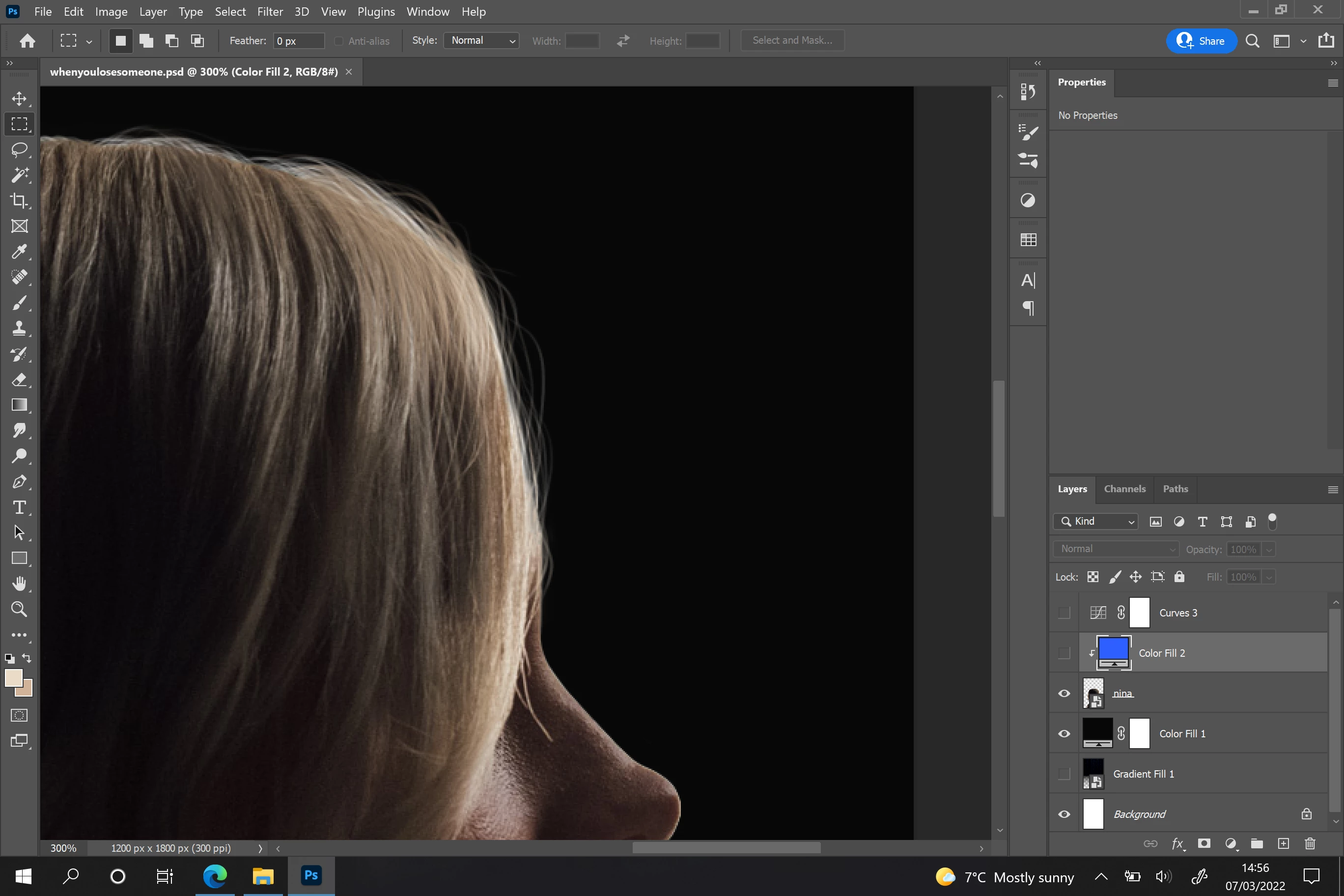
This is the image I'm working on so you can see where the detail I'm wanting to paint in is:
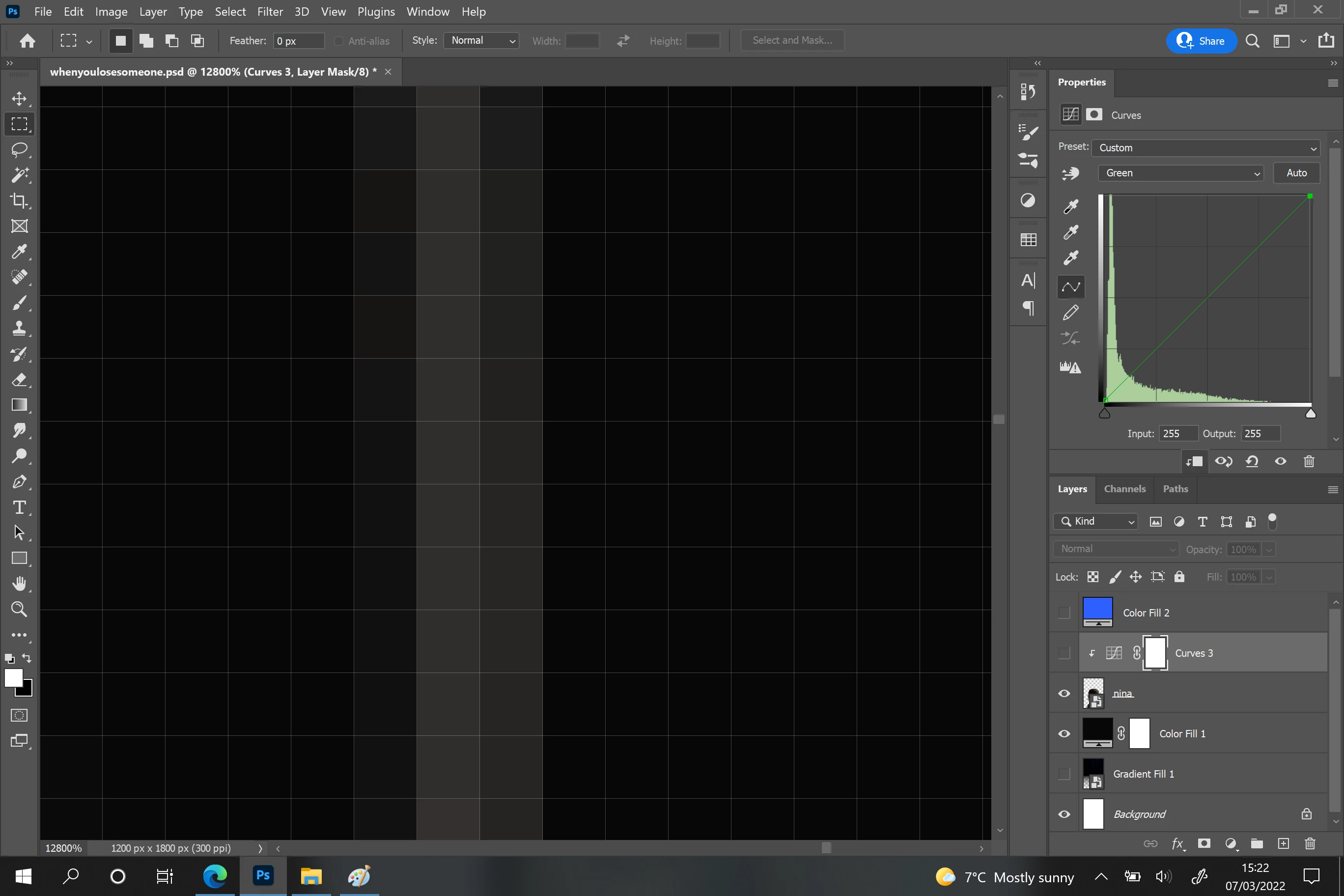
This is it zoomed in to the pixels of a small strand of hair:
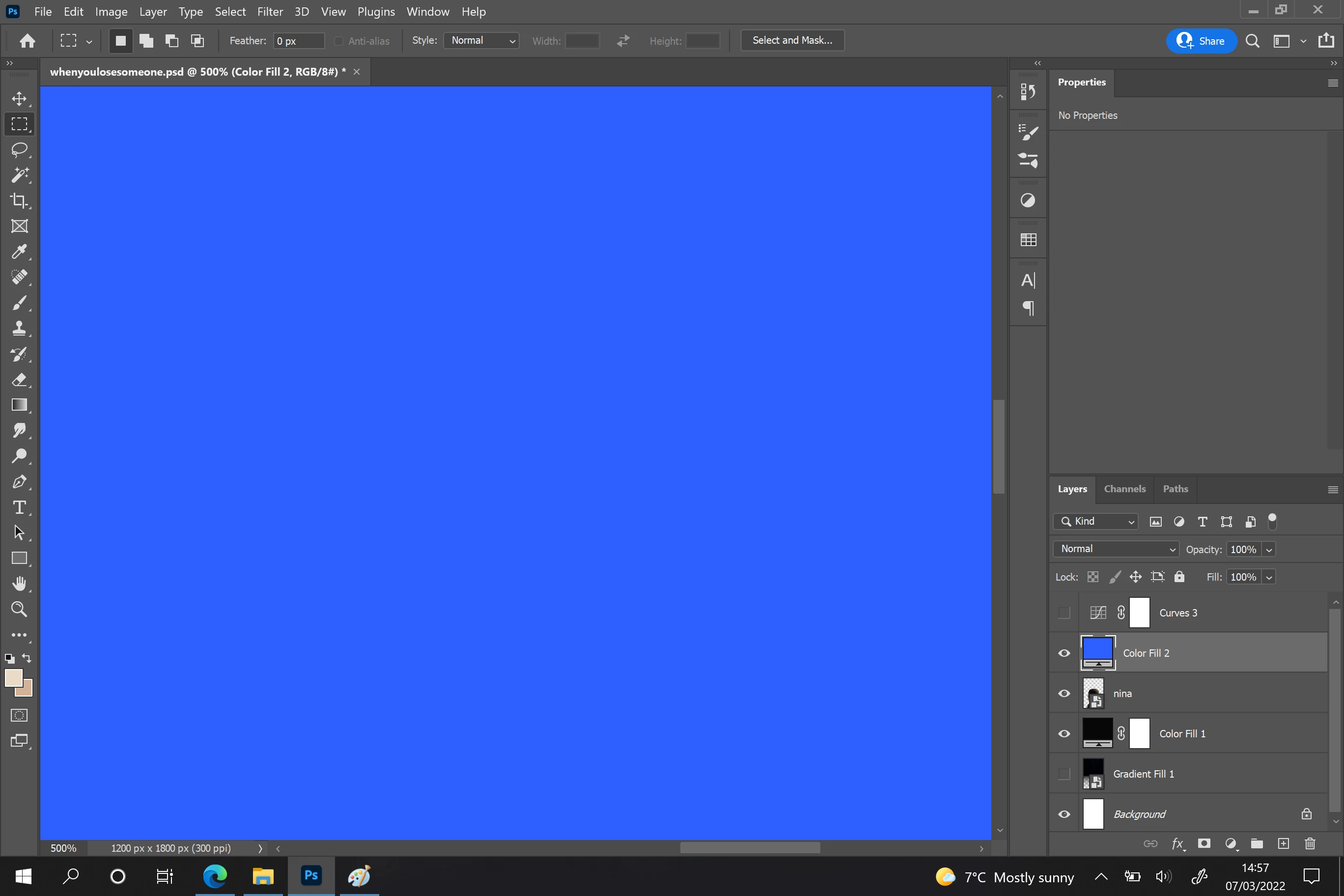
Normal Colour Fill Layer, no clipping mask:
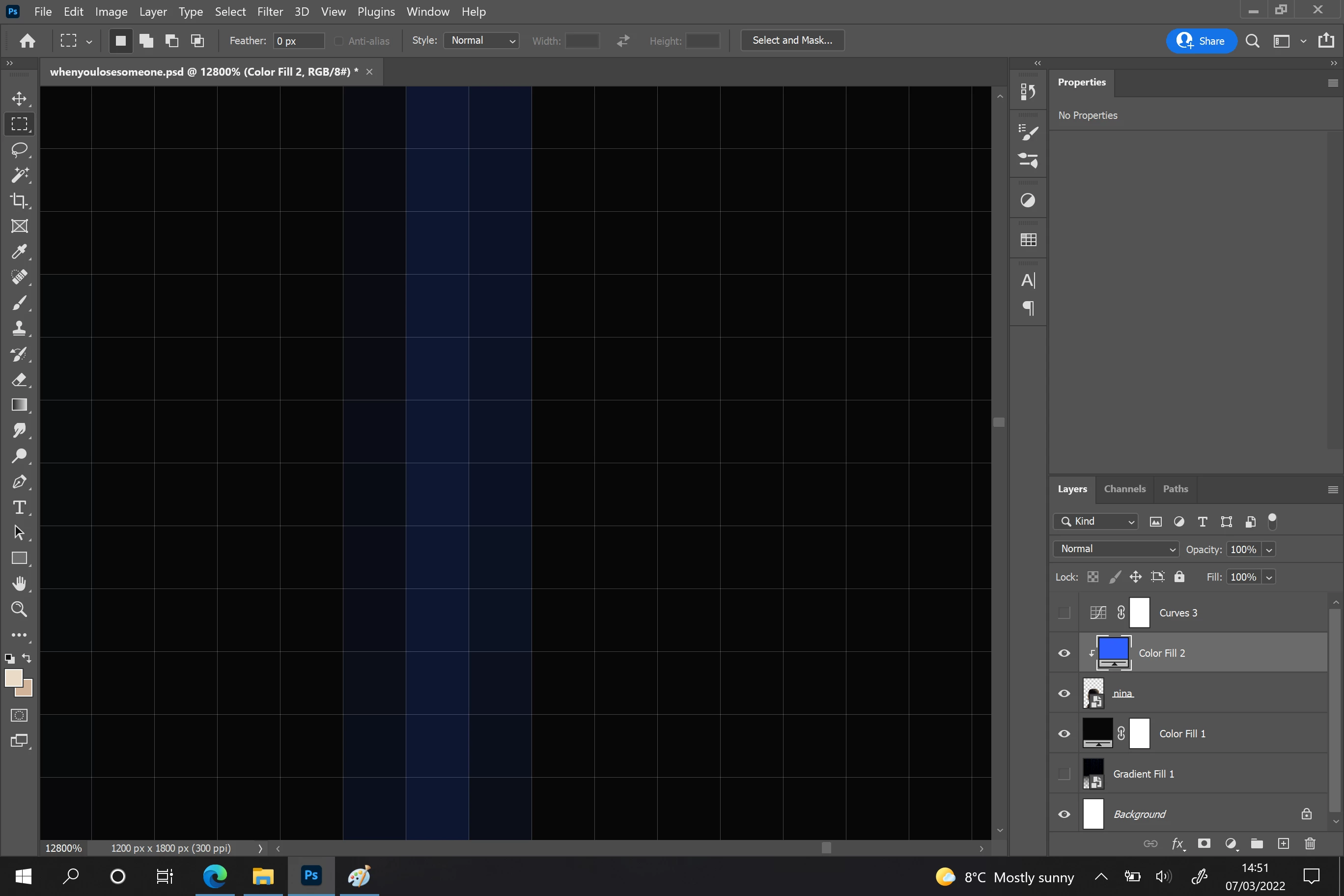
Normal Colour Fill Layer, WITH clipping mask:
CURVES Layer, no clipping mask:
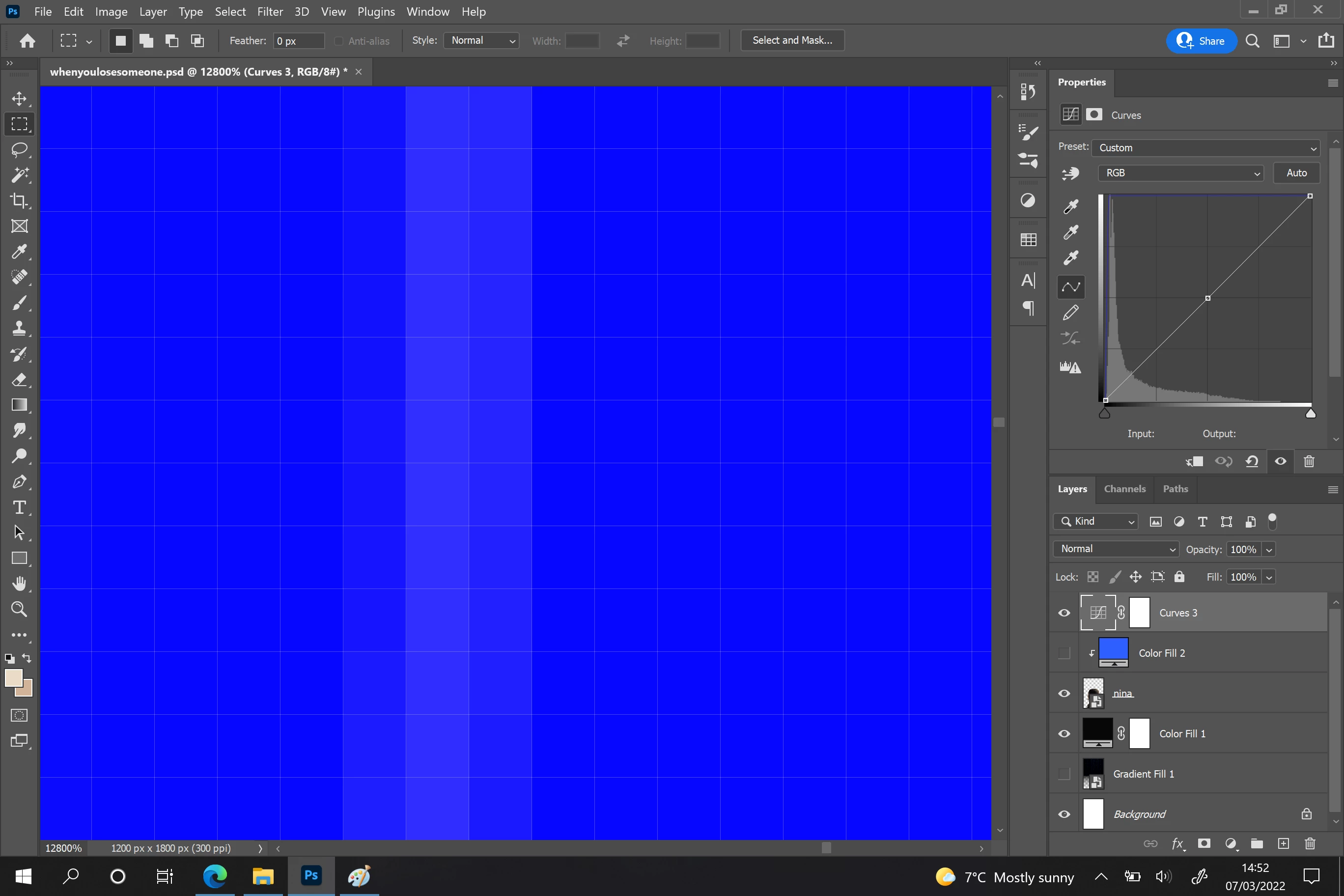
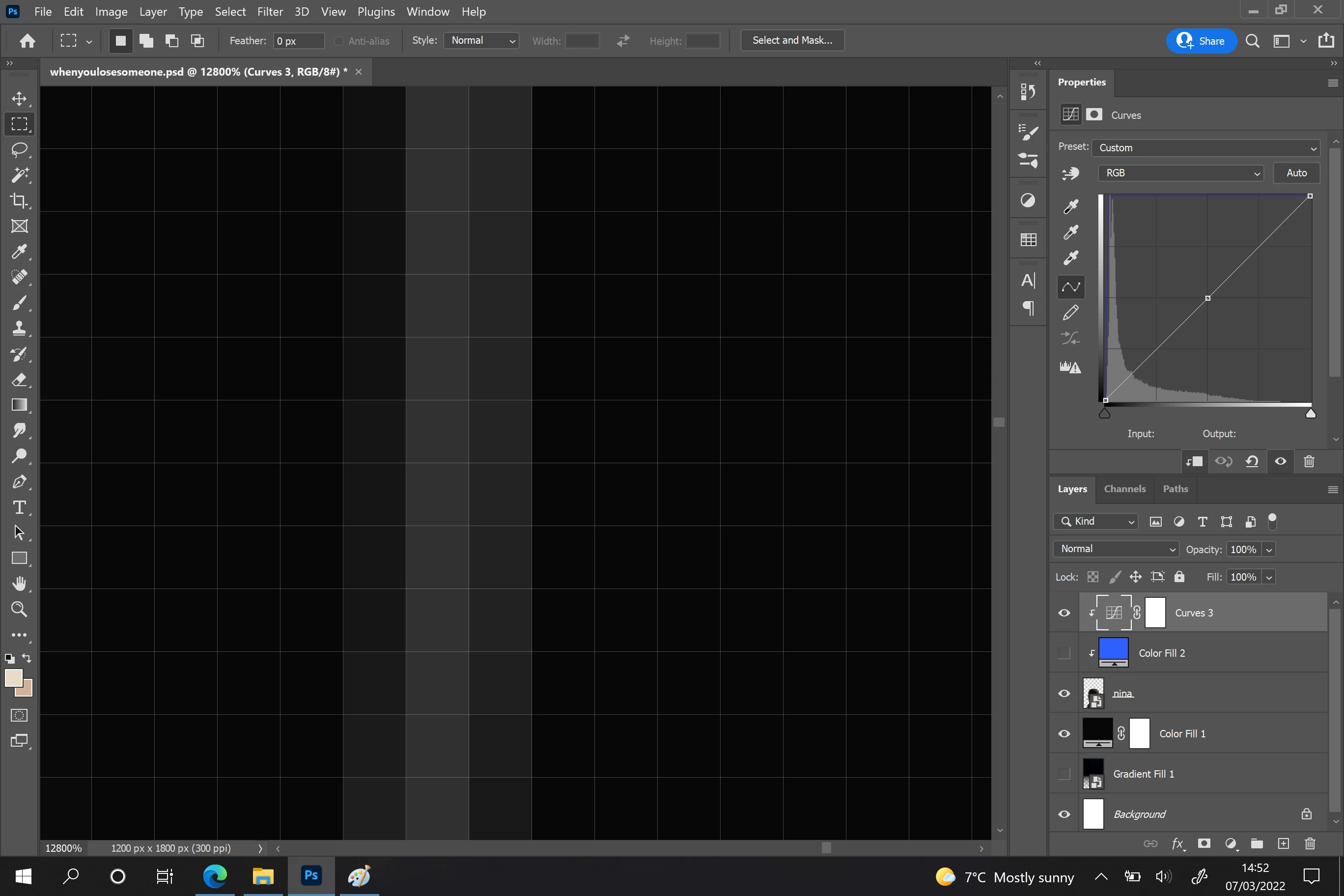
Curves Layer WITH clipping mask:
And this is it zoomed out to show the difference:
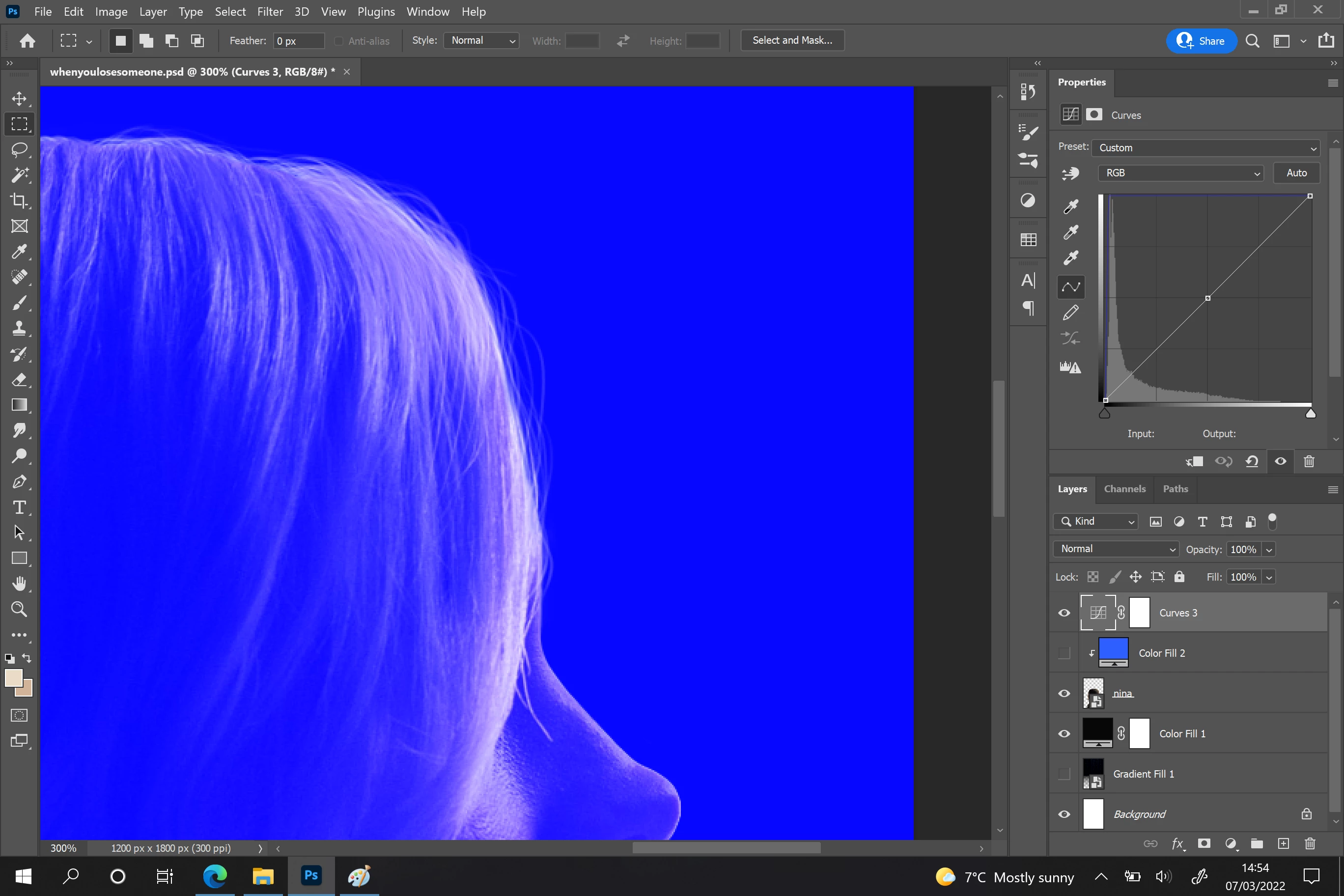
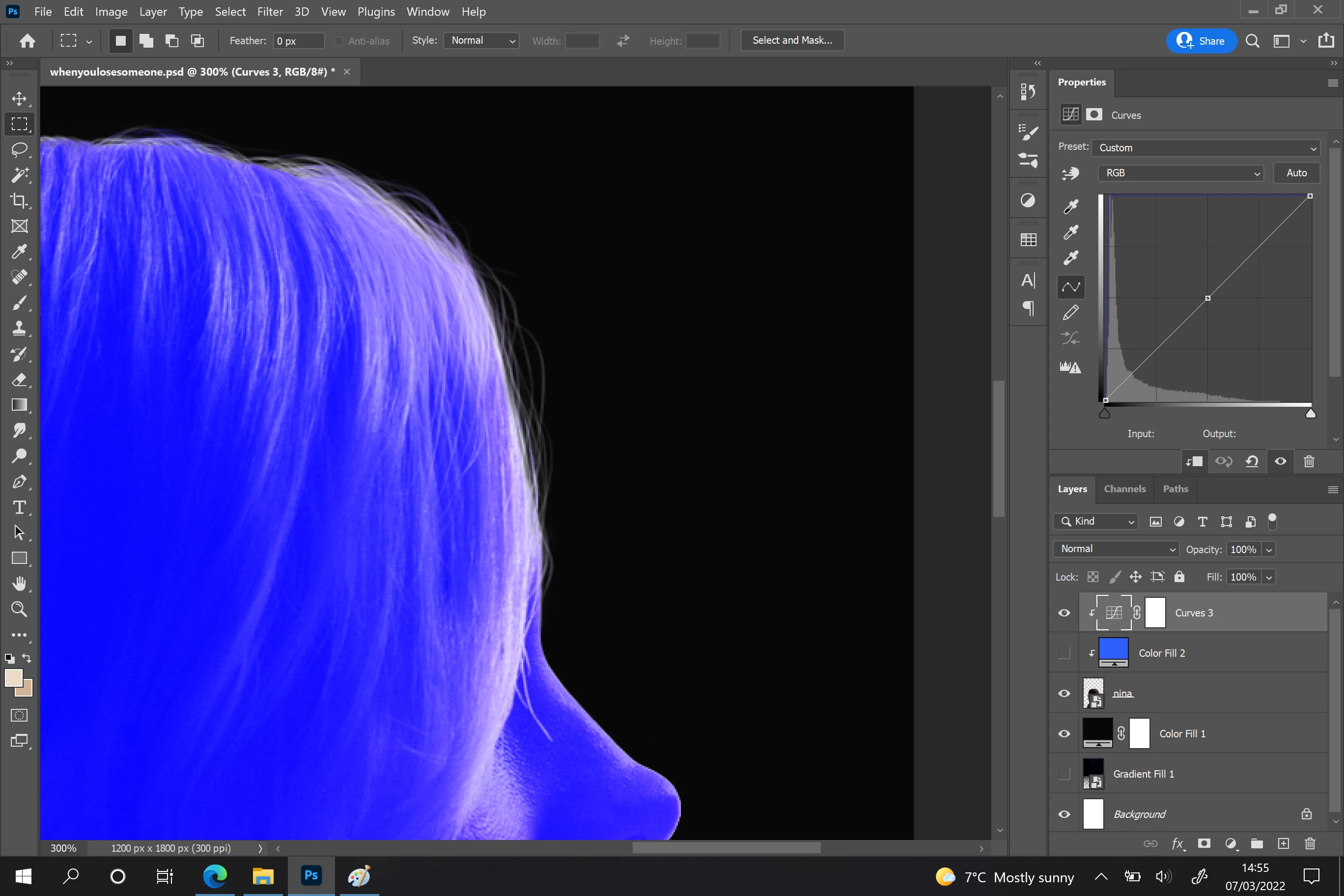
I am losing my mind trying to figure out what's happening! I've noticed it does the same for Red and Green, but works for Cyan, Magenta and Yellow, so I'm wondering if this is because of something technical with the RGB values???


Thank you in advance!!!

This topic has been closed for replies.
Correct answer Earth Oliver

ah, i see. The issue is that the type of Curve you're using doesn't work well with transparency. Is there a reason you can't just use the blue Fill layer? It seems to be producing the expected results, right?

1 reply

Earth Oliver
Legend
March 7, 2022

I'm a little confused about what exactly the problem is here, but i think maybe you're expecting a different result from the Color blend mode? If you want all your pixels to be saturated with blue, try using different blend modes and opacity until you hit the sweet spot you're looking for.

HellieCory
Participant
March 7, 2022

Thanks for the reply - sorry if this is confusing!! I'm not using any blend modes and yet the blue does not show up on the thinner strands of hair on the outside whenever I put a clipping mask on the curves layer, but those strands of hair are IN the clipping mask. This doesn't happen on any other type of layer (shown here with the Color Fill layer).


Earth Oliver
Earth OliverCorrect answer
Legend
March 7, 2022

ah, i see. The issue is that the type of Curve you're using doesn't work well with transparency. Is there a reason you can't just use the blue Fill layer? It seems to be producing the expected results, right?