Blurb's PDF Export Settings Overrides Adobe's PDF Export Settings
I'm in trouble here.
Blurb has has taken over my Photoshop PDF export settings, and I can't get rid of it. Blurb is my only export option. (Please see attachment.) Other programs don't have this issue — only Photoshop.
Here's what I've tried so far.
1) Deleted Blurb from my computer
2) Uninstalled and reinstalled Photoshop
3) Installed Photoshop Beta, and I still have the same problem
4) Deleted my cache
5) Rebuted a million times
6) Looked at Photoshop's General Preferences and tried legacy.
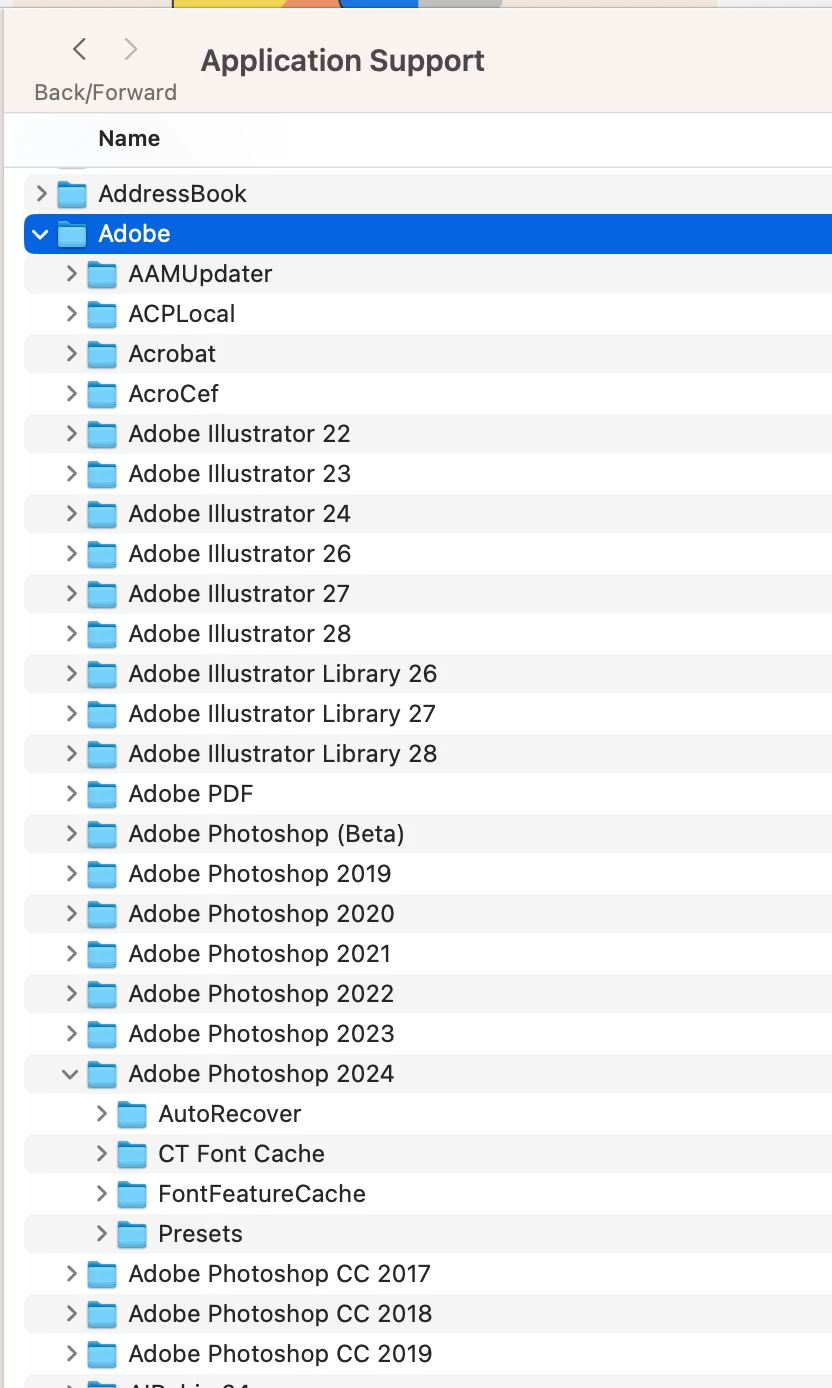
7) Went into Adobe's "Application Support folder," from the library on my desktop. I'm seeing old Photoshop files. From here I don't know what to do. I'm also seeing a lot of old Photoshop folders and am wondering if I can delete them. I know that won't solve the Blurb issue, but should they be there?
I have contacted Blurb, but haven't heard from them yet.
Please help! Thank you!
Kelly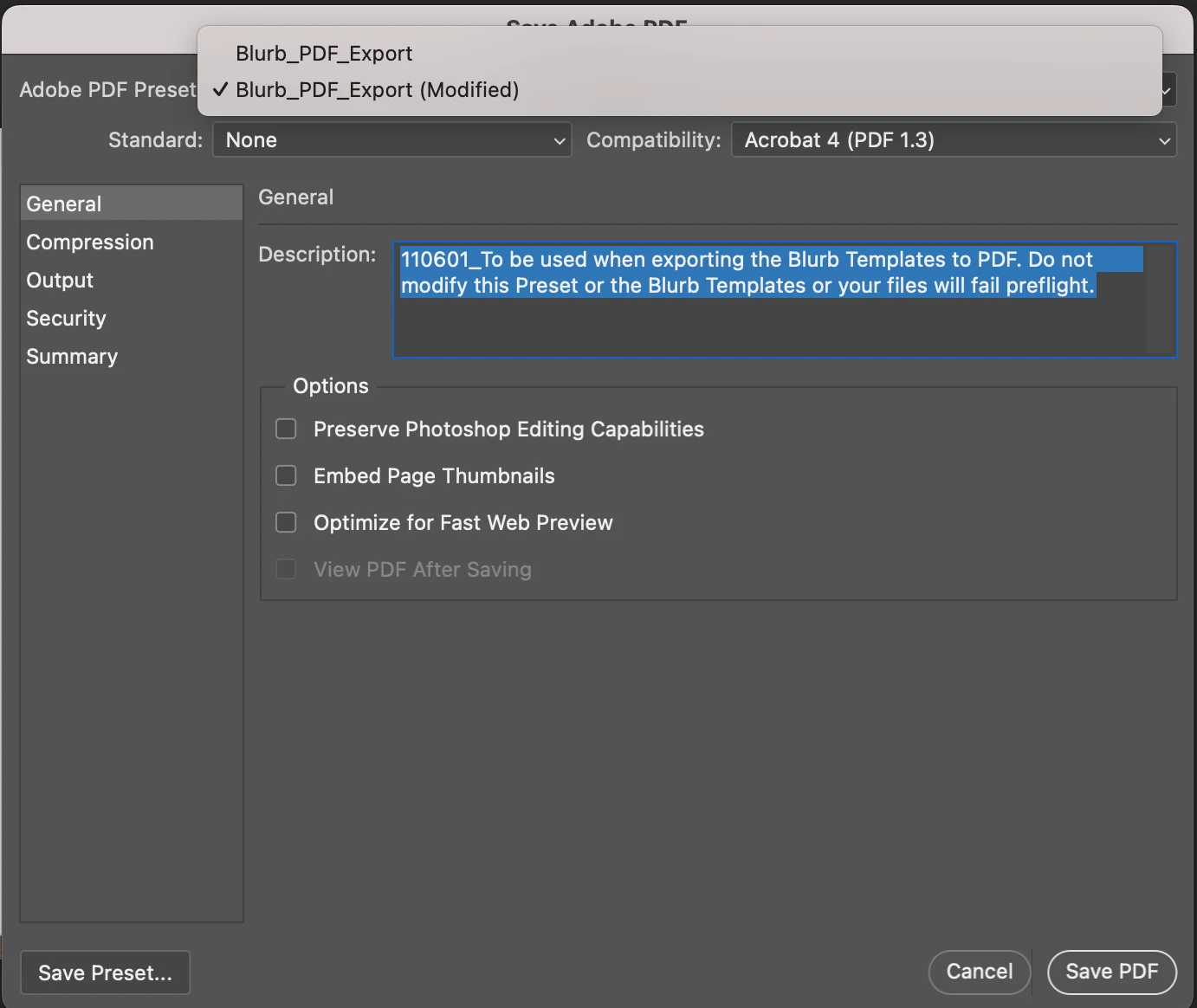
 AdChoices