
Question
Borderless printing: Canon G600
Greetings, Photoshop adept lifeforms
I use the latest version of Photoshop CC on Windows PC for Windows 10.
I have a problem. I'm printing some cards on behalf of a family member, but I have an issue with printing: 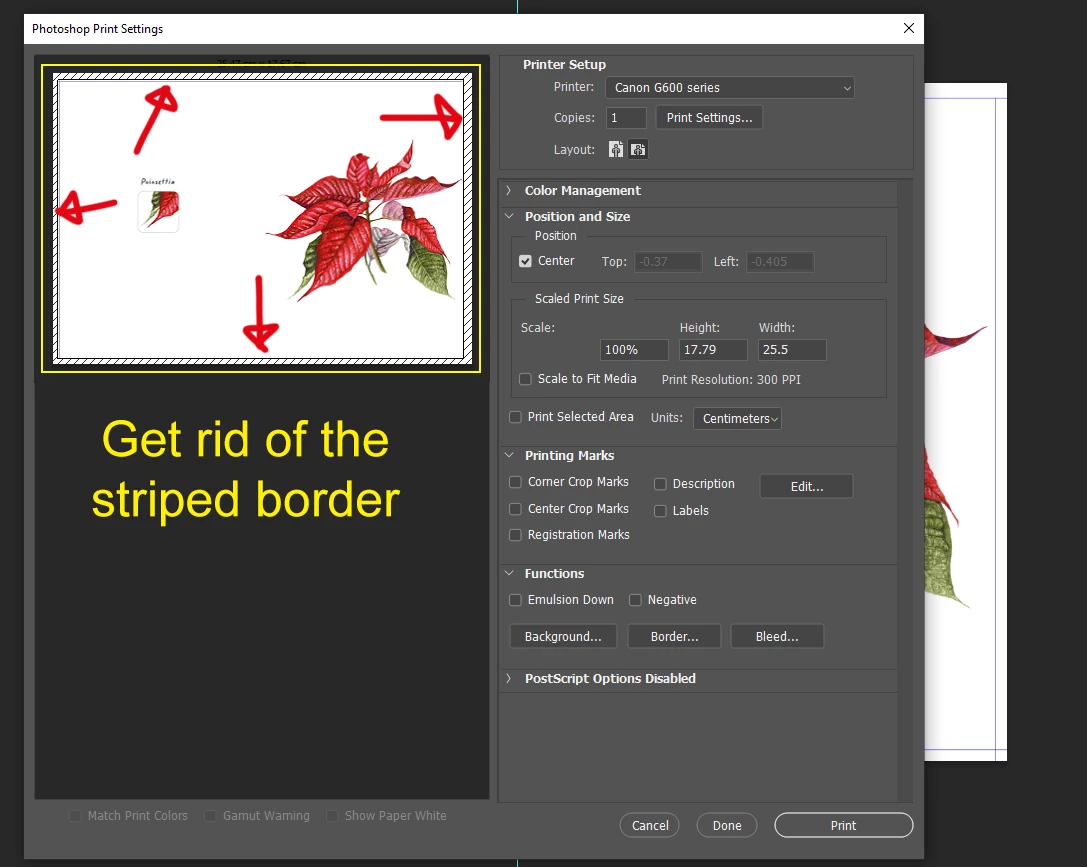 The print page creates a striped border around the image which I want to get rid of, because it makes printing a pain frankly. I'd prefer not to have to go through half a dozen sheets of expensive card just to figure it out.
So, I ask you how do I dispense with the striped border in the image? If this is not possible, is there anything else I can do?
Thanks
[abuse removed by moderator]
 AdChoices