Answered
Bounding box still visible when image/text is not selected
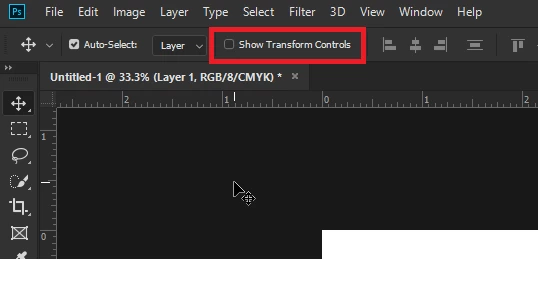
Is there a way to turn this feature off? When the layer is selected, the bounding box around the image/text is shown, even after clicking off the image to not select it. It's distracting and making it difficult to see the whole image for what it is. I only want the bounding box visible if I'm transforming the image or actively editing the text. This is a new thing that has happened sometime in the last month, and I don't know if it's a new feature from a recent update or a preference that accidentally got turned on.
 AdChoices